


Description
🔌 Wide Voltage Support – 100V to 250V input, supports high-load appliances up to 20A
📶 2.4GHz Wi-Fi Connection – Stable and secure wireless control
📱 Remote Control via GXM App – Turn devices on/off anytime, anywhere
🕒 Schedule & Timer Function – Automate your home with preset schedules or countdowns
🗣️ Voice Control – Works with Amazon Alexa & Google Assistant for hands-free control
⚡ Real-Time Energy Monitoring – Track power usage and save on electricity
🔧 No Hub Required – Easy setup with the free GXM app
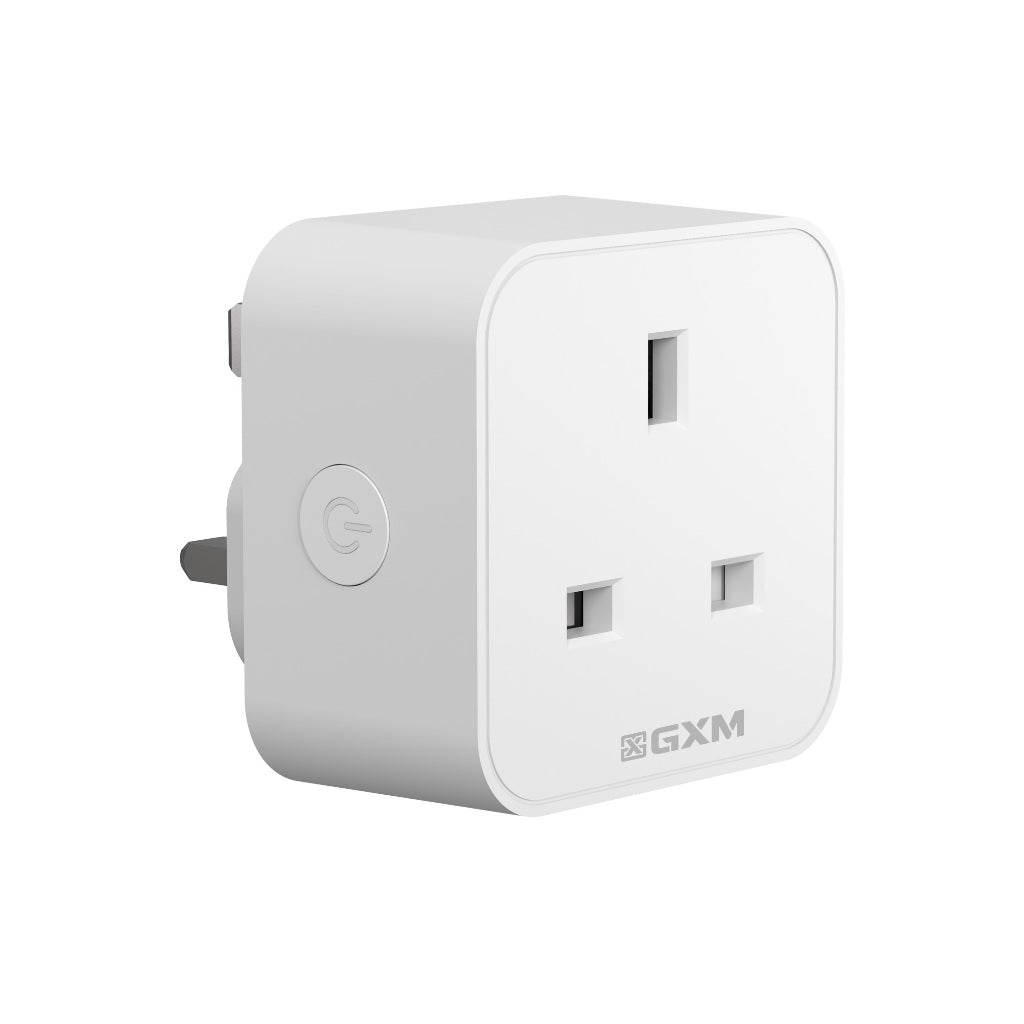
🧩 Compact Design – Mini size avoids blocking nearby sockets
pecifications:
Model: EP20
Rated Current: 20A
Rated Voltage: AC 100–240V
AC Frequency: 50/60Hz
Wireless: Wi-Fi 2.4GHz
Material: ABS + PC
Dimension: 57 x 57 x 65 mm
Weight: 78g
Certification: CE, FCC, UKCA, RoHS
Design: Designed in Singapore
Made in: China
🔌 GXM EP20 Smart Plug Setup Guide
Before You Begin:
If you have only one Wi-Fi network, connect as usual.
If you have dual-band Wi-Fi, make sure to connect to the 2.4GHz network before setup.
Ensure Bluetooth is turned ON on your phone.
📱 Step-by-Step Installation:
Download the “GXM” app from the Google Play Store or Apple App Store.
Allow all permissions when prompted.
For Android users: Make sure Location Services are enabled.
Register a new account or log in to your existing one.
Tap the “+” icon in the top right corner to add a new device.
Select “Add Device Manually” instead of scanning the QR code.
Choose “EP20 Smart Plug” from the device list.
Press and hold the reset button on the smart plug for 5 seconds until the blue light starts flashing.
On the app, scan and select the Bluetooth device named MKD_CWCZ_XXXX.
Select your 2.4GHz Wi-Fi network from the list and enter your Wi-Fi password.
Tap “Next Step”, then give your smart plug a name (e.g., “Living Room Plug”).
✅ Setup Complete!
You can now control your smart plug remotely via the GXM app.