
Optional Memory Card Add-on:
GXM 64GB - Up to 2 Weeks of Recording
GXM 128GB - Up to 4 Weeks of Recording
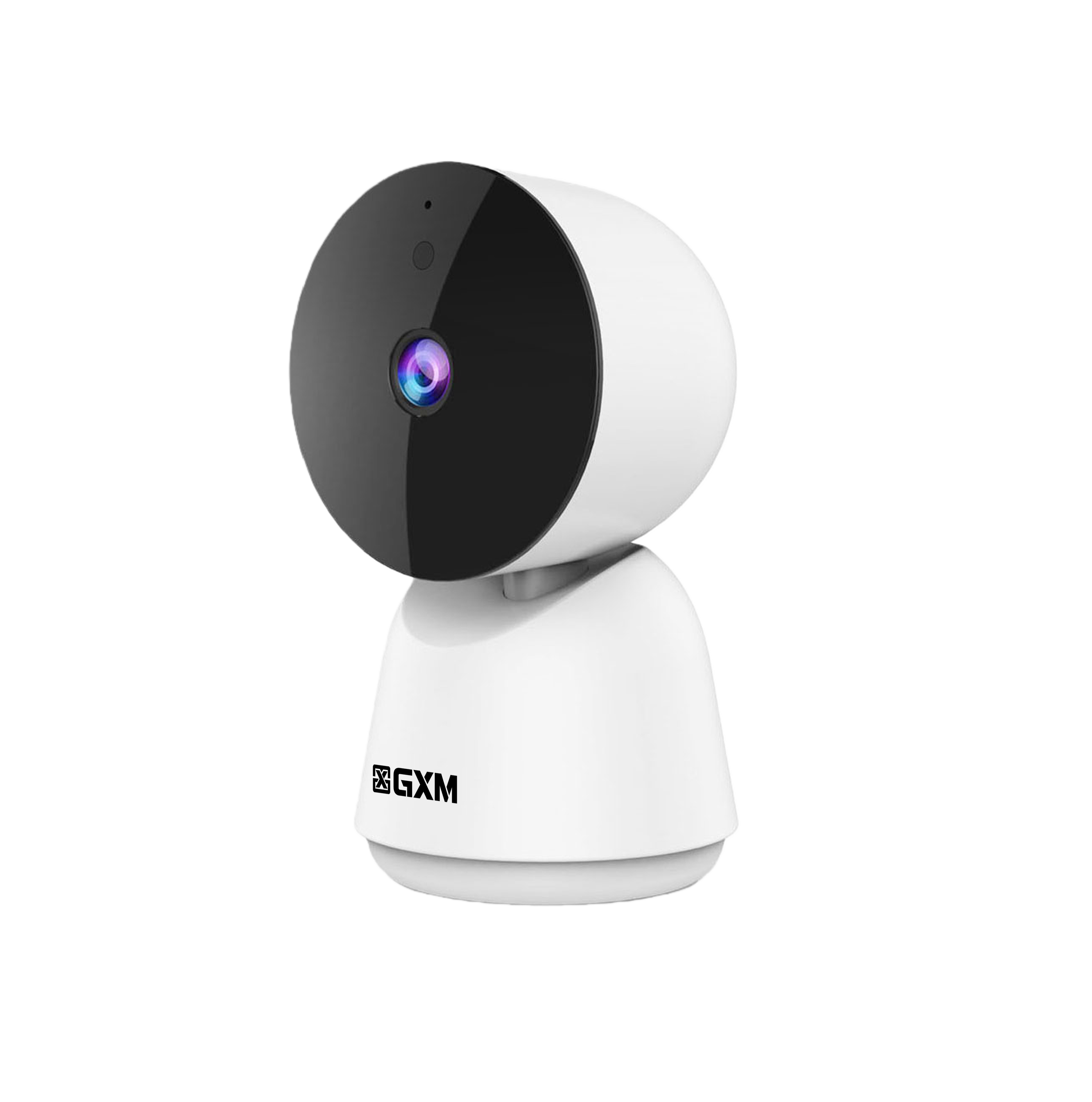
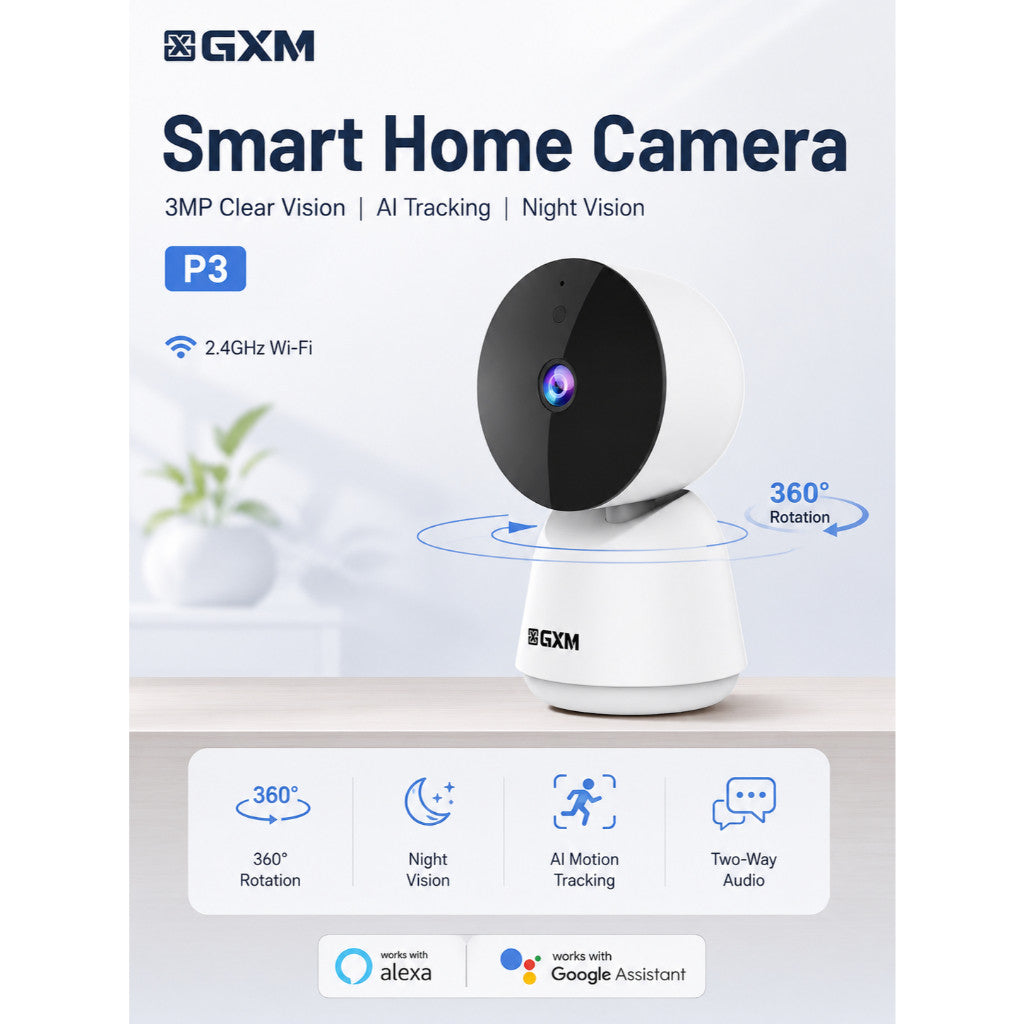

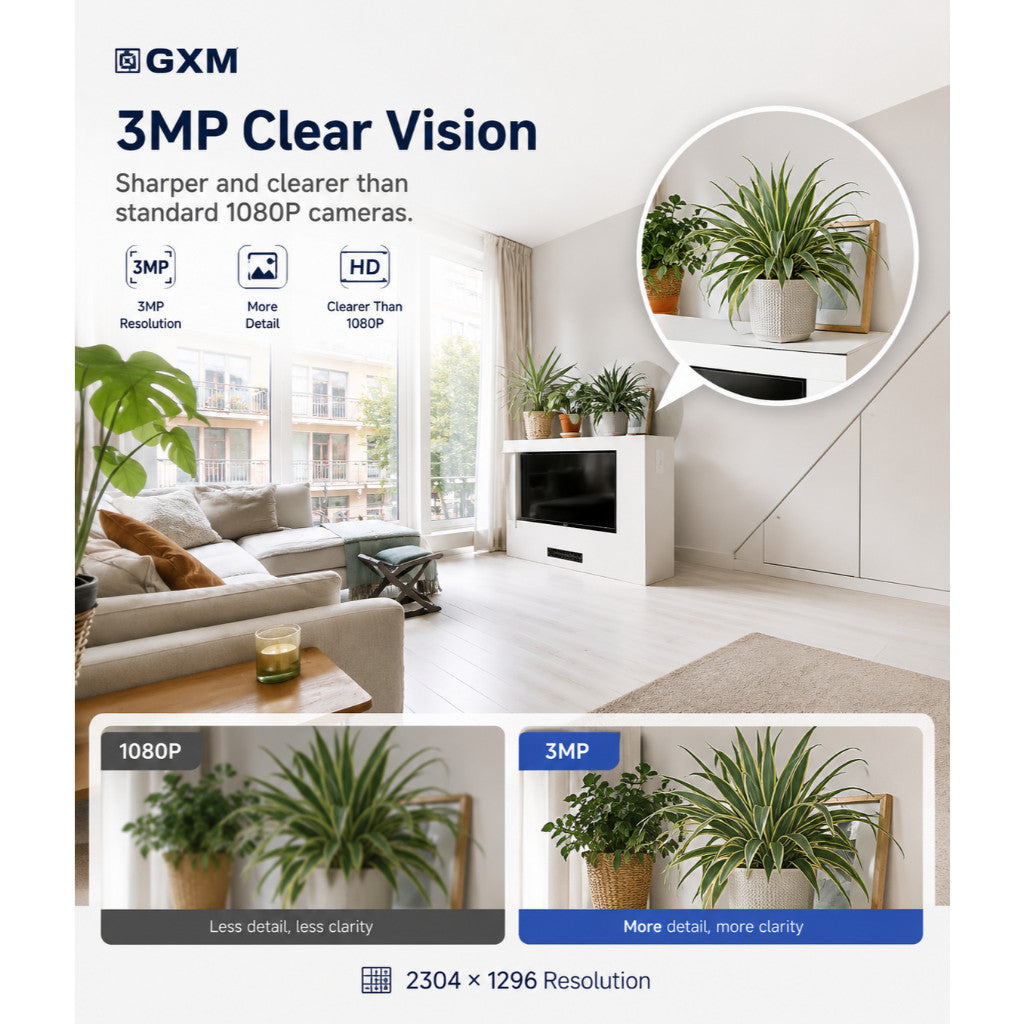
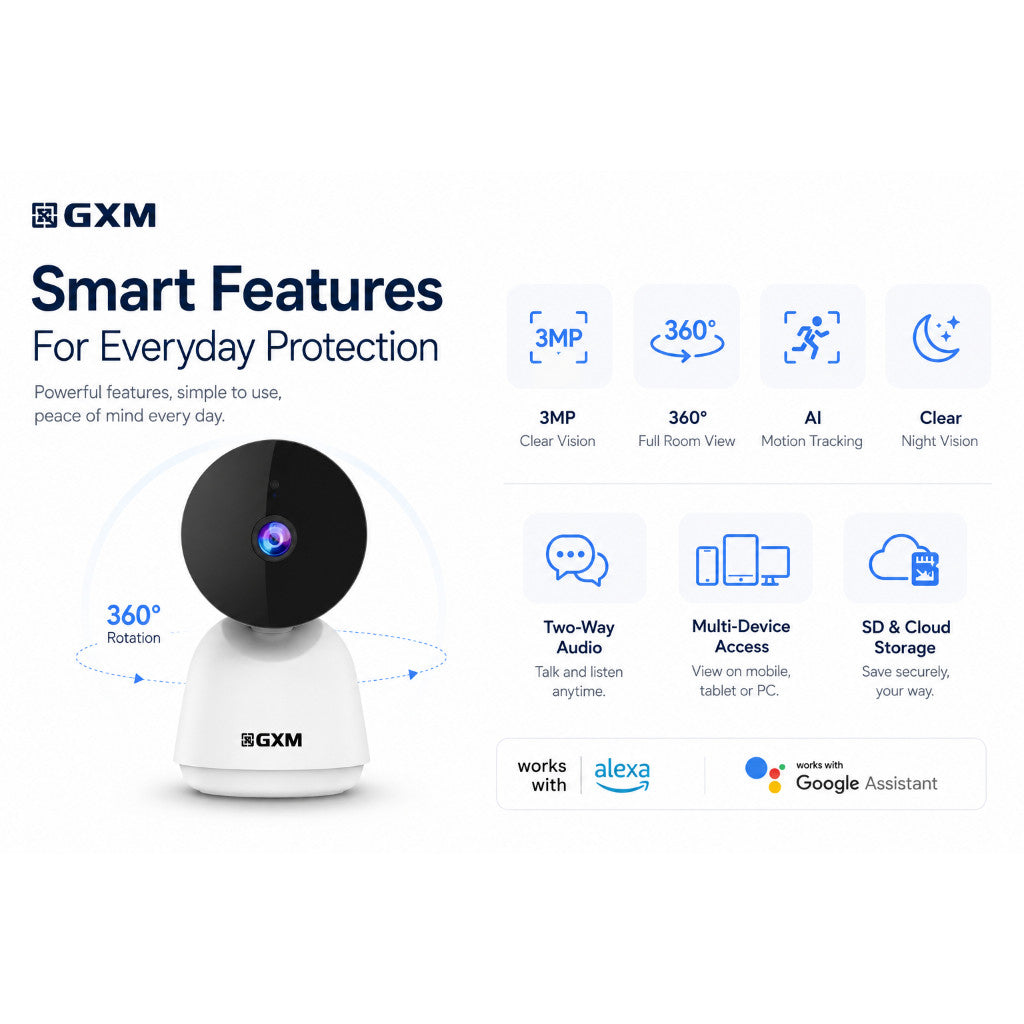



✅ 2k 3MP Clear Vision (2304 × 1296)
Sharper and clearer than standard 1080P cameras
✅ 360° Full Room Coverage
Wide-angle monitoring with flexible viewing
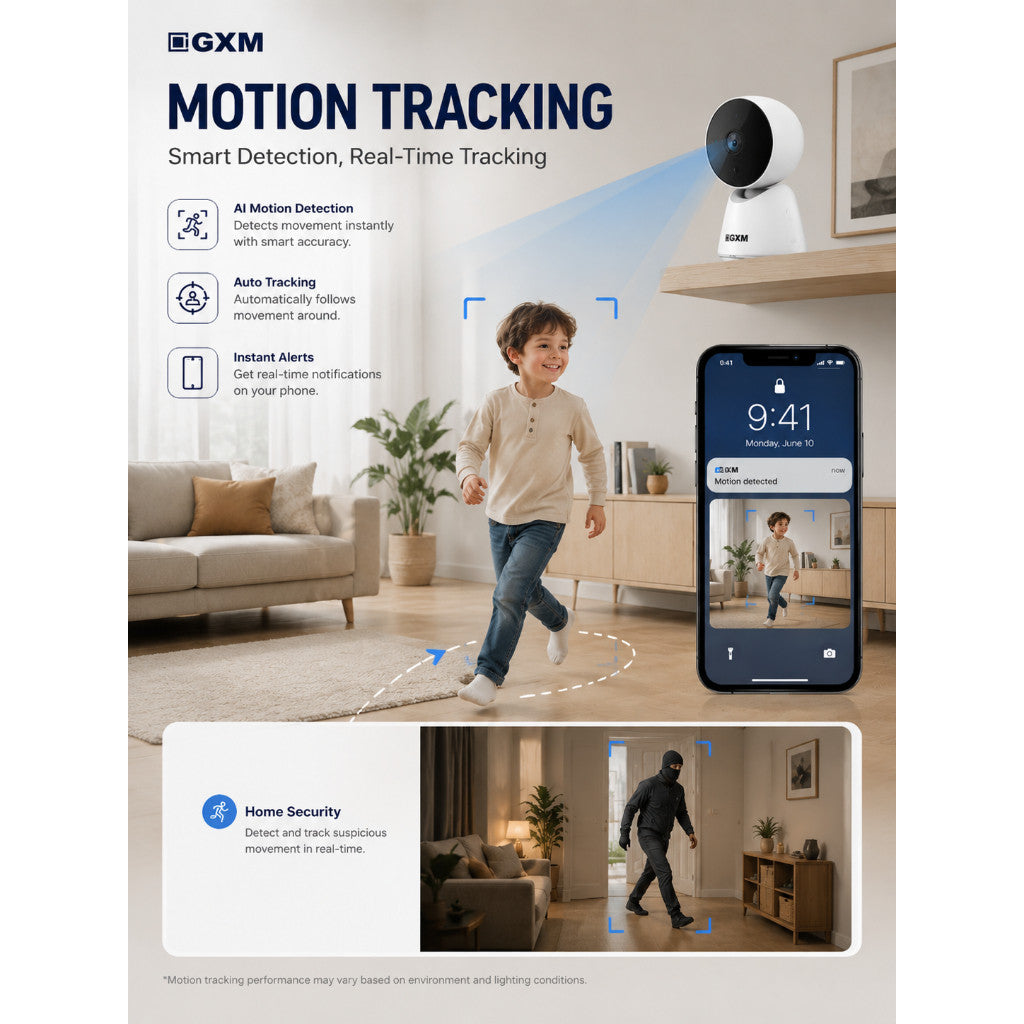
✅ AI Motion Tracking
Automatically detects and follows movement
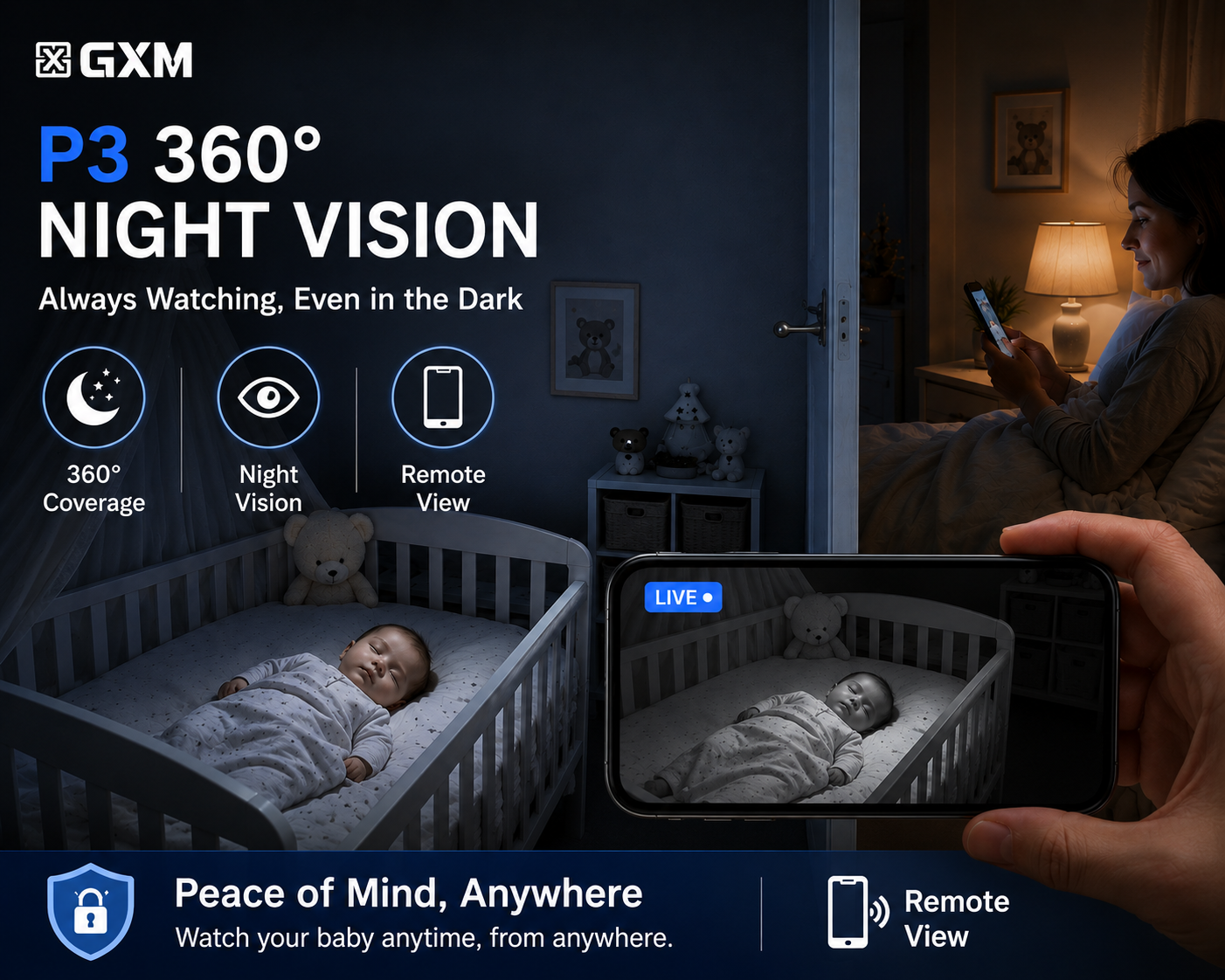
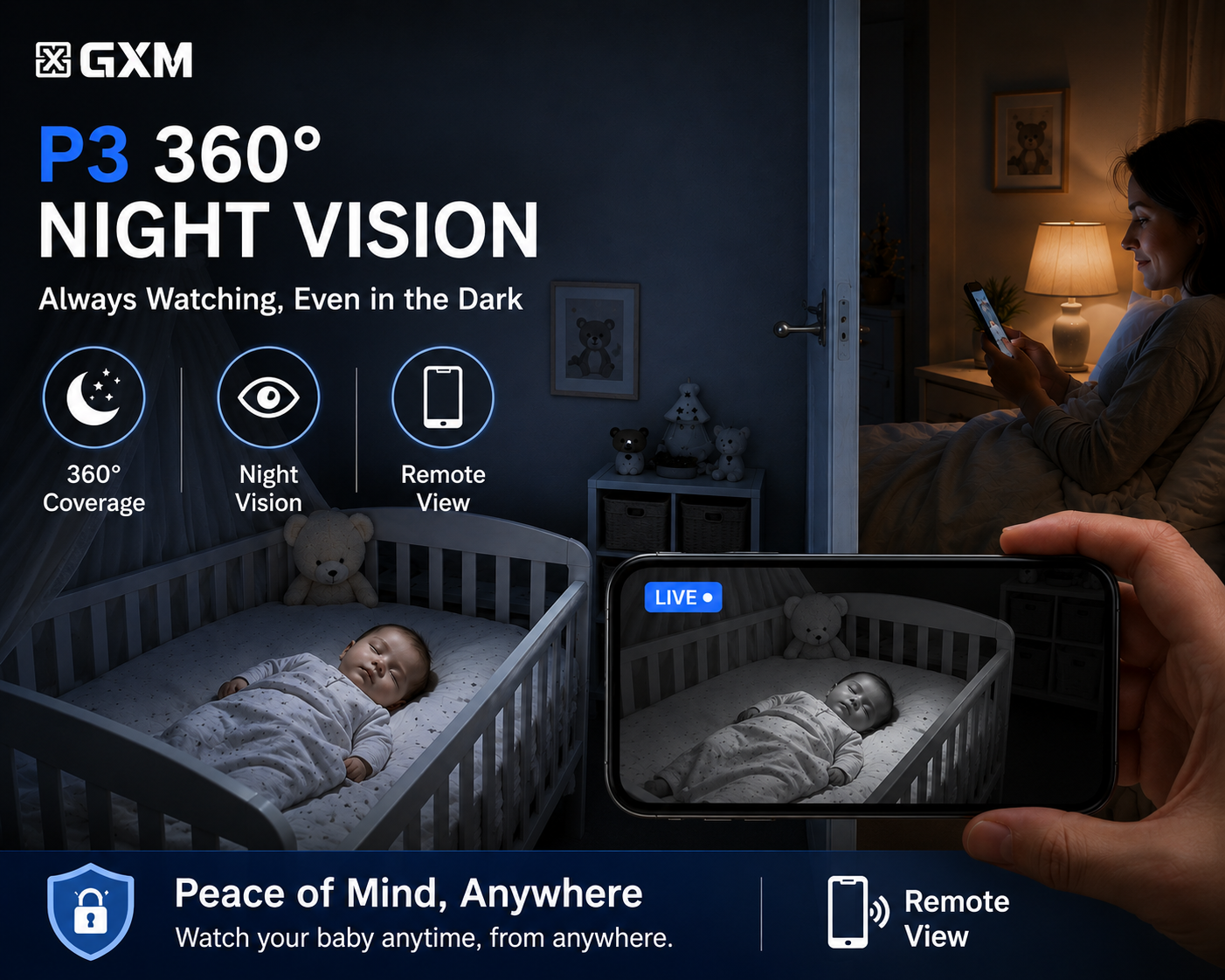
✅ Clear Night Vision
See clearly even in low-light environments
✅ Two-Way Audio
Talk and listen in real time through the app
✅ Real-Time Motion Alerts
Instant notification sent to your smartphone
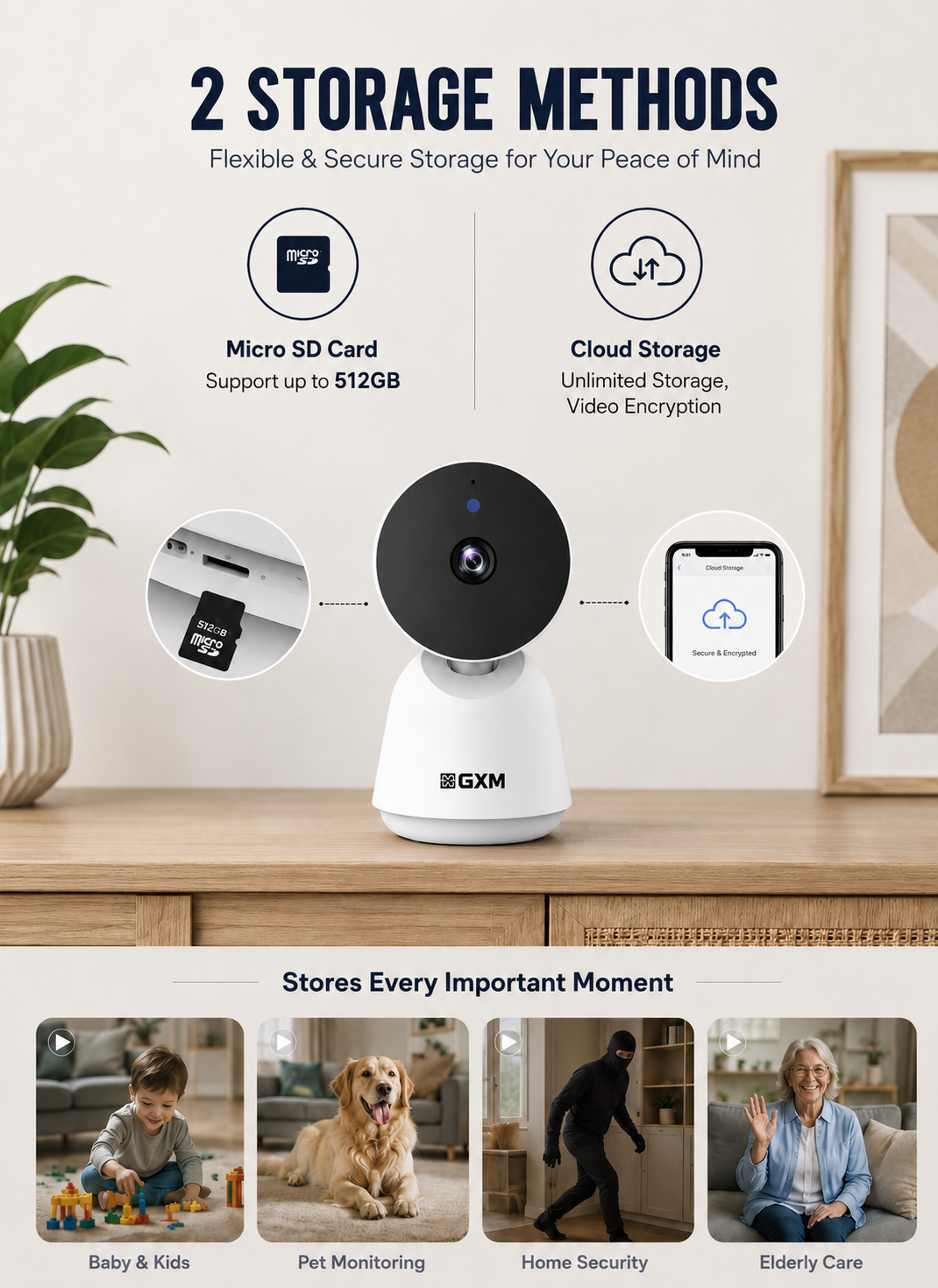
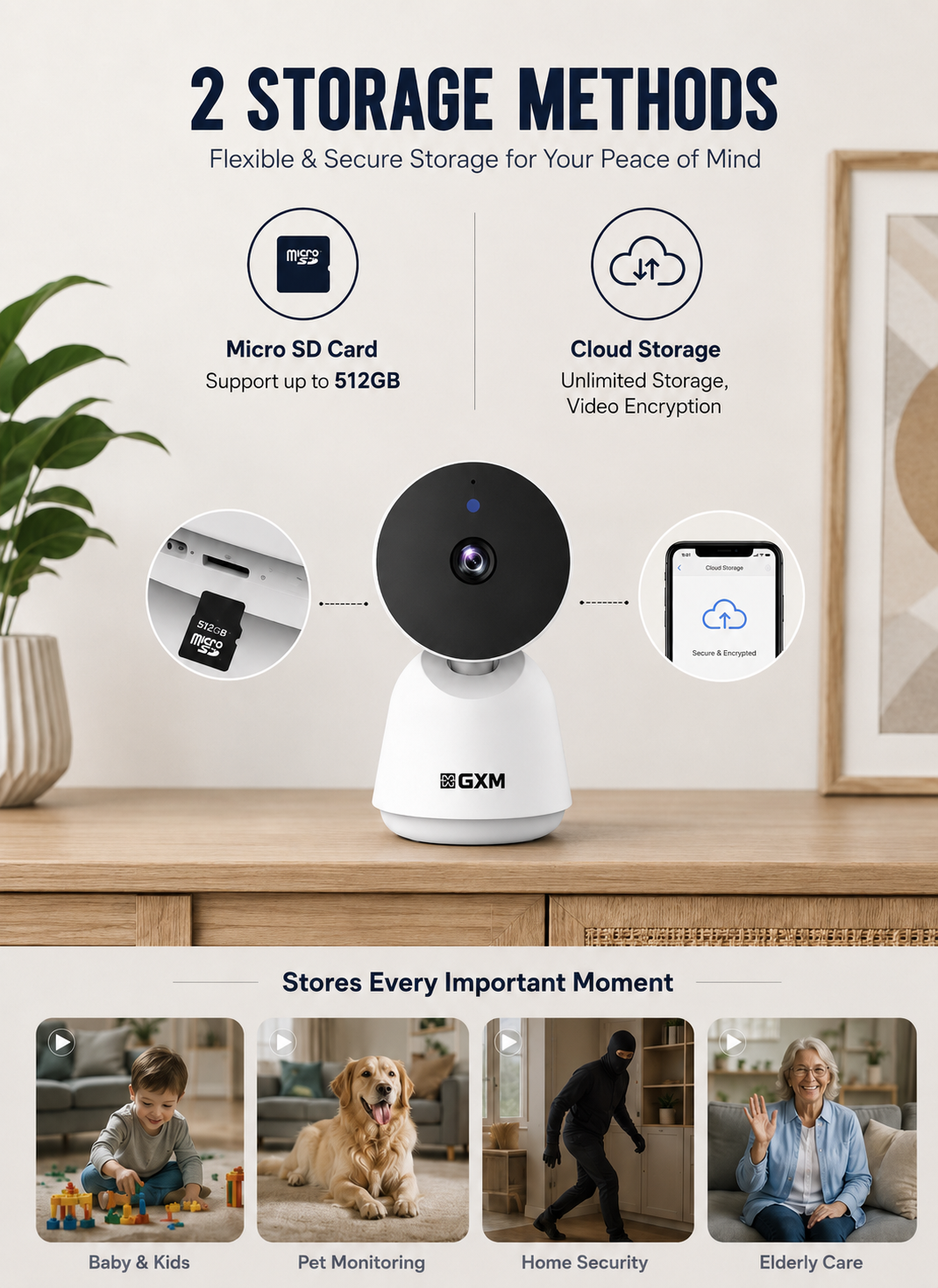
✅ Dual Storage Support
Supports Micro SD Card up to 512GB + Cloud Storage
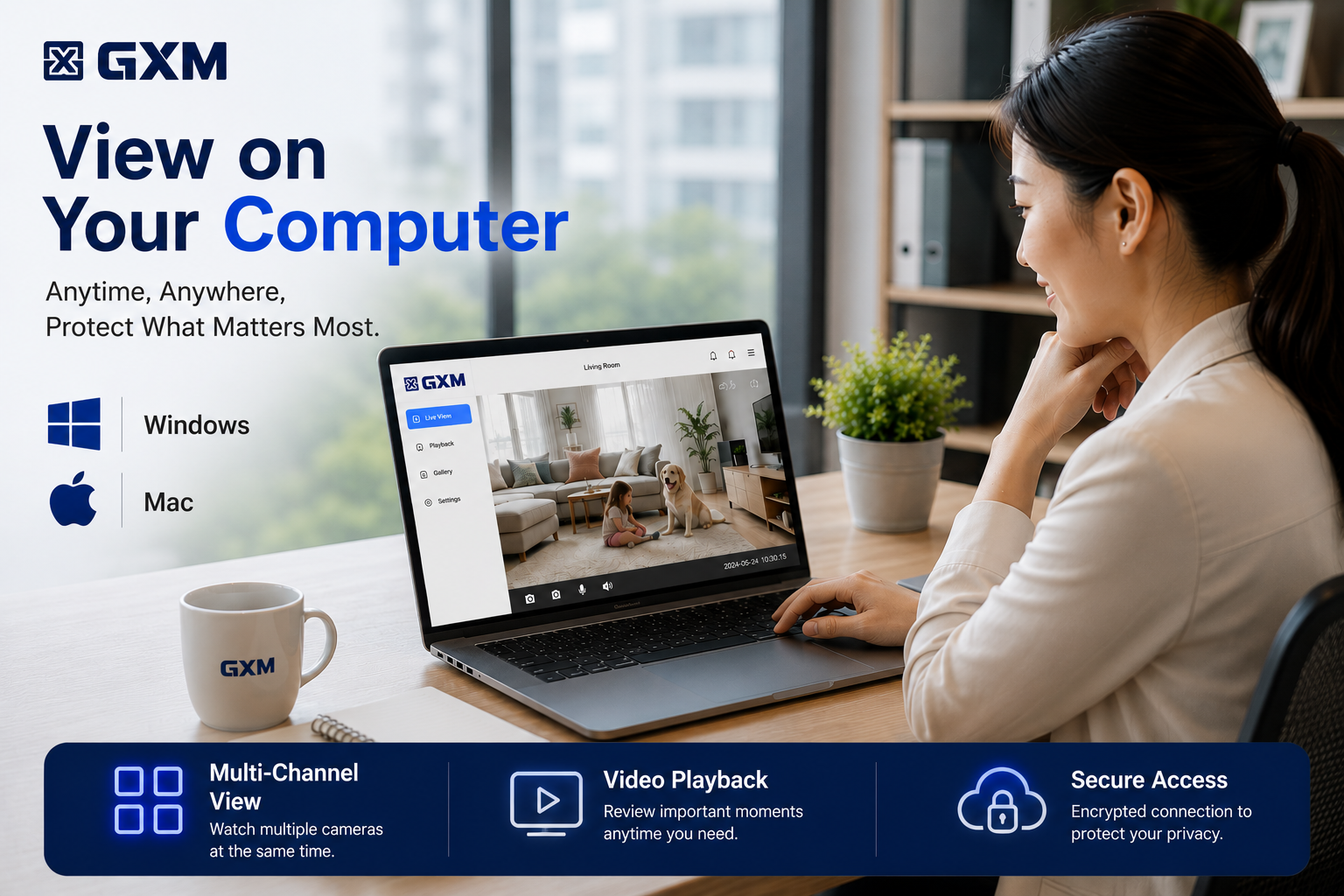
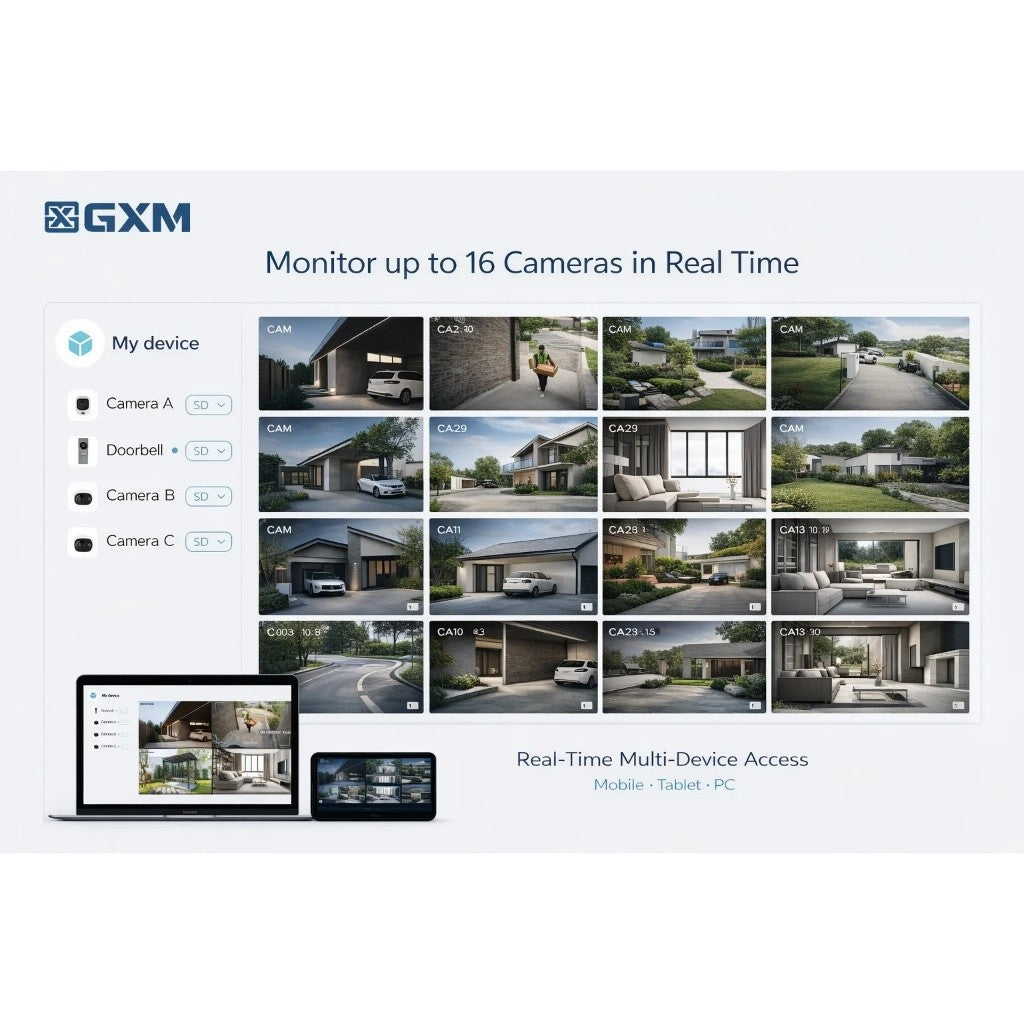
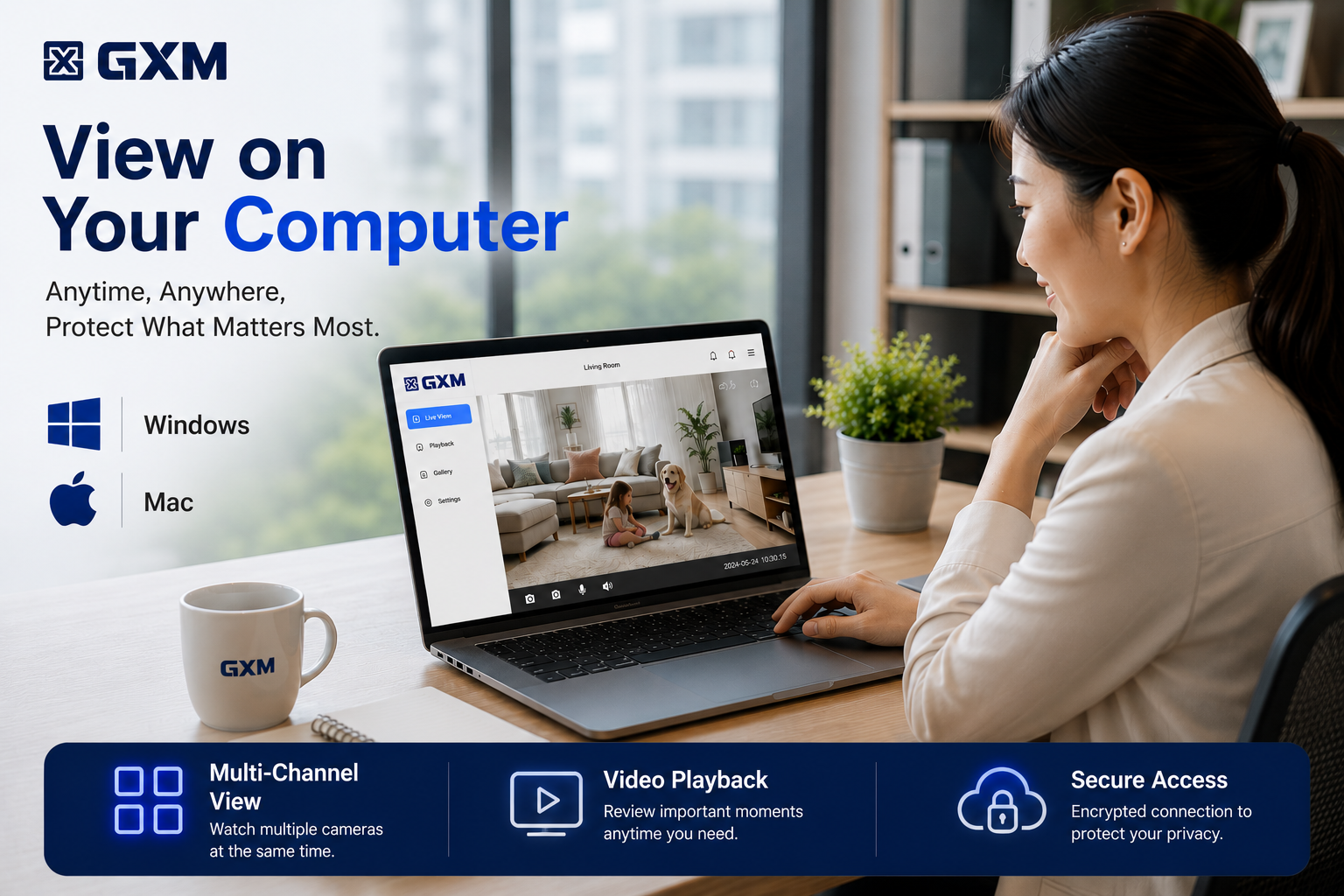
✅ Multi-Device Access
View on Mobile, Tablet & PC, up to 16 cameras on the same screen
✅ Multi-User Sharing
Share camera access with family members
✅ Works With Alexa & Google Assistant
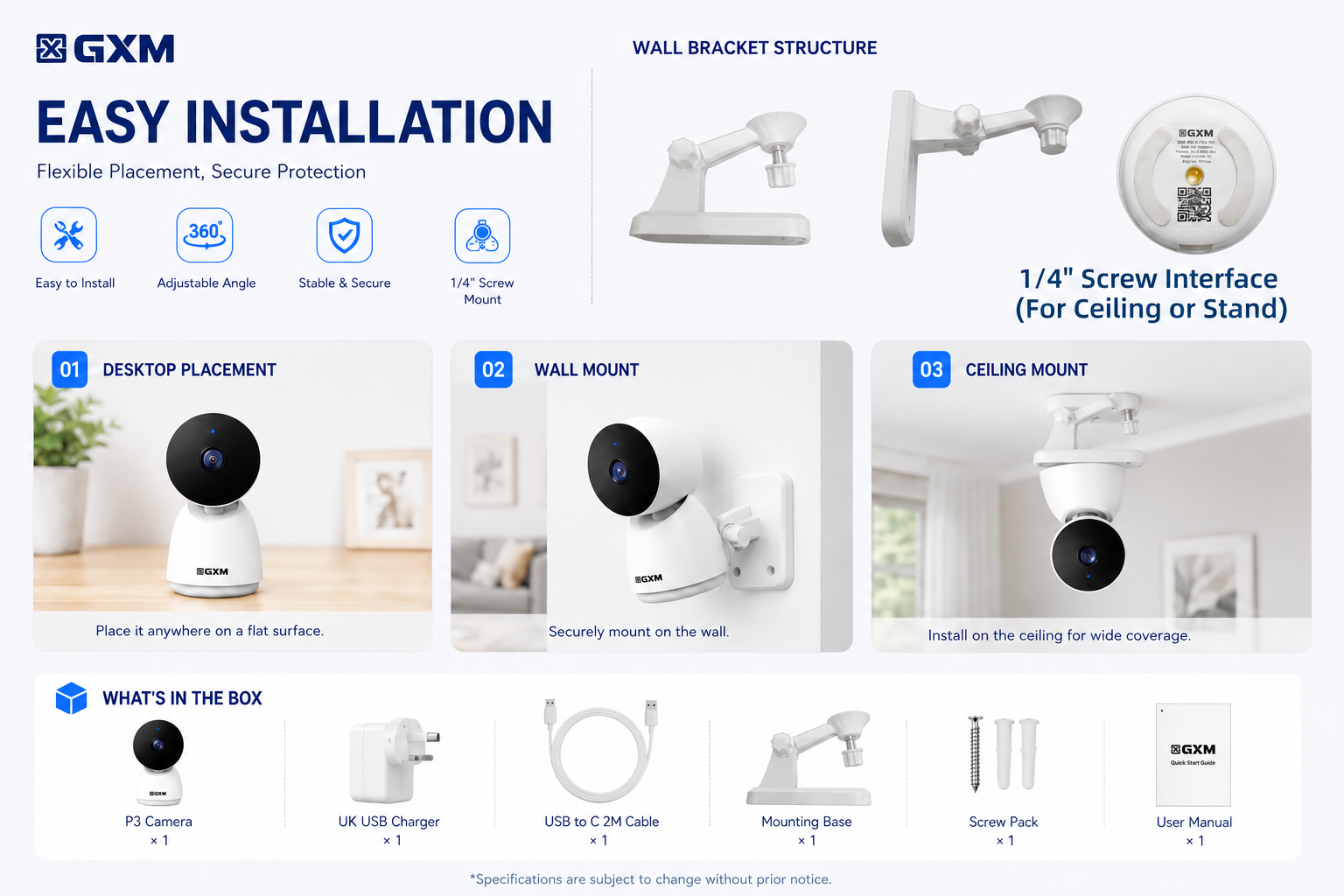
✅ Easy Installation
Desktop / Wall Mount / Ceiling Mount
✅ Comes with 2m Long USB-C Cable + UK USB Power Adapter(With Safety Mark)
✅ 18 Months Singapore Local Warranty
Product Specifications
Model: GXM P3
Resolution: 3MP
Video Resolution: 2304 × 1296
Connectivity: 2.4GHz Wi-Fi
Rotation: 360° Pan
Night Vision: Yes
Motion Detection: AI Motion Tracking
Audio: Two-Way Audio
Storage: Micro SD Card up to 512GB
Cloud Storage: Supported
App Support: GXM App
Device Support: iOS & Android
Voice Assistant: Alexa & Google Assistant
Power Input: DC 5V ⎓ 1A
Charging Port: USB-C
Installation: Desktop / Wall / Ceiling
Product Size: 120 × 68 × 66 mm
Weight: 185g
Optional Memory Card Add-on:
GXM 64GB - Up to 2 Weeks of Recording
GXM 128GB - Up to 4 Weeks of Recording
What’s In The Box
* GXM P3 Camera ×1
* 2m USB-C Cable ×1
* UK USB Power Adapter(With Safety Mark) ×1
* Mounting Base ×1
* Screw Pack ×1
COMMON Q&A
Memory card shows “Error” or “Damaged”
Please open the GXM app and go to: Camera Settings → Storage Management → Format microSD Card
After the formatting is complete, please check if the camera can read the memory card normally.
How can I make motion detection more sensitive?
For maximum sensitivity, use the following settings:
• Detection Distance: Far
• Staying Alert: OFF
• AI Human Detection: OFF
These settings allow the camera to detect all motion rather than only human movement.
Why is my camera live stream view black and white?
camera uses infrared night vision in dark environments, so the image will automatically switch to black and white at night. This helps the camera capture clearer details in low light or complete darkness. When there is enough light again, it will switch back to full color automatically.
Why is night vision not clear?
Adjust the camera angle slightly to avoid nearby white objects.
Objects that are too close to the camera can reflect infrared light and reduce image quality.
How to share the camera with others?
For other users, they need to register their own GXM account first. Then you can share the device with them via Settings → Share Management. Please do not log in using the same account.
⸻
1 Yishun Industrial Street 1, #05-24, A’POSH Bizhub, Singapore 768160
Mon–Fri: 10:00 AM – 6:00 PM
Sat: 10:00 AM – 2:00 PM
(Closed on Public Holidays)
NEX Serangoon, #03-29
Open Daily: 11:00 AM – 9:00 PM