
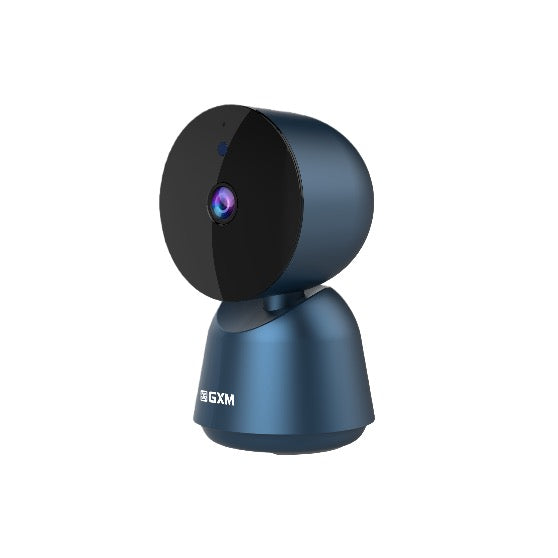
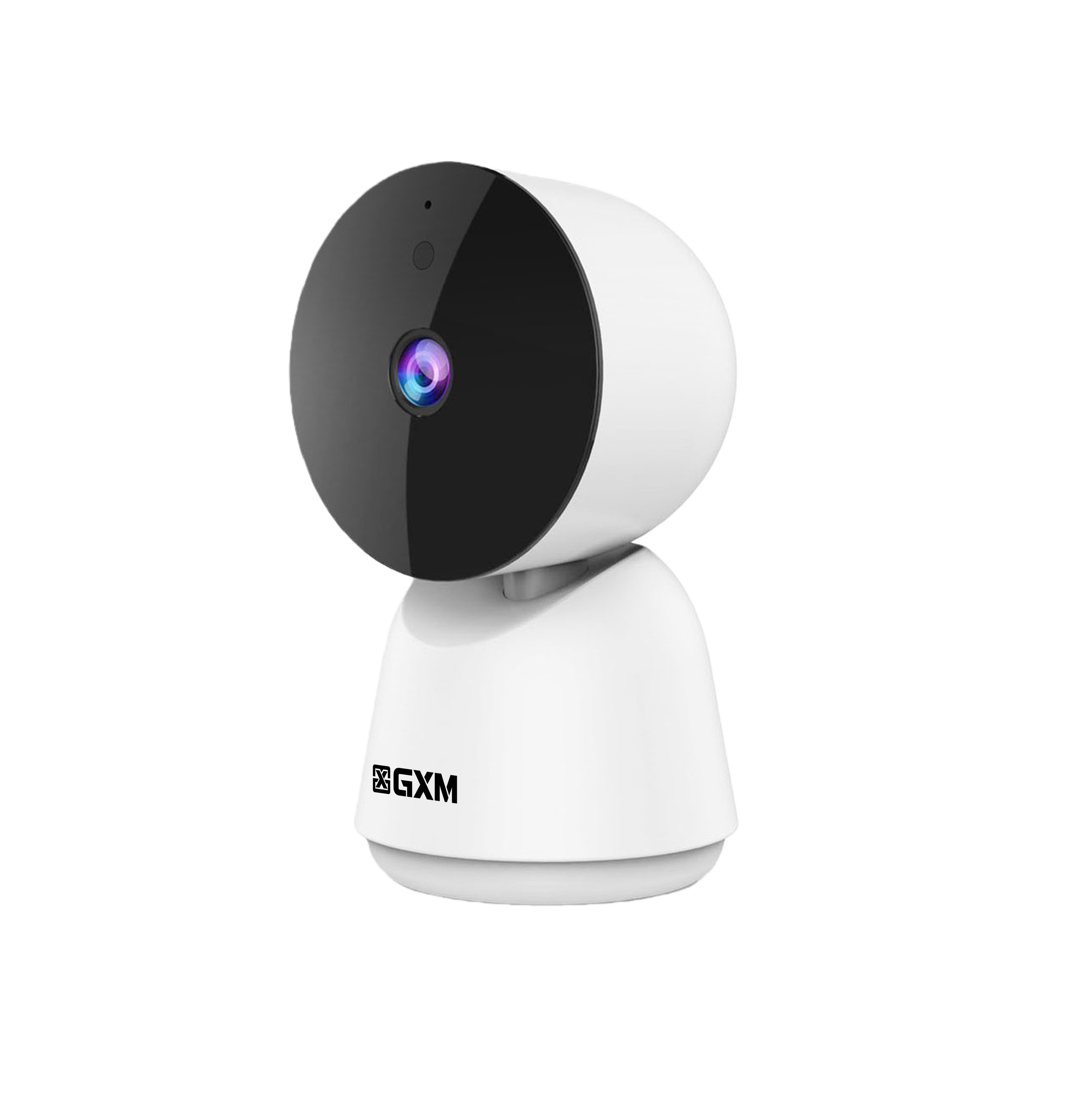
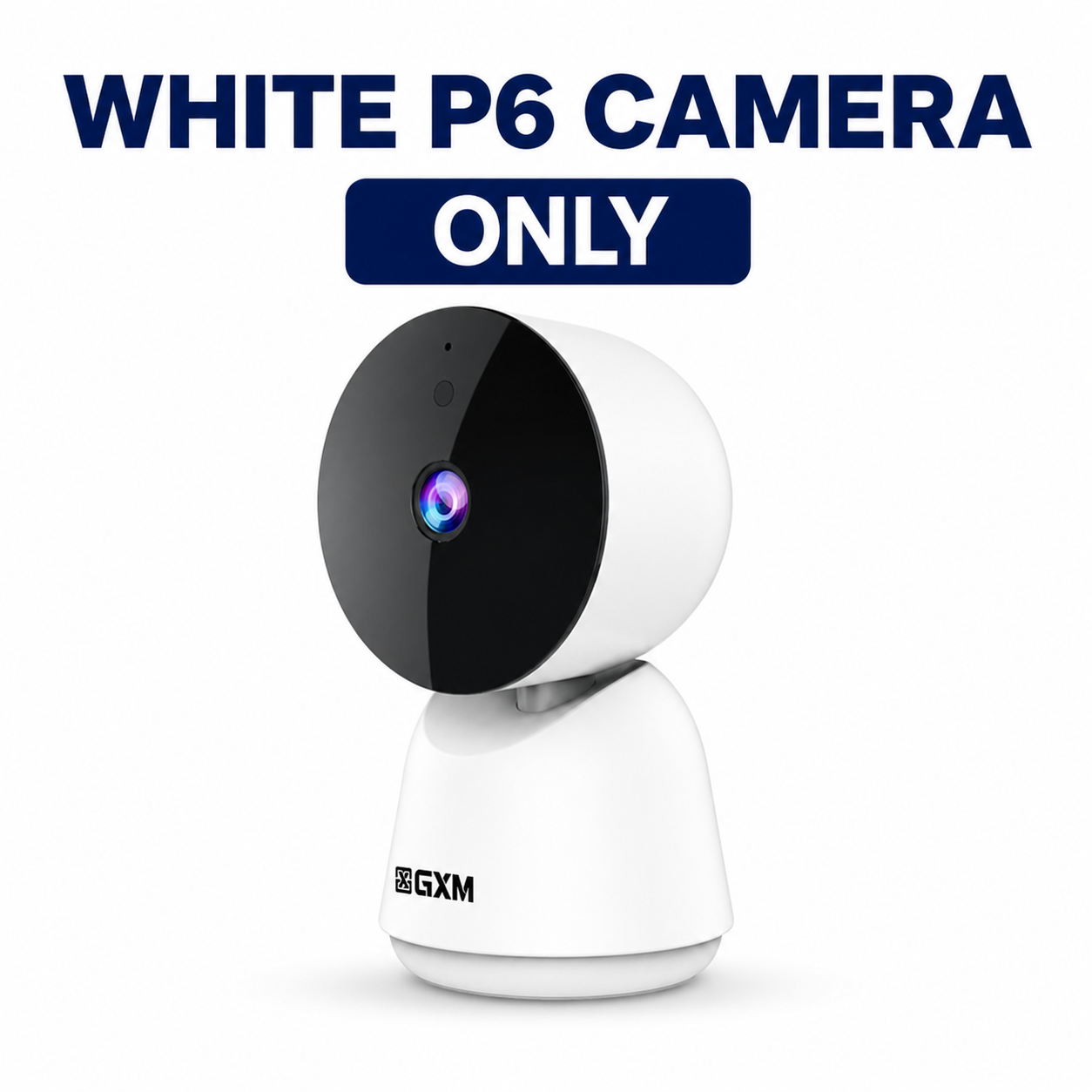


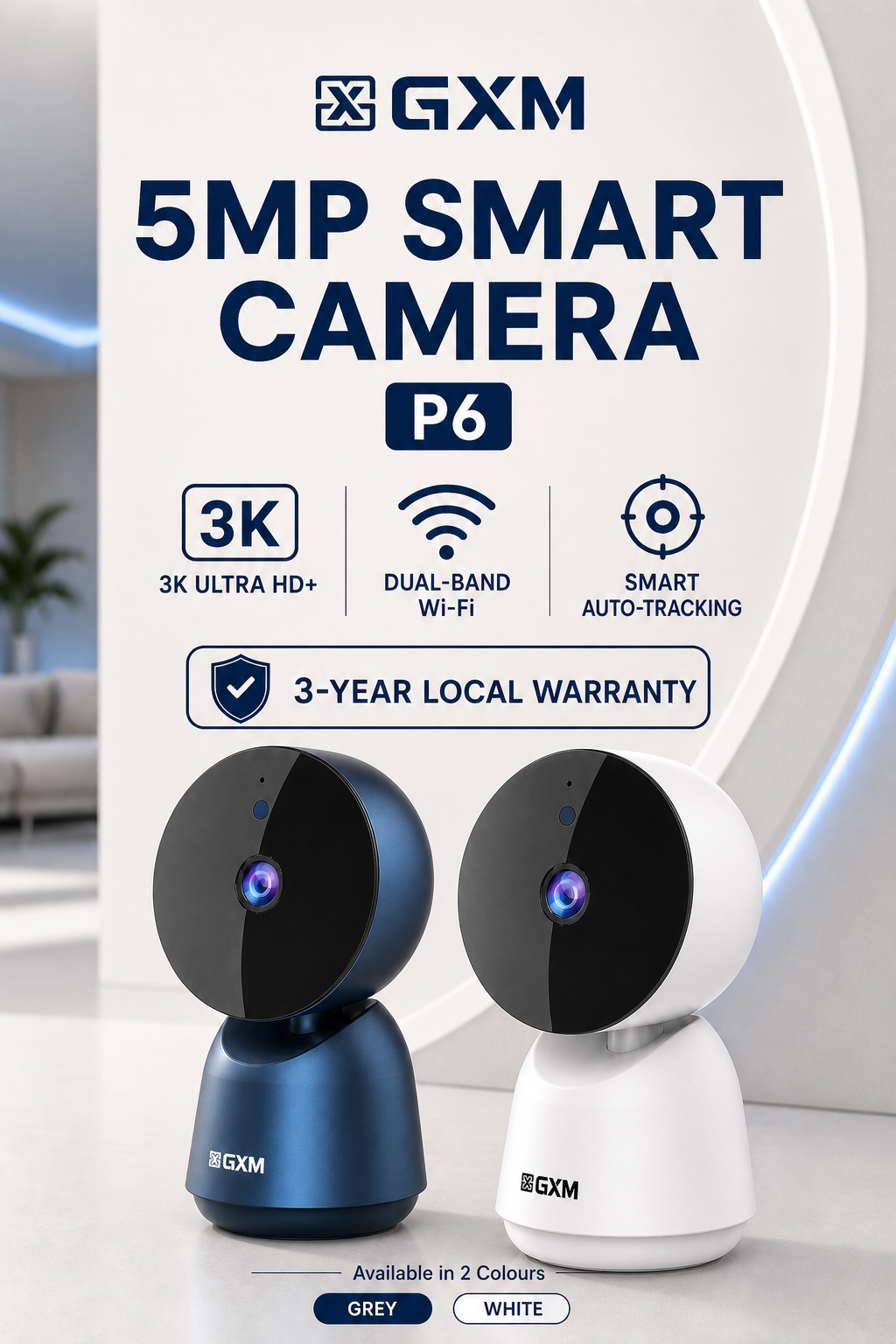
GXM P6 5MP SMART CAMERA
Smart monitoring for your home, family, pets and business — wherever you are.
KEY FEATURES
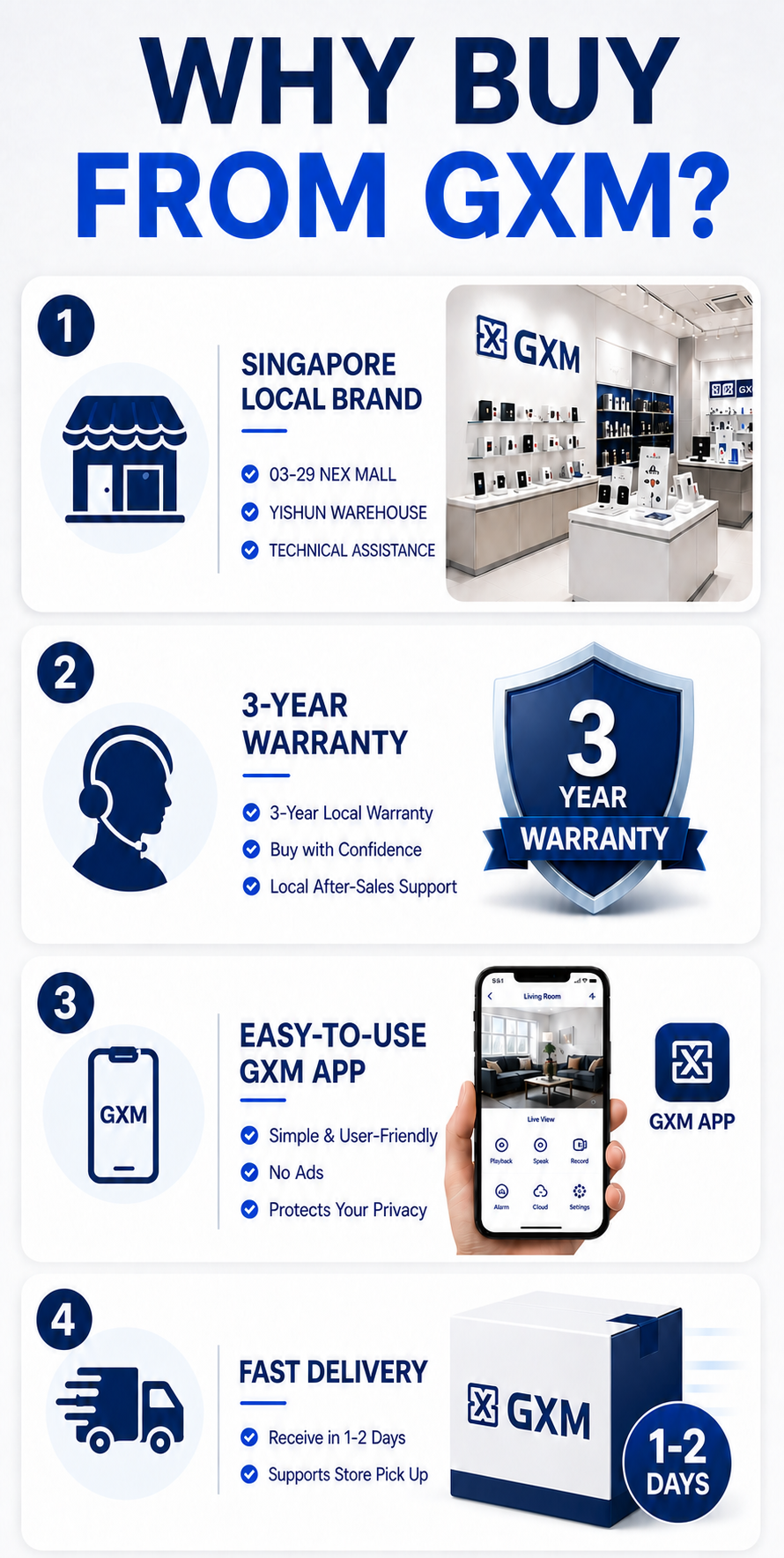
🛡 3-Year Local Warranty
Local after-sales service and technical support in Singapore.
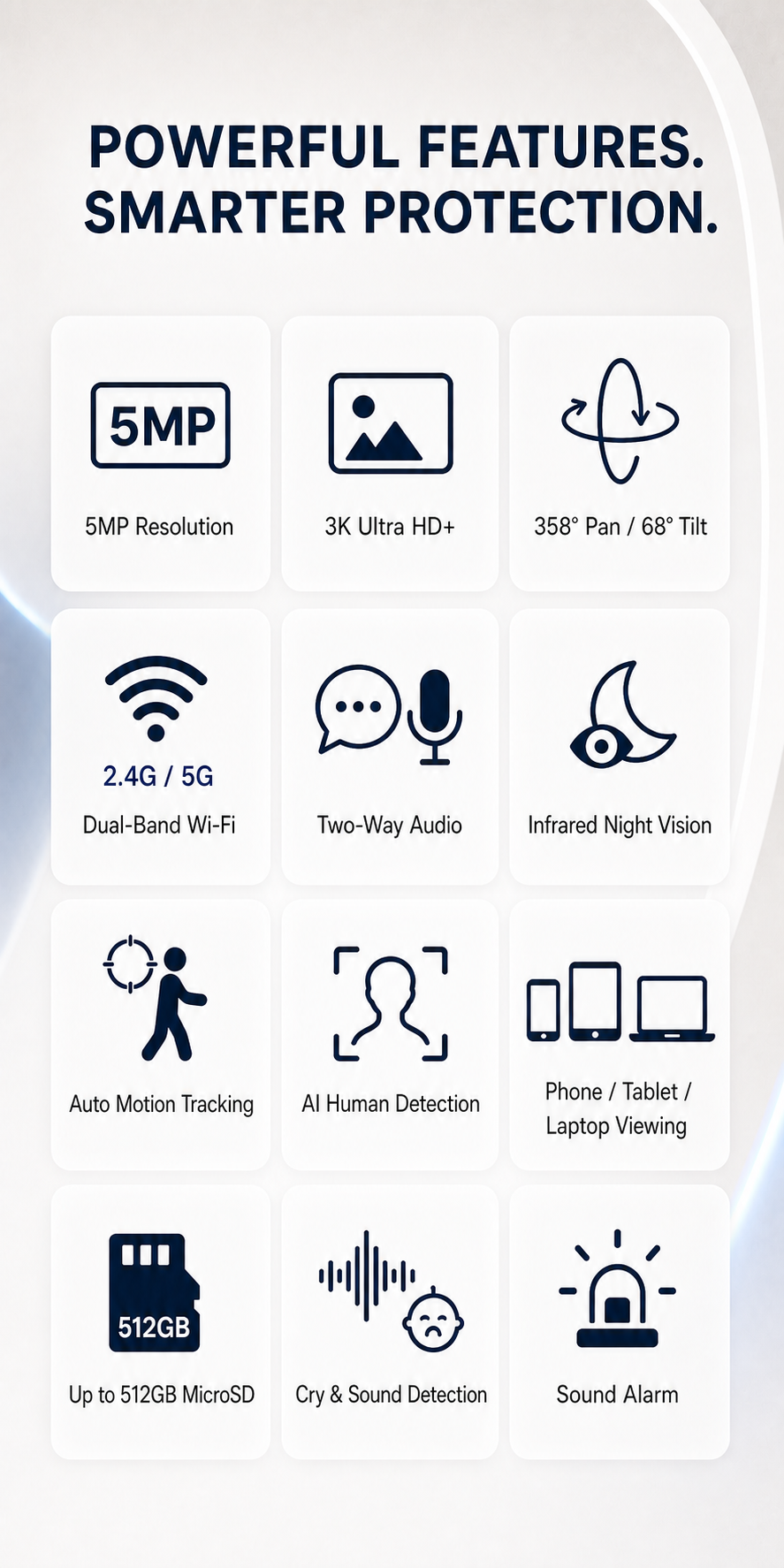
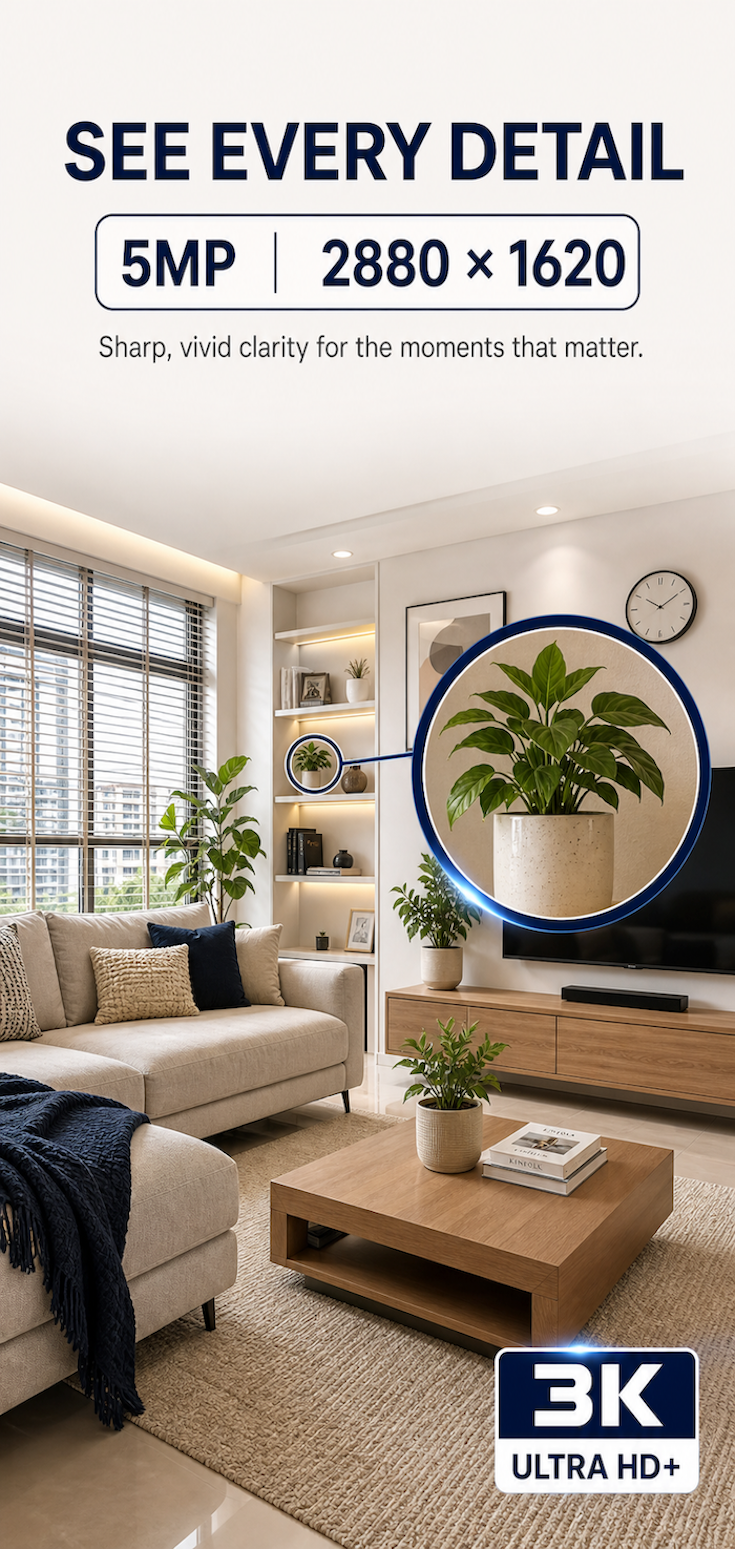
📸 5MP 3K Ultra HD+
2880 × 1620 resolution for sharp, detailed video.
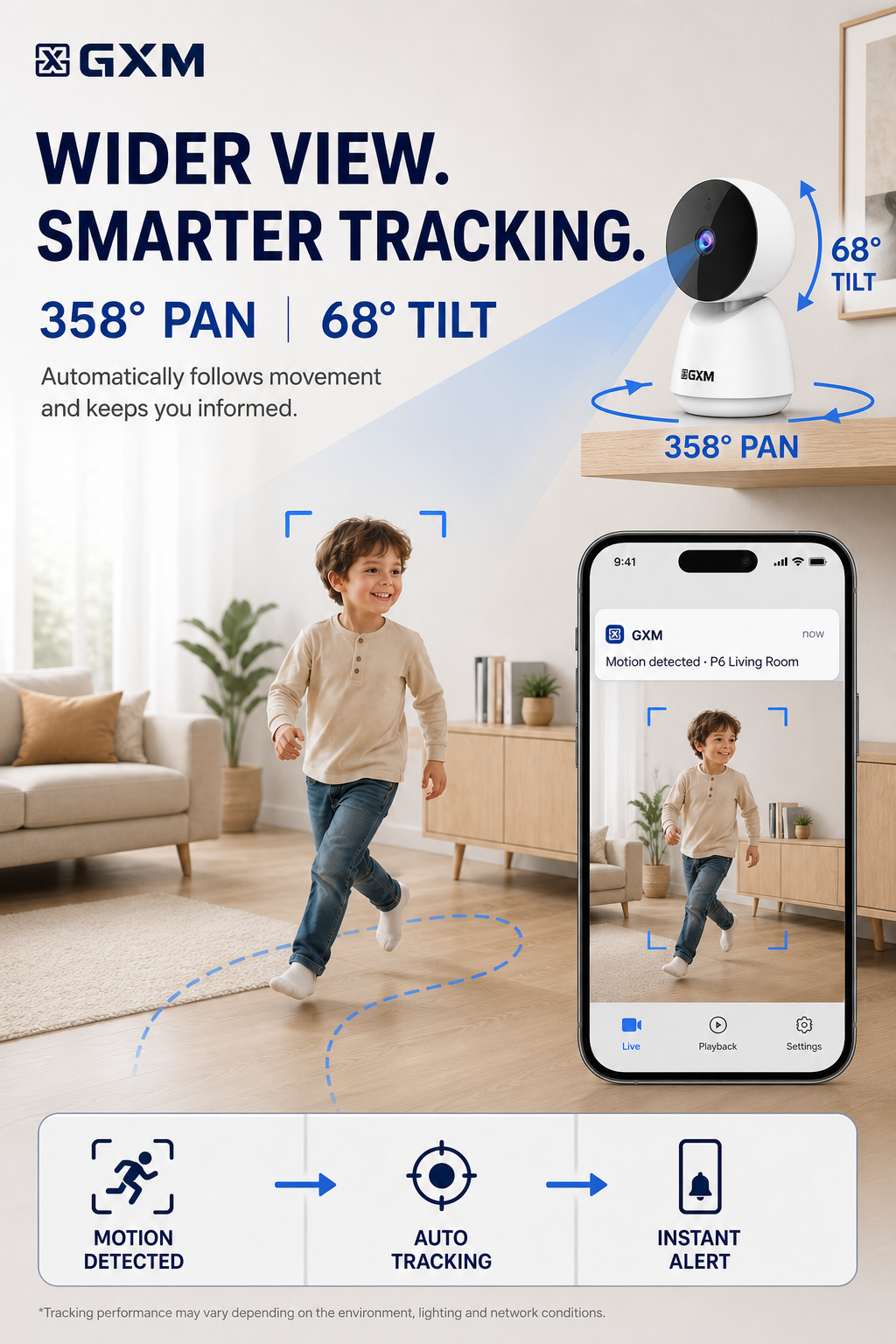
🔄 358° Pan + 68° Tilt
Remote app control, motion detection and automatic tracking.
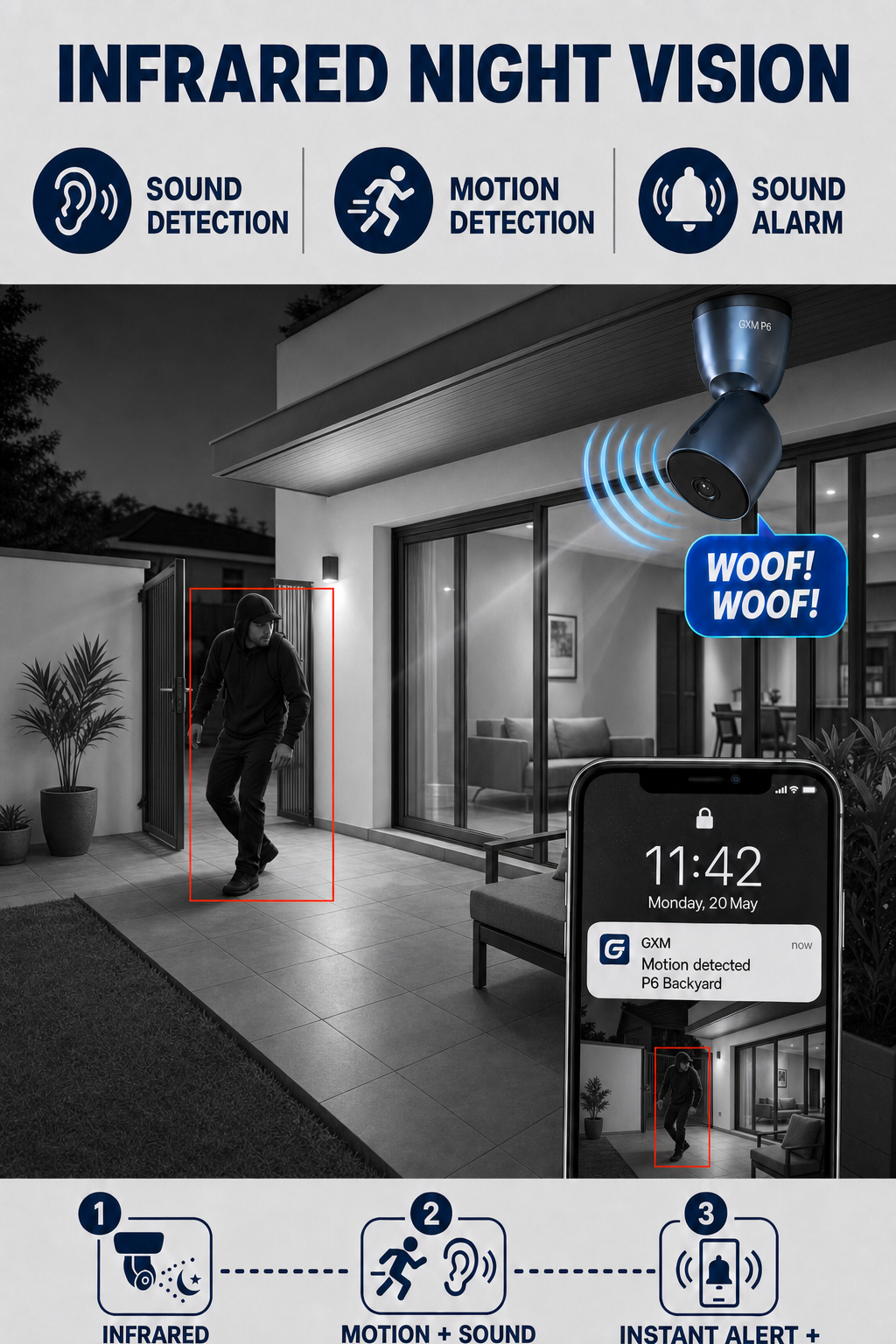
🌙 Infrared Night Vision
Clear monitoring in low-light and dark environments.
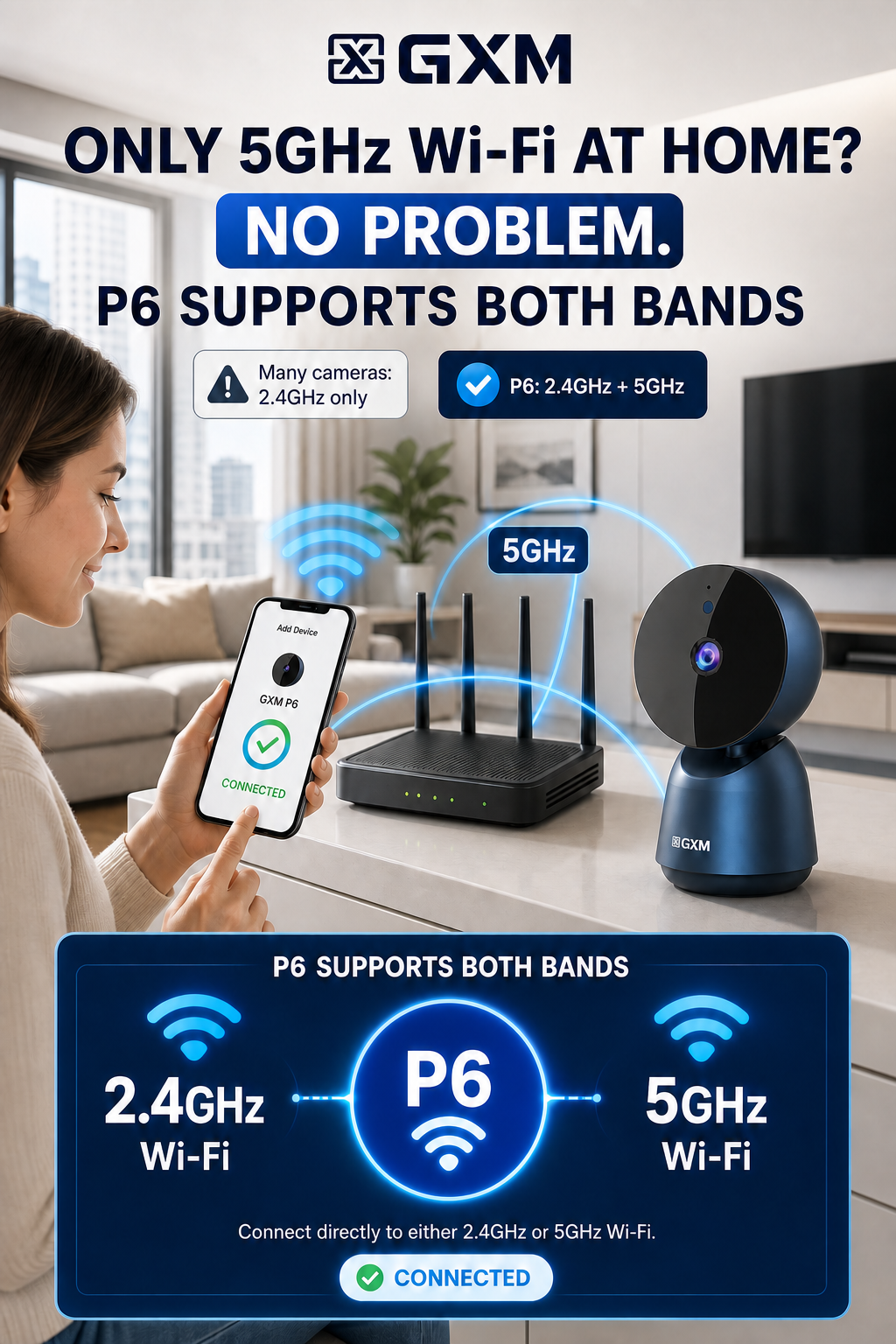
📡 Dual-Band Wi-Fi
Supports both 2.4GHz and 5GHz Wi-Fi.
🎯 Custom Detection Zones
Monitor selected areas and reduce unnecessary alerts.
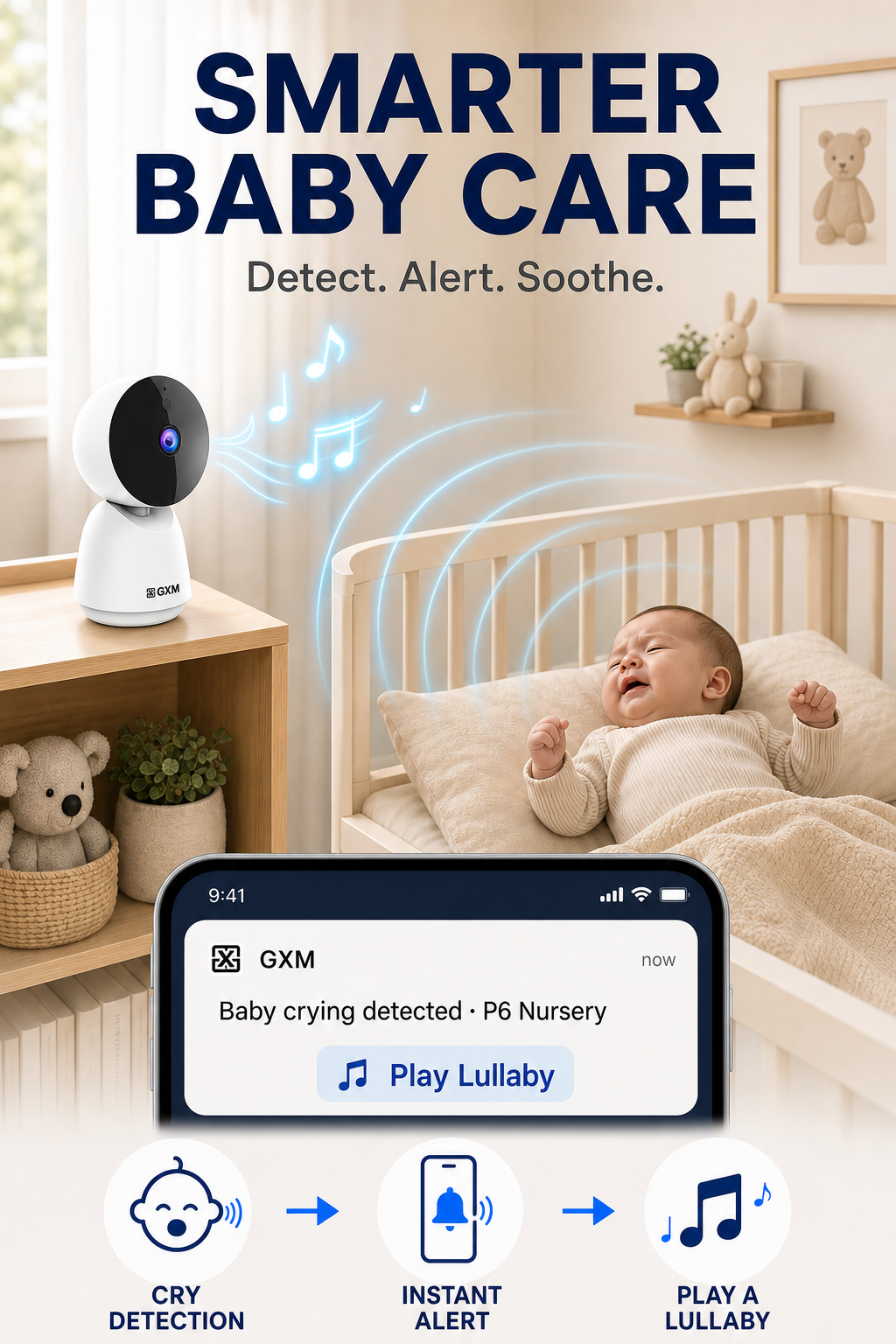
👶 Cry & Sound Detection
Receive mobile alerts when crying or unusual sounds are detected.
🧑 AI Facial Recognition
Quickly search recordings by recognised person.
Cloud subscription may be required.
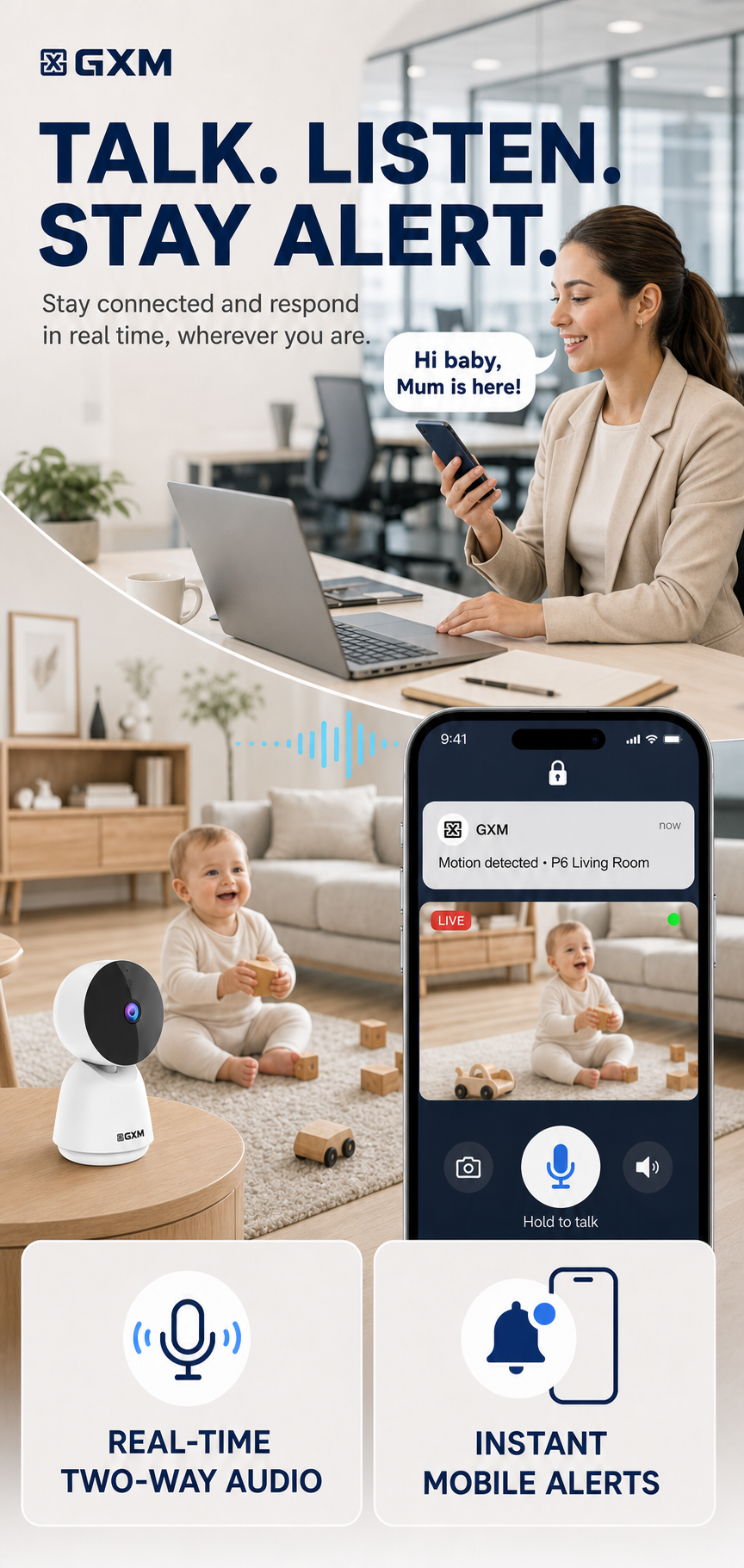
🎤 Real-Time Two-Way Audio
Listen and speak through the GXM app.
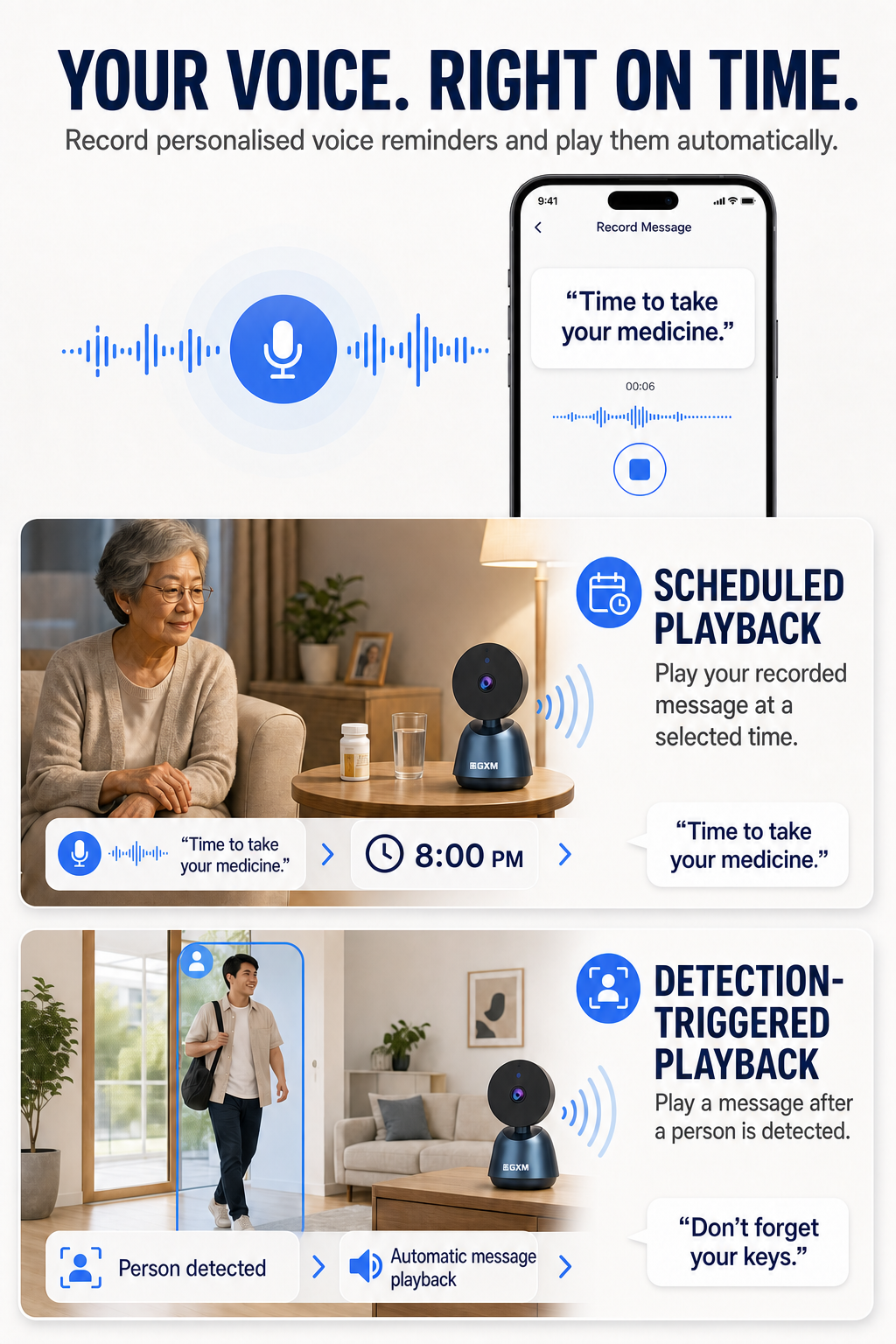
⏰ Personalised Voice Reminders
Record your own message and play it:
• At a scheduled time
• After a person is detected
🖥️ Multi-Camera Viewing
View up to 16 cameras on the same screen.
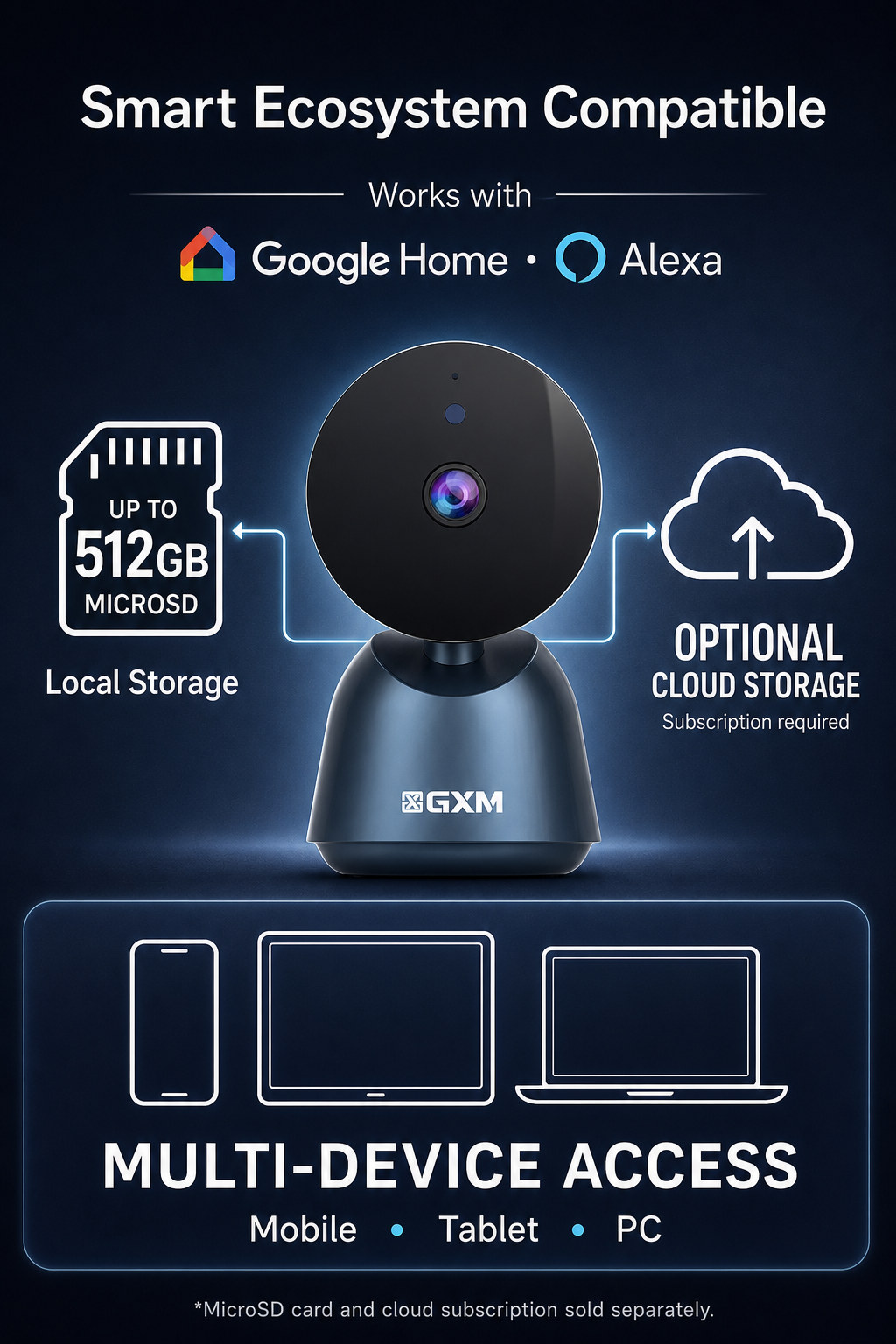
💾 Flexible Storage
Supports MicroSD cards up to 512GB and optional cloud storage.
Card sold separately. Cloud storage requires a subscription.
🎵 Built-In Lullabies
Play soothing music for babies and children.
💻 Computer Viewing
View cameras through a supported laptop or desktop web browser.
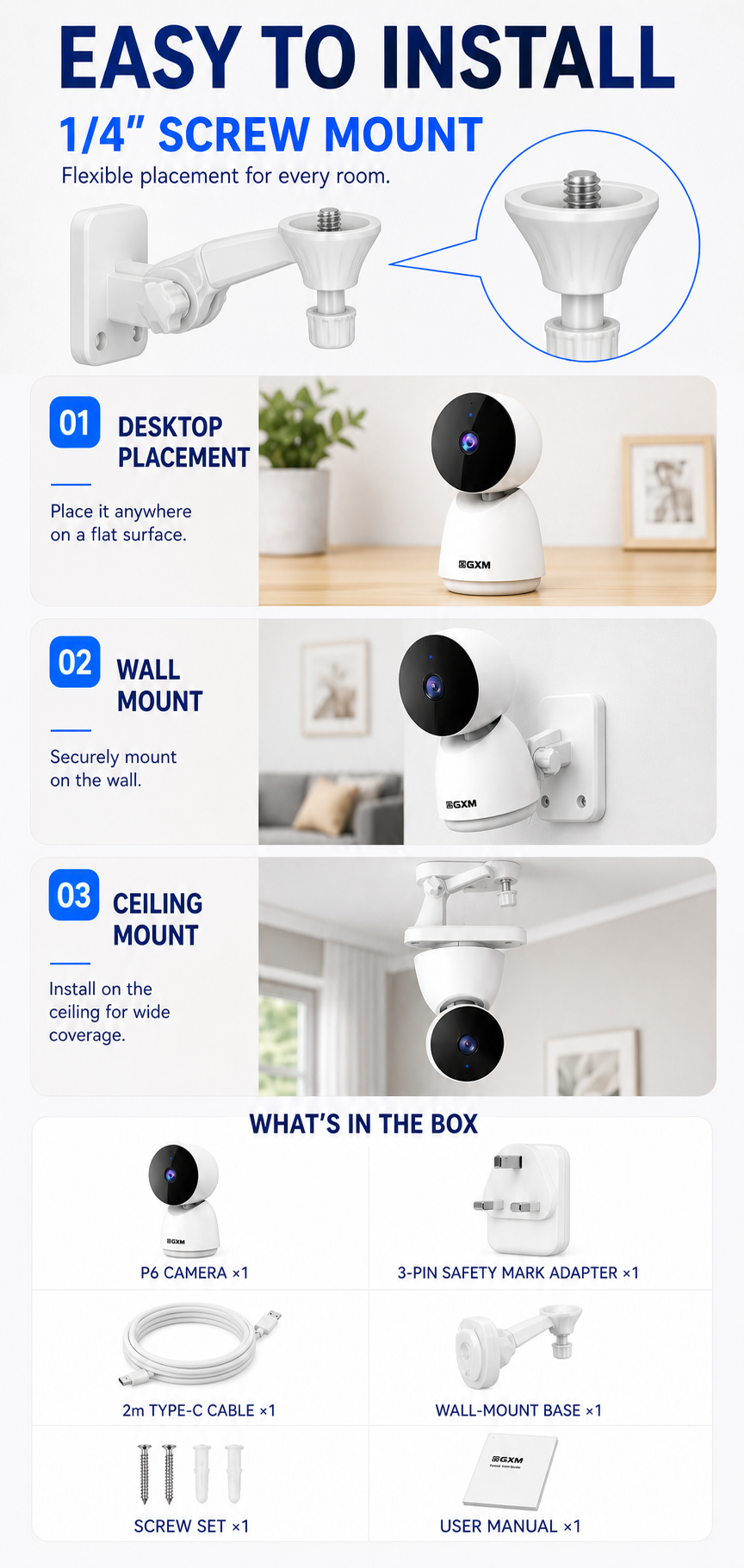
🧩 Flexible Installation
Includes wall-mount accessories, a 2m Type-C cable and Singapore Safety Mark 3-pin adapter.
WHAT’S IN THE BOX
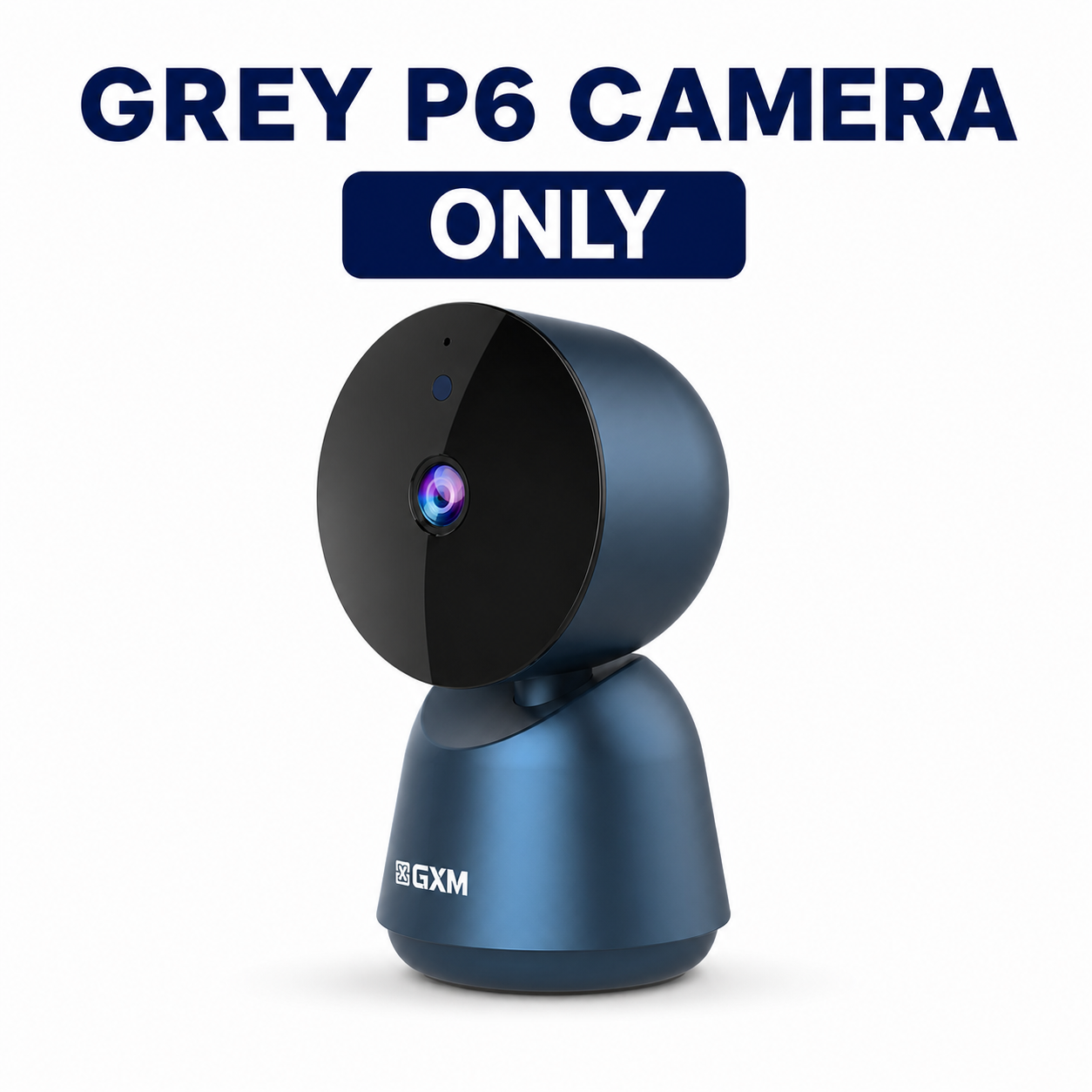
• 1 × GXM P6 5MP Smart Camera
• 1 × User Manual
• 1 × 2m Type-C Cable
• 1 × Safety Mark 3-Pin Adapter
• 1 × Wall-Mount Base
• 1 × Screw Set
PRODUCT SPECIFICATIONS
• Resolution: 5MP, 2880 × 1620
• Pan/Tilt: 358° / 68°
• Wi-Fi: 2.4GHz and 5GHz
• Storage: MicroSD up to 512GB / Optional cloud
• Weight: 185g
• Dimensions: 120 × 68 × 66mm
OPTIONAL MEMORY CARD
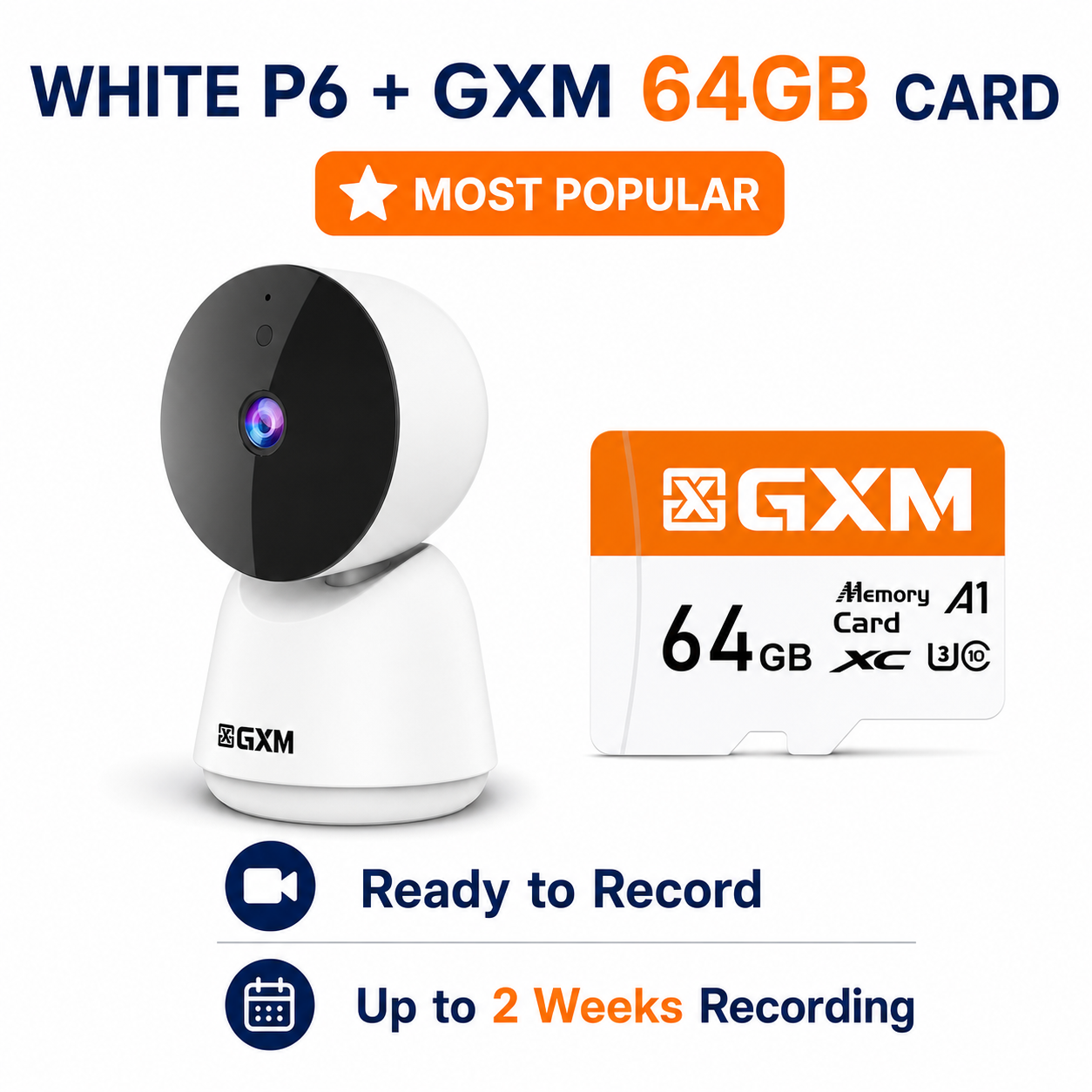
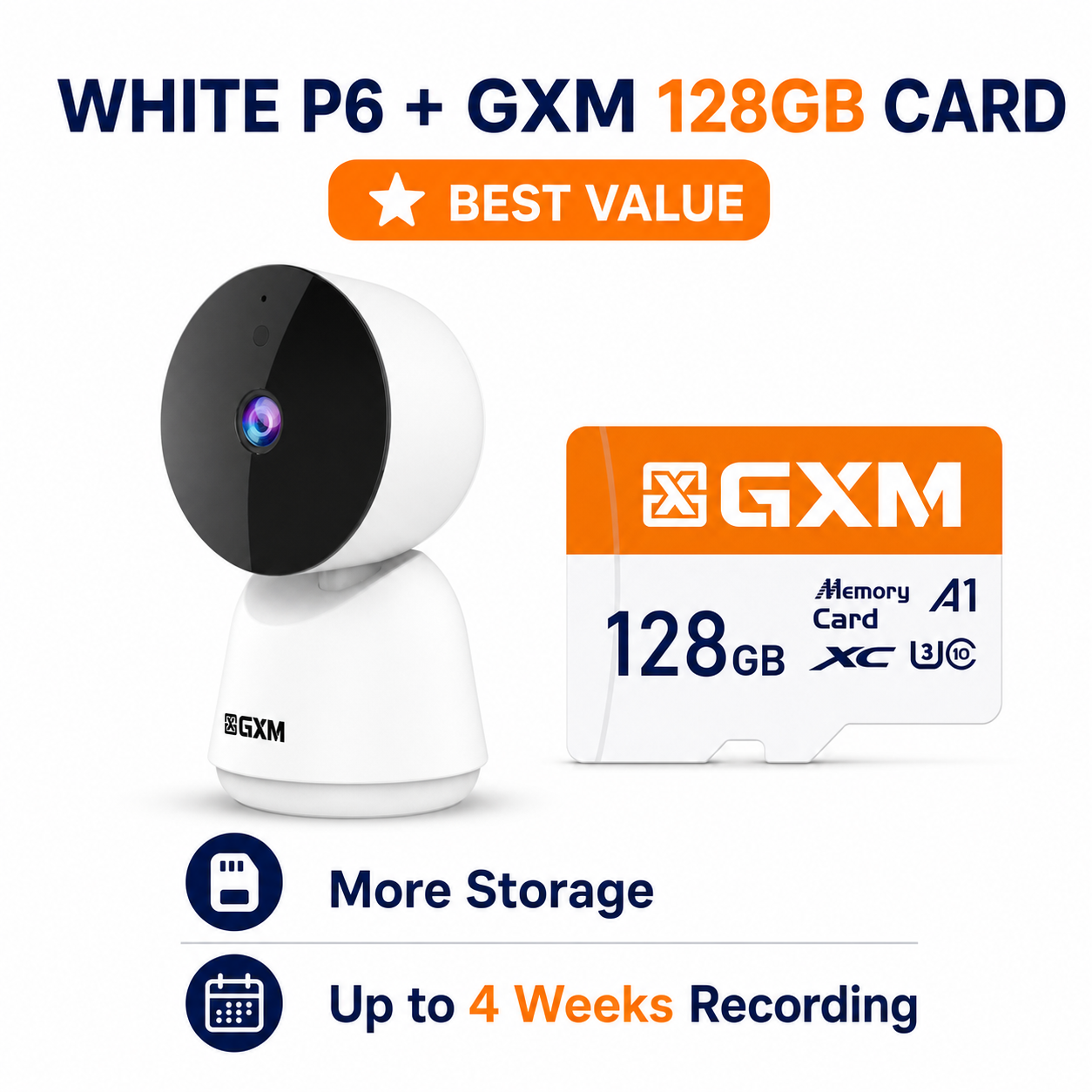
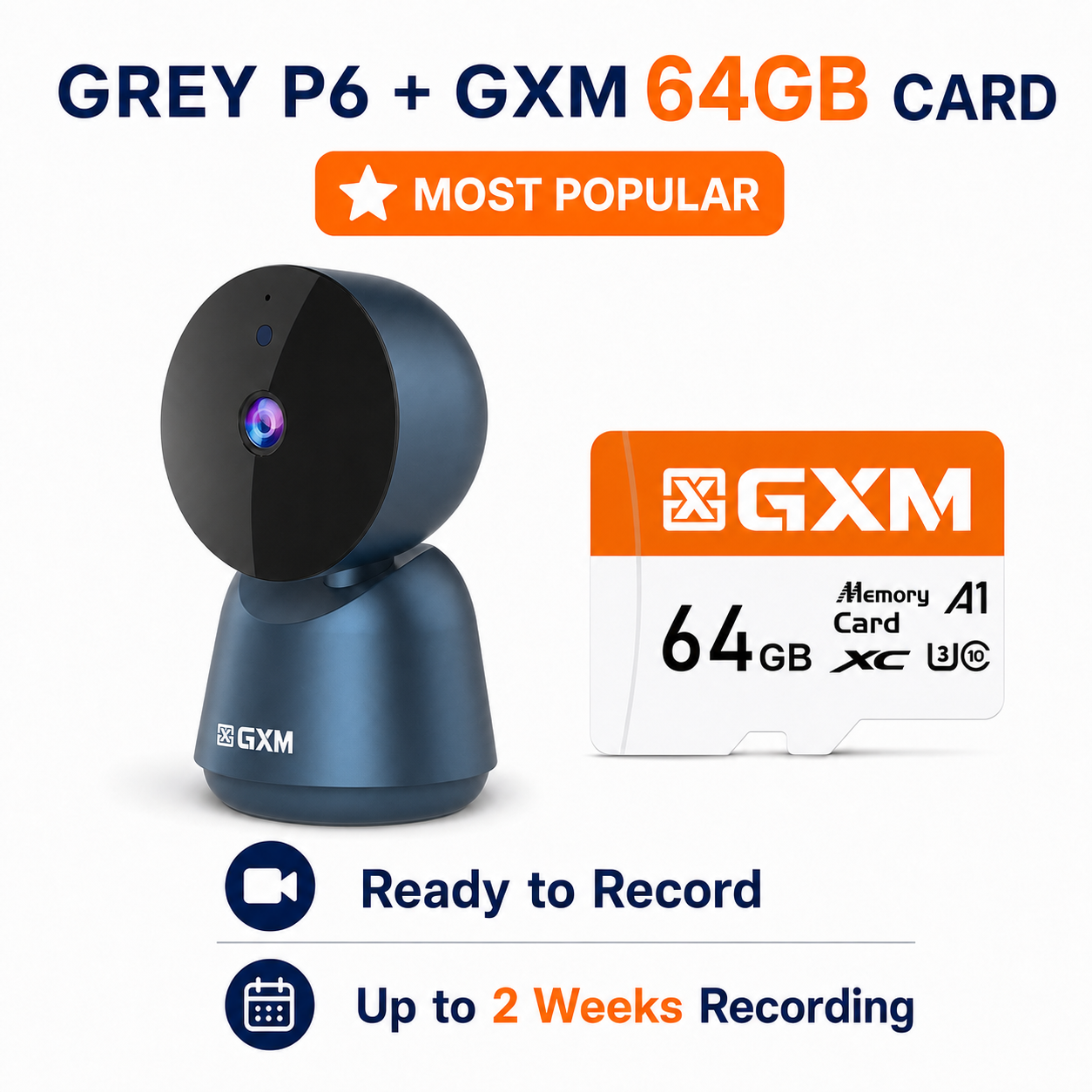
• 64GB — approximately 2 weeks
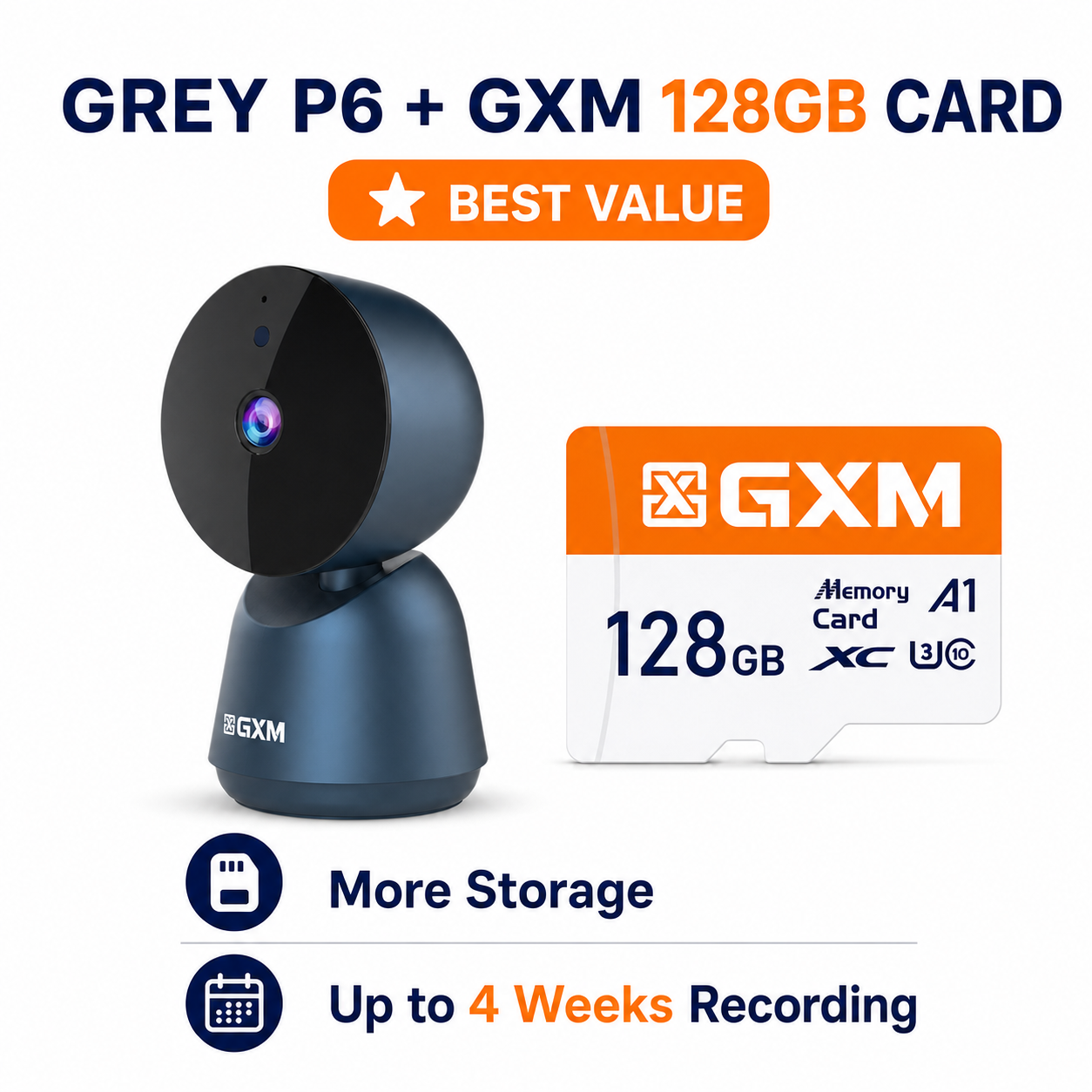
• 128GB — approximately 1 month
Recording duration depends on video quality, activity level, recording mode and settings.
PERFECT FOR
✔ Home and office security
✔ Baby, elderly and pet monitoring
✔ Retail shops and small businesses
QUICK SETUP
Download the “GXM” app.
Allow the required permissions. Android users should enable Location Services during setup.
Register or sign in.
Tap “+” to add the camera.
Enter your Wi-Fi password.
Hold the QR code displayed on your phone 15–20cm in front of the camera lens.
Follow the instructions and name your camera.
STORE PICK-UP & SERVICE CENTRE
1 Yishun Industrial Street 1
#05-24 A’POSH Bizhub
Singapore 768160
Mon–Fri: 10AM–6PM
Sat: 10AM–2PM
Closed on Sundays and Public Holidays
RETAIL EXPERIENCE SHOP
NEX Serangoon, #03-29
Open Daily: 11AM–9PM
No store pick-up or servicing at NEX.