
Optional Memory Card Add-on:
GXM 64GB - Up to 2 Weeks of Recording
GXM 128GB - Up to 4 Weeks of Recording


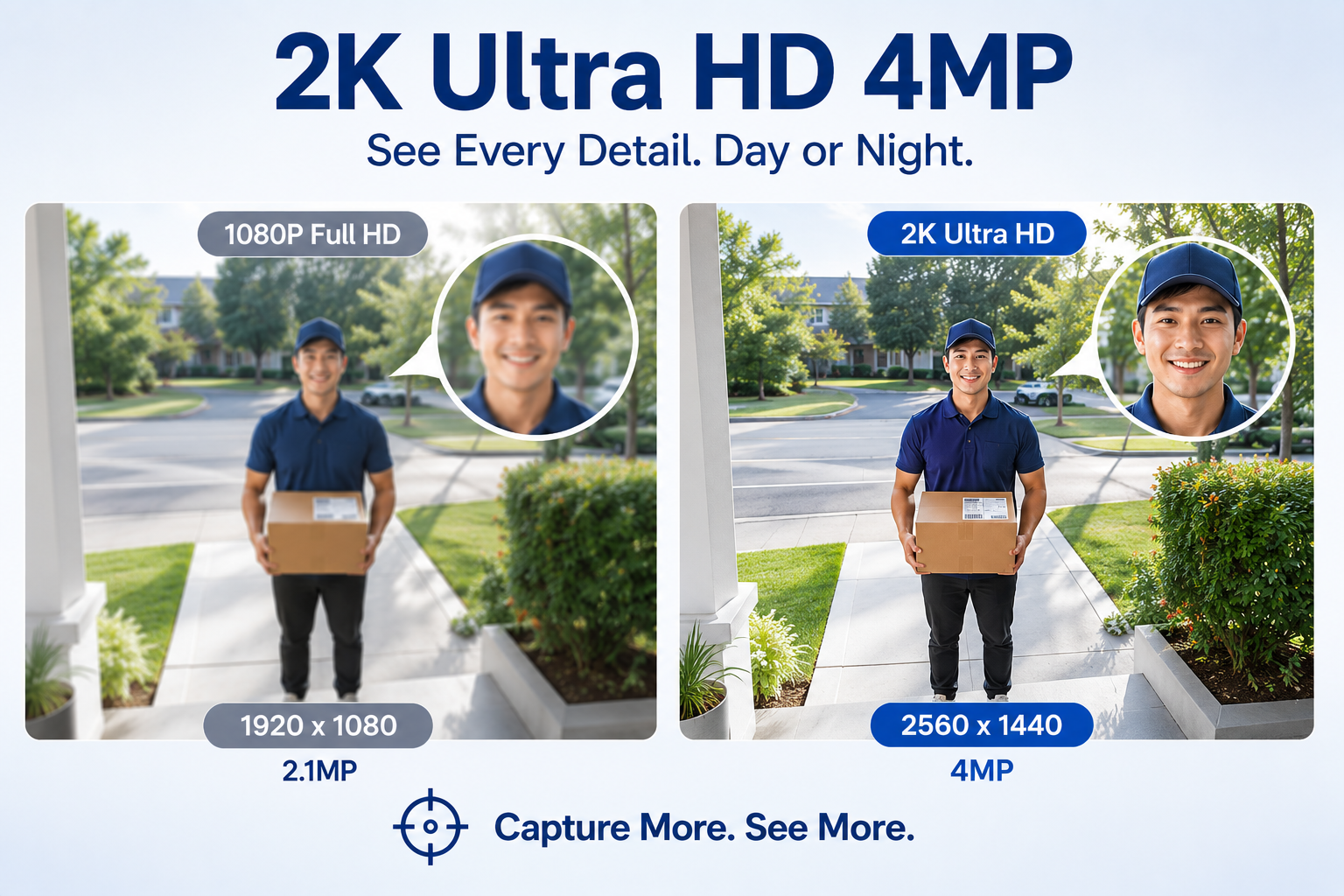
📷 2K Ultra HD (2560 × 1440)
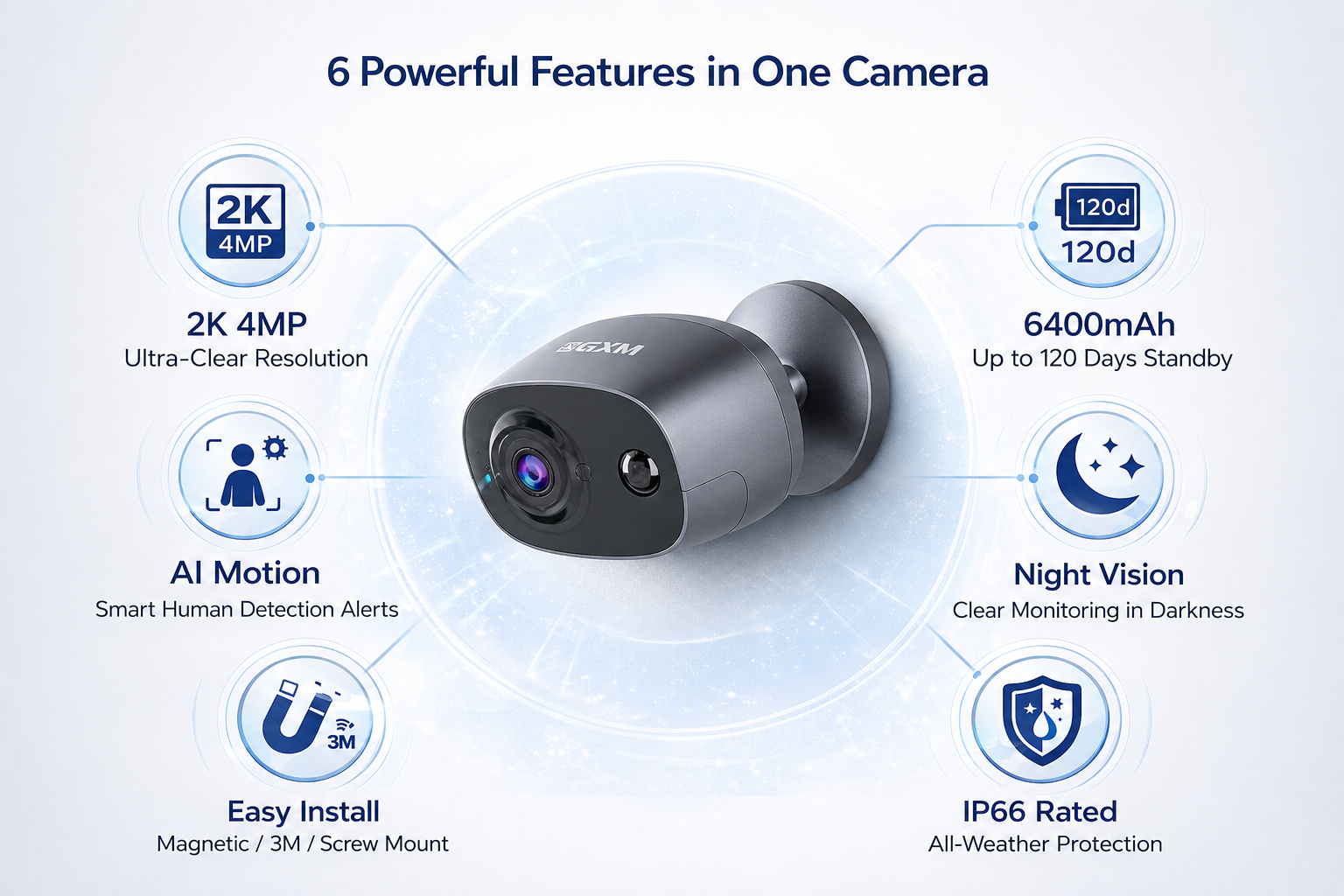
Sharp 4MP video with clear details day and night.
🛠 Easy Installation
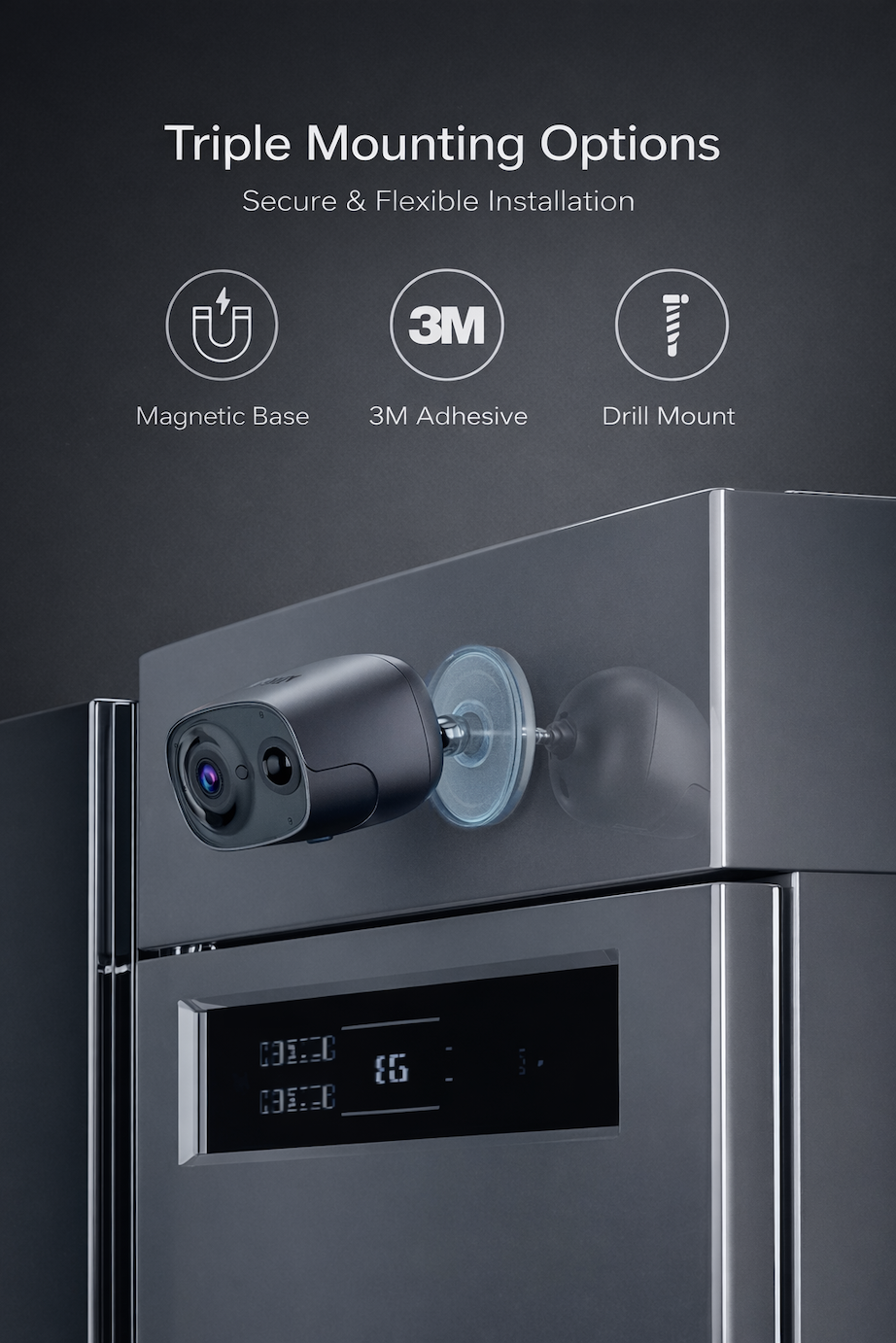
Install in minutes with the included mounting accessories:
Magnetic Base / 3M Adhesive (for Smooth Surfaces) / Screw Mount
📱 Live View Anywhere
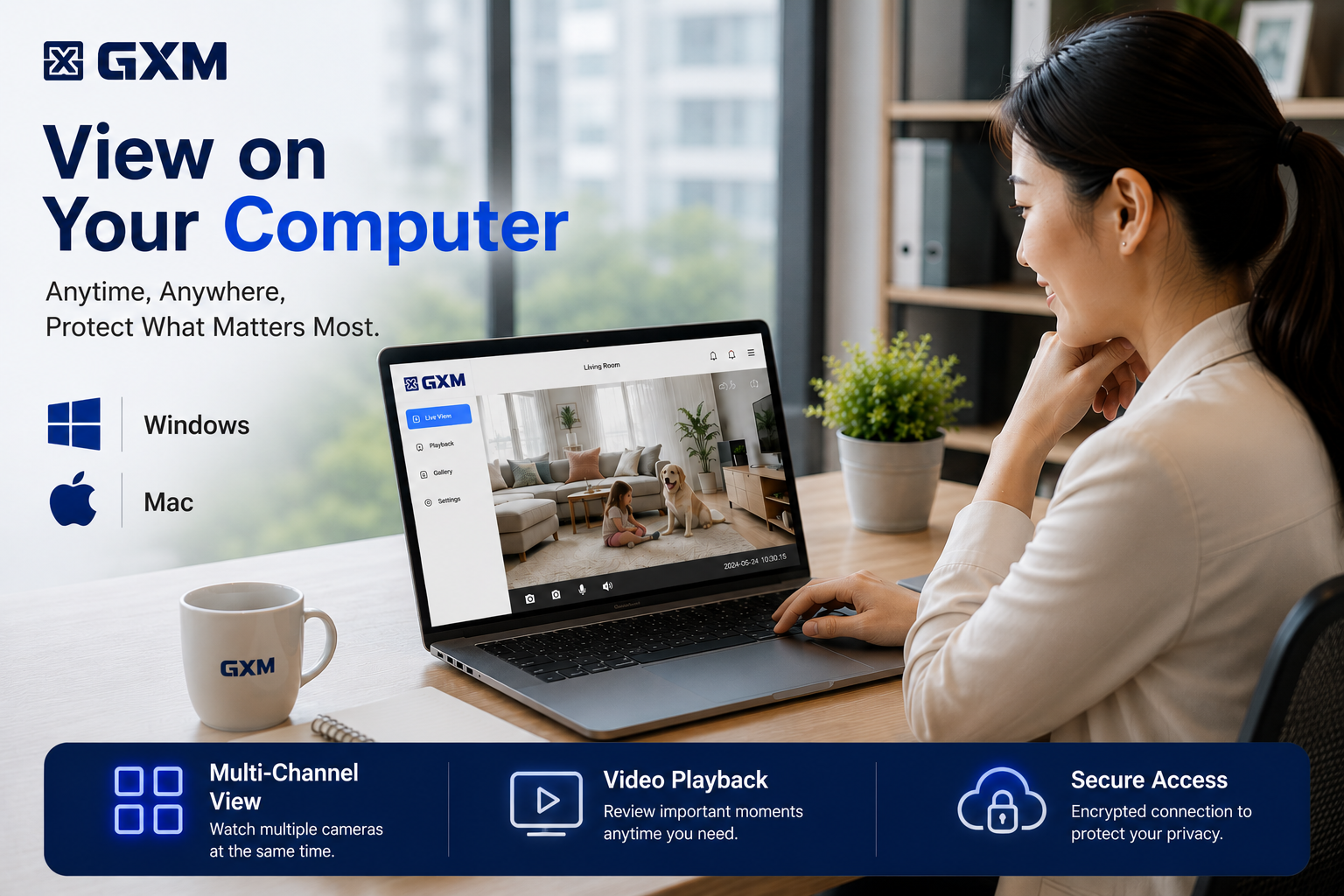
View the camera’s live stream anytime via smartphone, tablet, or laptop.
🎤 Two-Way Audio
Talk and listen remotely through the GXM App.
🎯 Custom Motion Detection Zones, Detection Schedules & Scheduled Recording
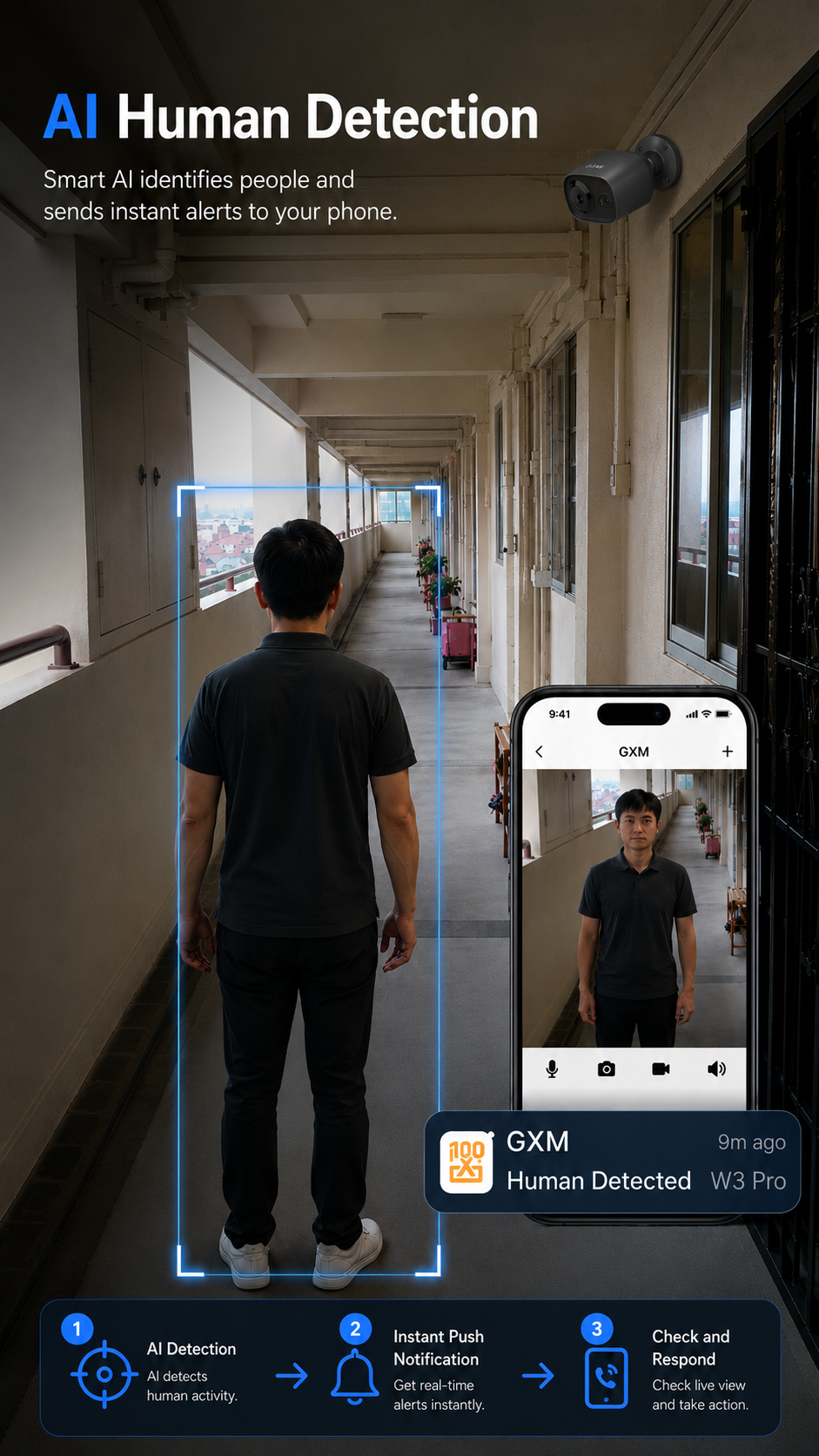
🤖 AI Human Detection
Accurately detects people and sends instant alerts while reducing false notifications.
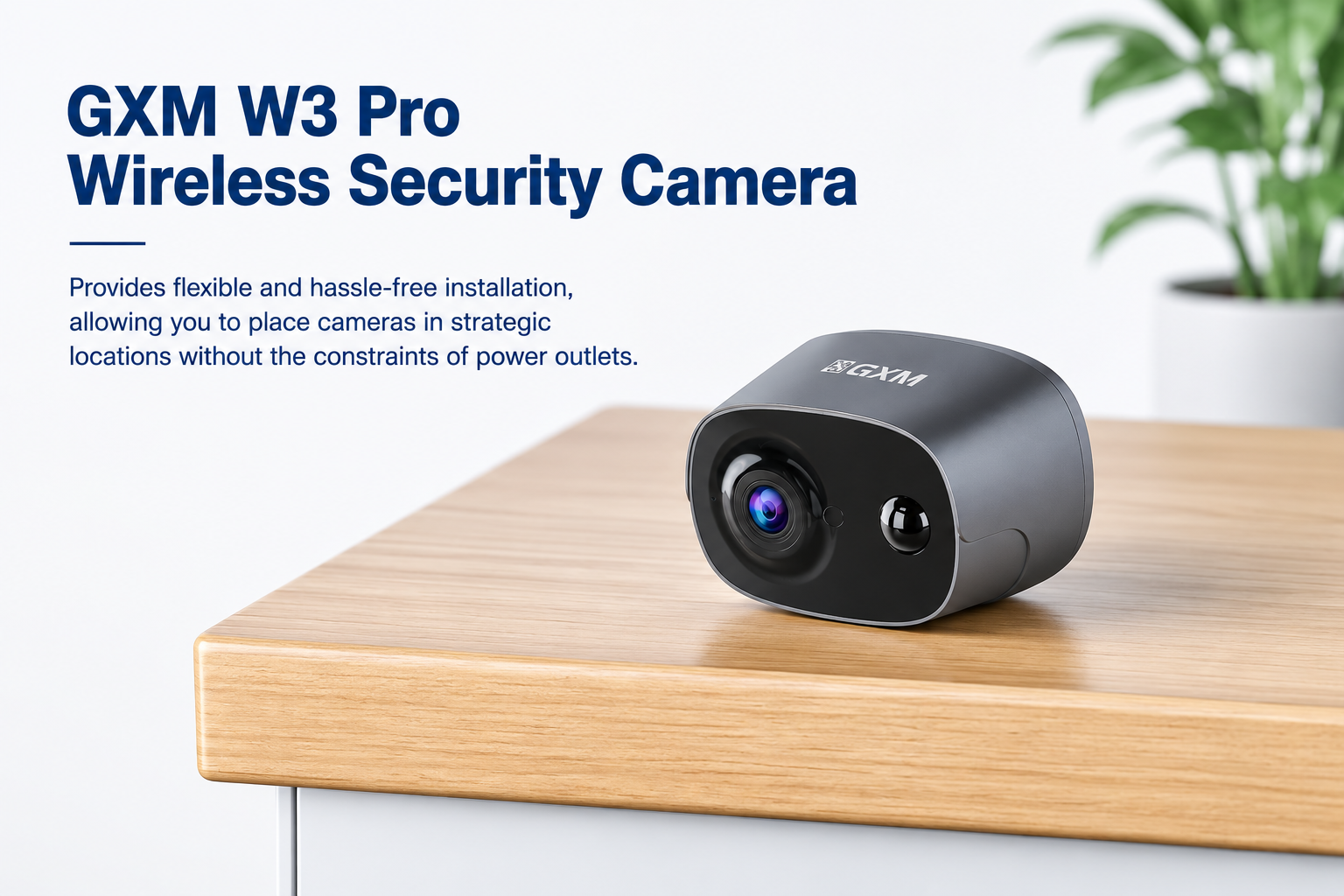
🔋 100% Wire-Free & Rechargeable
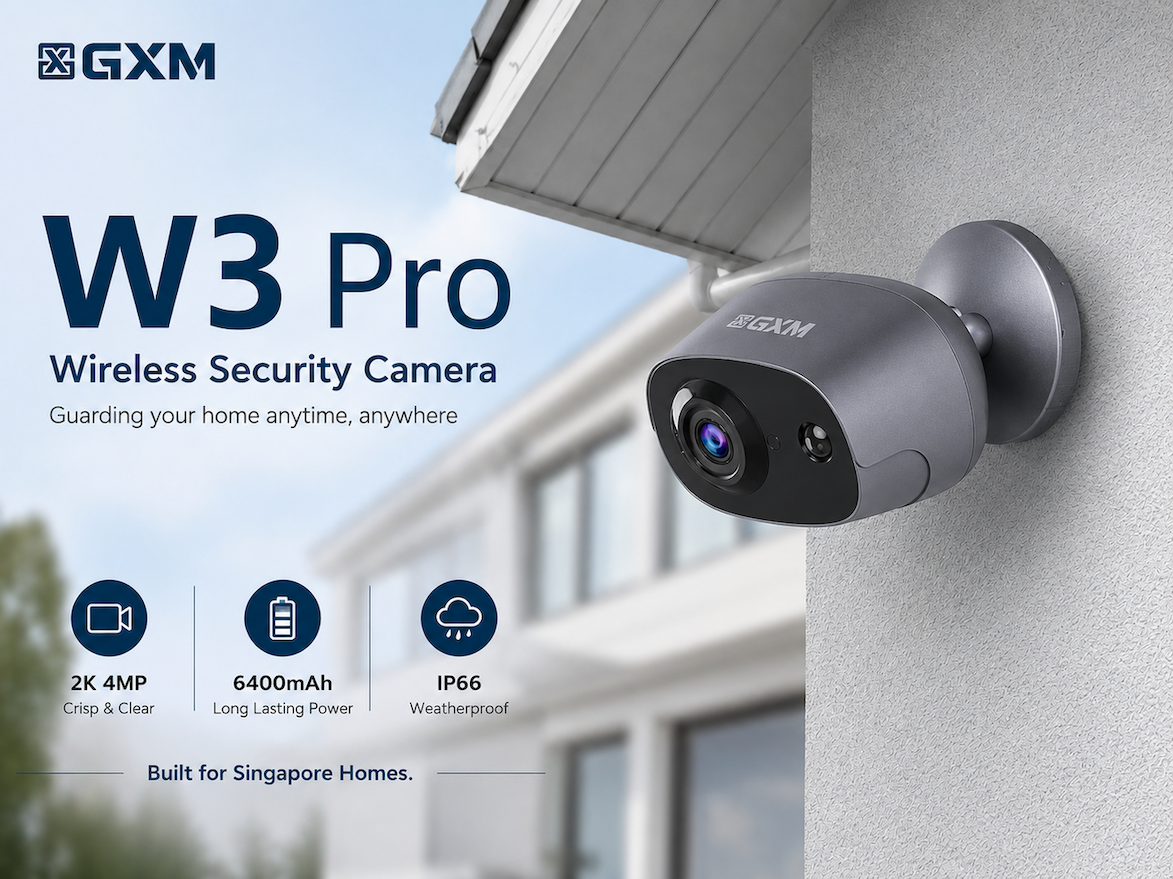
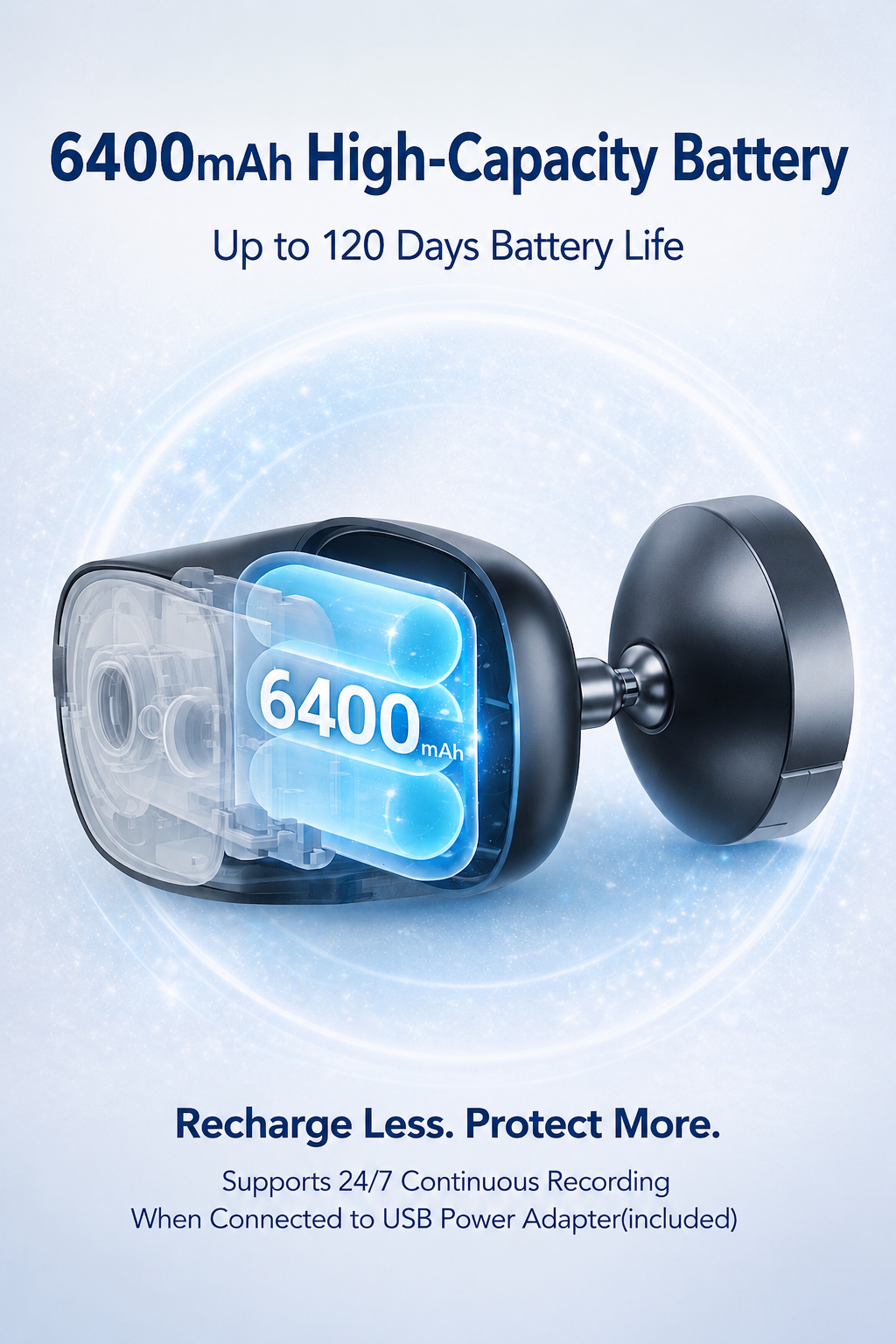
Built-in 6400mAh rechargeable battery. No power cable required.
🔋 Battery Mode: Motion Detection Recording — Up to 30 Sec per Event
🔌 Type-C Powered Mode: 24/7 Continuous Recording
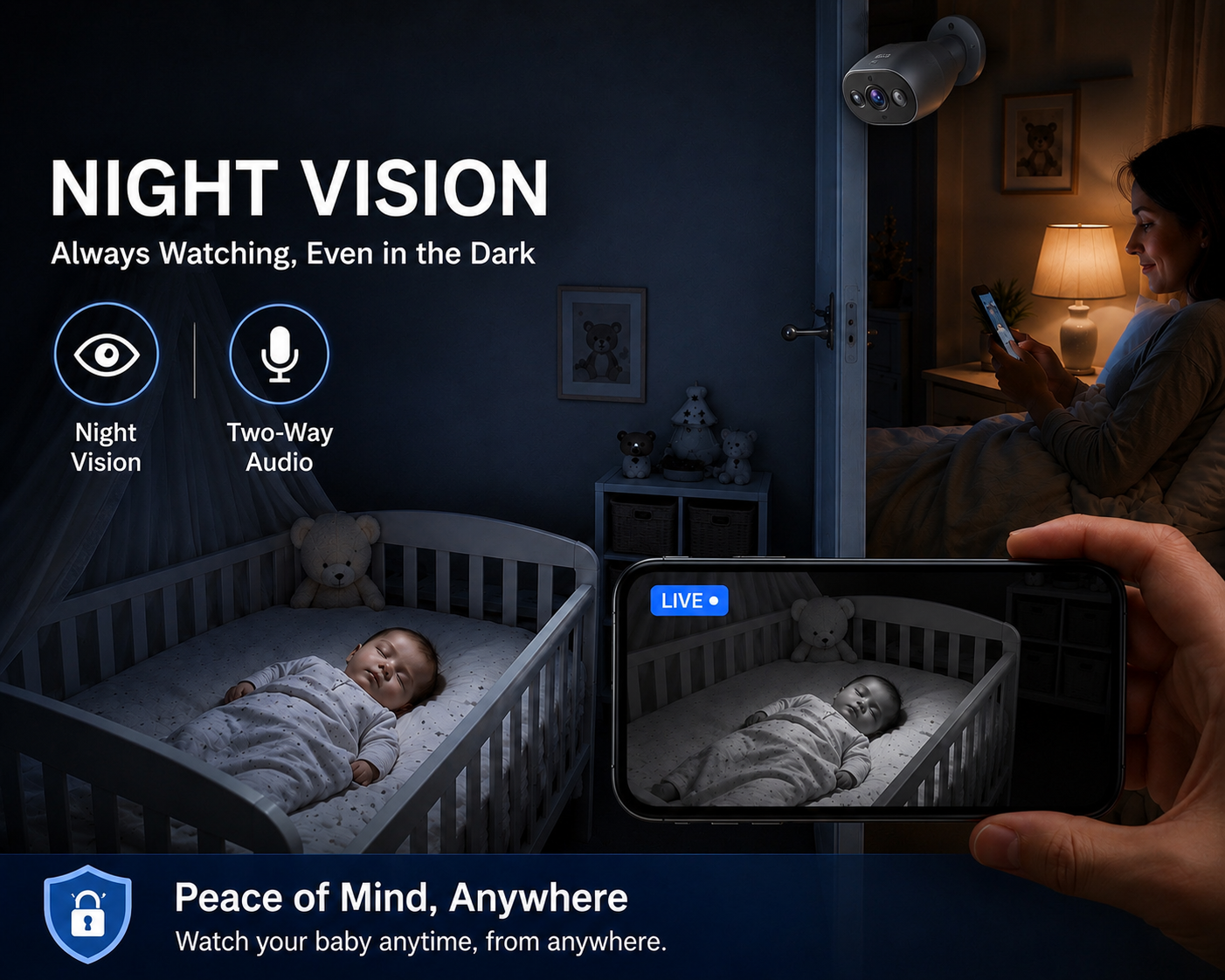
🌙 Infrared Night Vision
See clearly up to 10 metres in complete darkness.
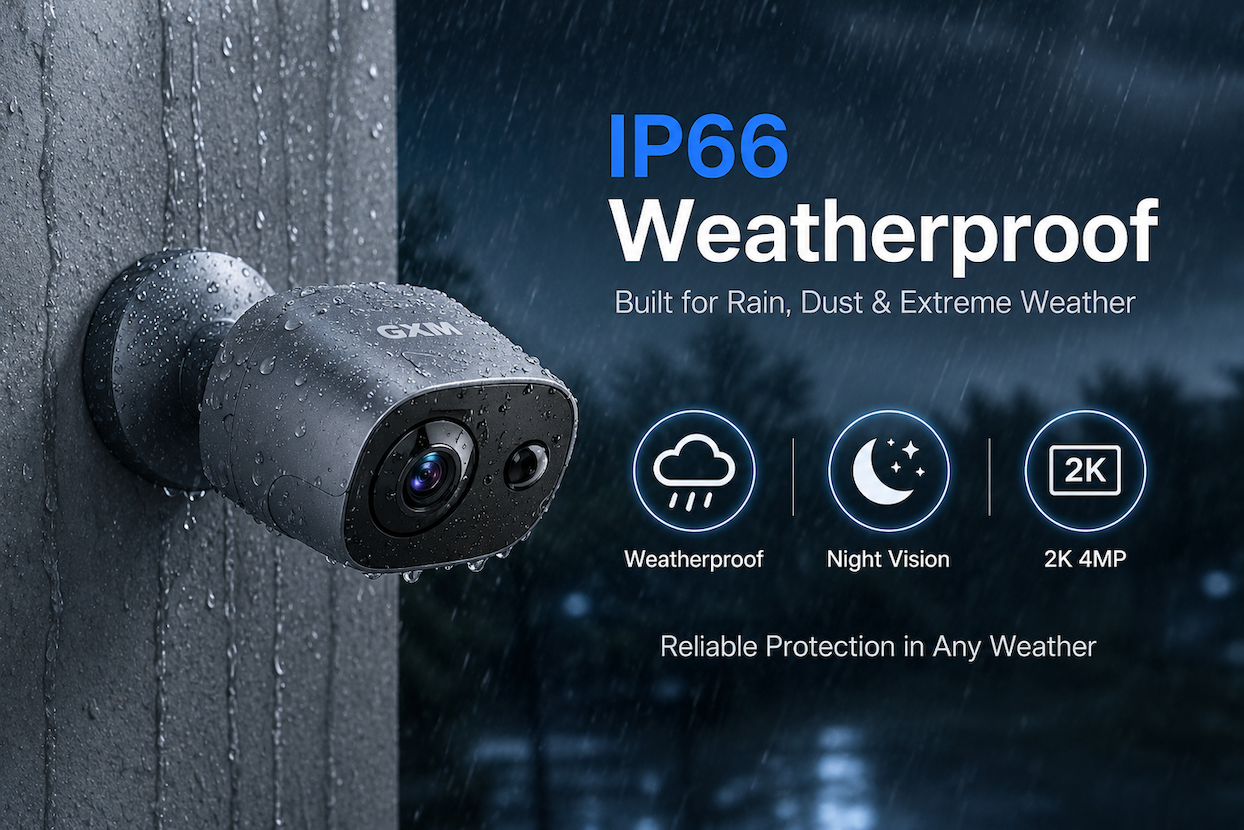
🌧 IP66 Weatherproof
Built for reliable outdoor use in rain, heat and harsh weather.
👀 Wide Viewing Angle
145° Diagonal • 118° Horizontal • 63° Vertical.
📱 Multi-Camera View
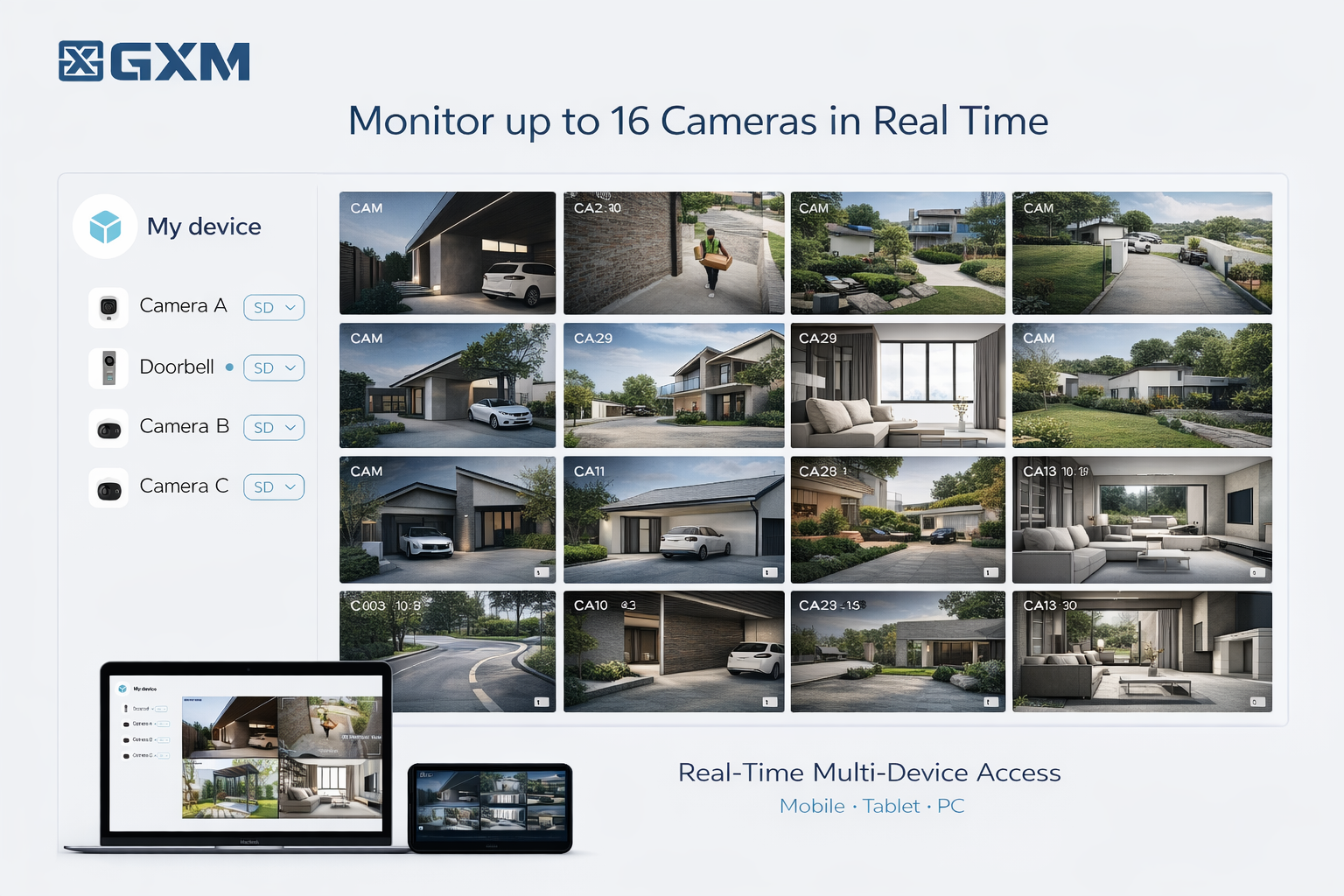
Monitor up to 16 cameras simultaneously using the GXM App.
🚫 Ad-Free GXM App
Simple, clean and distraction-free experience.
💾 Flexible Storage
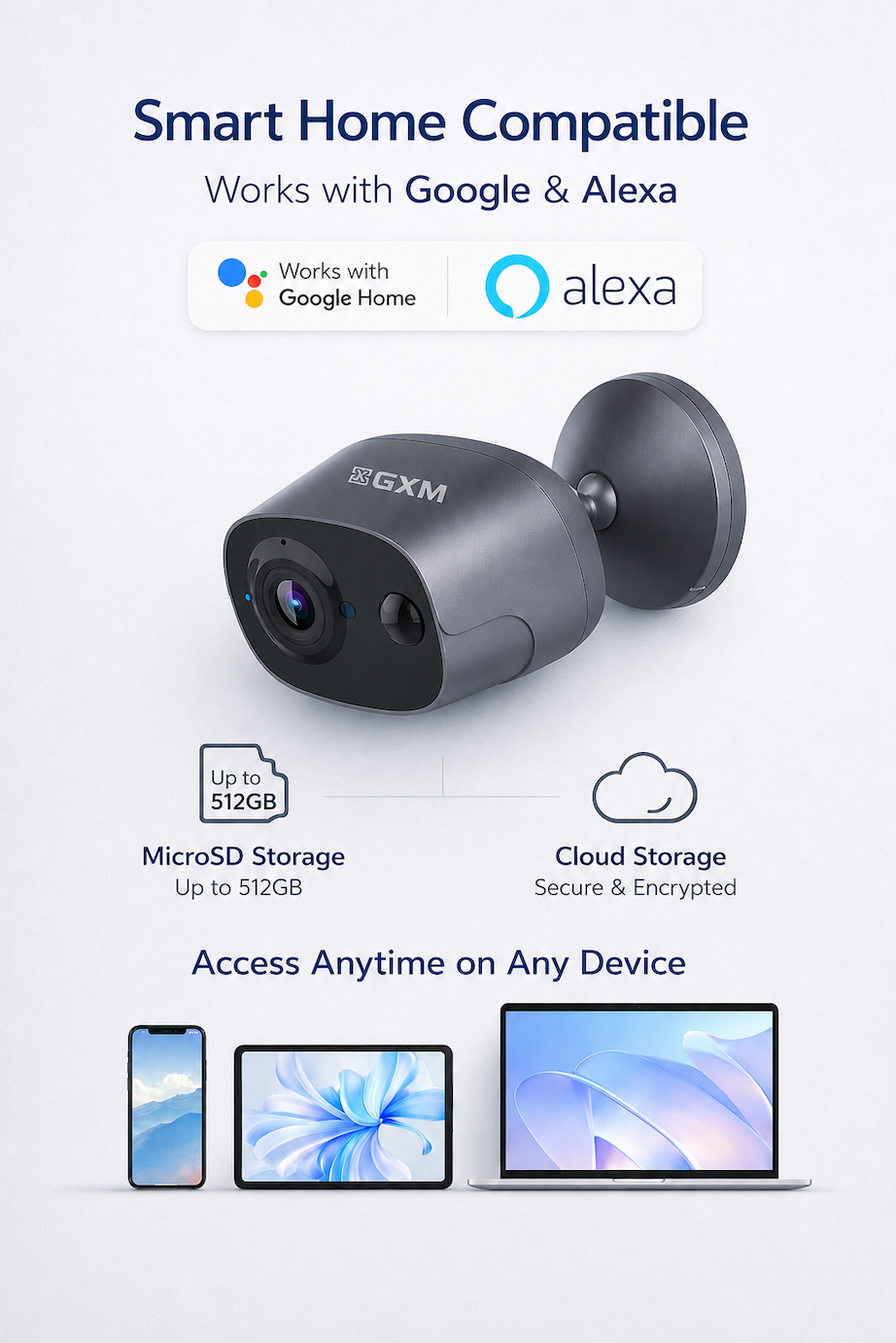
Supports MicroSD cards (up to 512GB) and optional Cloud Storage.
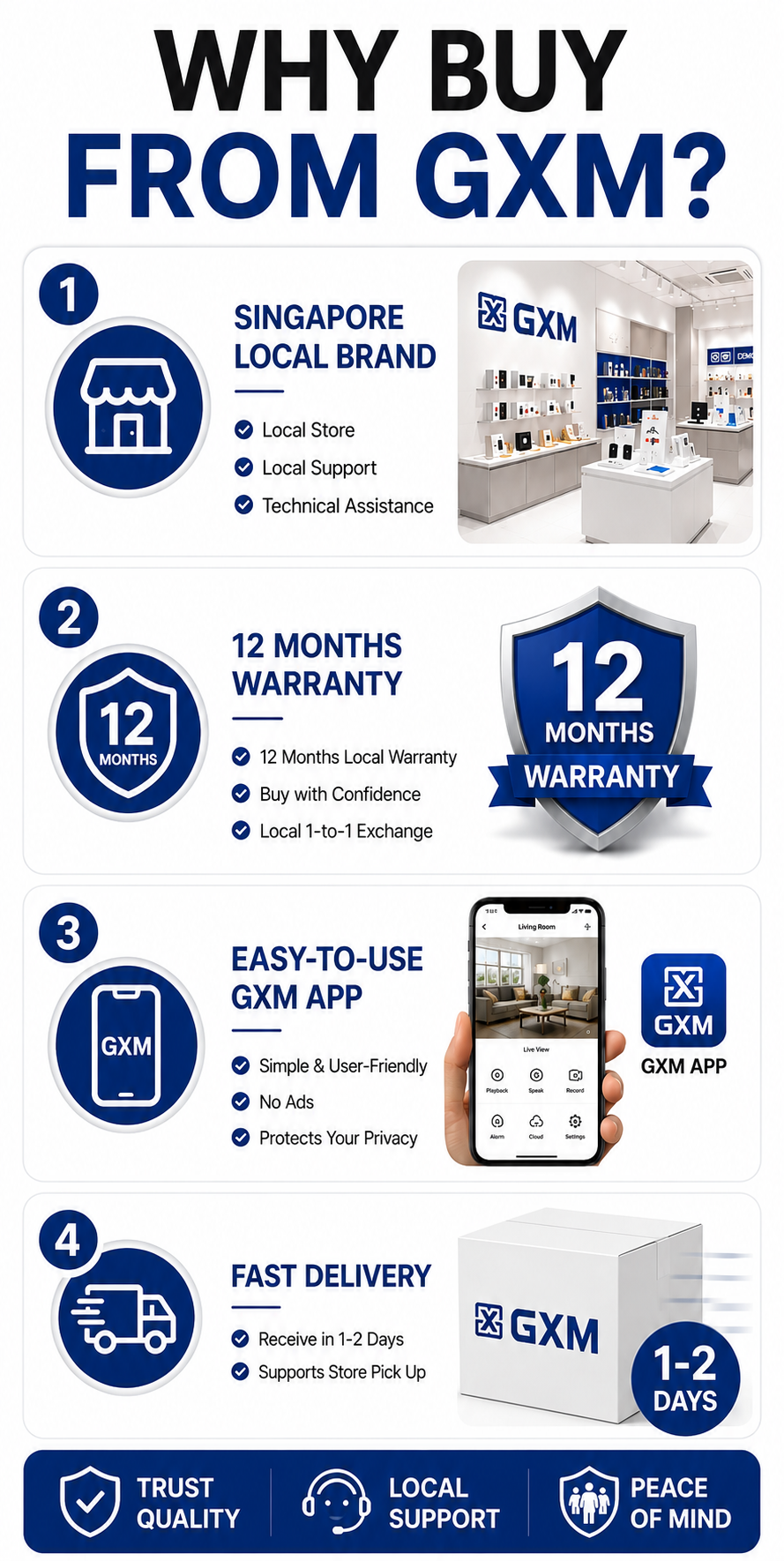
🇸🇬 Singapore Local Brand
Includes a 1-year Singapore Warranty with local after-sales support.
⸻
📲 Quick Setup
1. Download the GXM App (iOS / Android)
2. Register an account
3. Add a new device
4. Scan the QR code
5. Connect to 2.4GHz Wi-Fi
6. Complete setup
⸻
📦 What’s Included
• W3 Pro Camera ×1
• Magnetic Base ×1
• USB Type-C Charging Cable ×1
• 3M Adhesive ×1
• Screw Kit ×1
• User Manual ×1
⸻
📊 Specifications
* Resolution: 2K (2560 × 1440)
* Sensor: 4MP
* Battery: 6400mAh Rechargeable
* Wi-Fi: 2.4GHz
* Audio: Two-Way Talk
* Night Vision: Up to 10m
* Weatherproof: IP66
* Motion Detection: 3–5m
* Charging Port: USB Type-C
* Weight: 256g
* Colours: Space Grey / White
⸻
💾 Storage
Supports MicroSD cards up to 512GB with automatic loop recording.
Optional Memory Card Add-on:
GXM 64GB - Up to 2 Weeks of Recording
GXM 128GB - Up to 4 Weeks of Recording
Cloud Storage is optional and starts from US$1.99 (6-month plan).
⸻
🔎 Battery Life
The advertised up to 120 days battery life is based on approximately 5 motion events per day (10 seconds each).
Actual battery life depends on recording frequency, Live View usage, Wi-Fi signal strength and environmental conditions.
Memory card shows “Error” or “Damaged”
Please open the GXM app and go to: Camera Settings → Storage Management → Format microSD Card
After the formatting is complete, please check if the camera can read the memory card normally.
How do I enable 24/7 Continuous Recording?
By default, when running on battery power, the camera records only when motion is detected to maximise battery life.
To enable continuous recording:
1. Connect the camera to a power source using the supplied USB Type-C cable.
2. Open the GXM App.
3. Go to Settings → Power Management → 24-Hour Recording
4. Turn on 24-Hour Recording.
Should the power switch be ON while charging?
Yes. Please always keep the power switch ON while charging. You can check the charging status by looking at the charging icon in the top-right corner of the GXM app’s Live View screen. ⚠ Important: Use a standard 5V 1A USB charger only. Do not use high-power fast chargers.
My camera is offline?
1. Turn the camera OFF, then ON again. Wait 1–2 minutes for the camera to reconnect.
2. If the camera battery is lower than 20%, the camera may enter sleep mode.
Please follow these steps:
1. Charge the camera for at least 5 hours.
2. Ensure the power switch remains ON during charging.
3. Turn the camera OFF, then ON again.
If the camera still does not respond:
4. Gently insert the reset pin into the reset hole. Press and hold the Reset button for 5 seconds until you hear a beep.
5. Delete the camera from the GXM App.
6. Set up the camera again as a new device
How can I make motion detection more sensitive?
For maximum sensitivity, use the following settings:
• Detection Distance: Far
• Staying Alert: OFF
• AI Human Detection: OFF
These settings allow the camera to detect all motion rather than only human movement.
Why doesn’t my battery last up to 120 days?
The 120-day battery life is based on recording around 5 motion clips per day (each about 10 seconds). Battery life depends on recording frequency, Live View usage, Wi-Fi signal strength and environmental conditions.
Why is my camera live stream view black and white?
camera uses infrared night vision in dark environments, so the image will automatically switch to black and white at night. This helps the camera capture clearer details in low light or complete darkness. When there is enough light again, it will switch back to full color automatically.
Why is night vision not clear?
Adjust the camera angle slightly to avoid nearby white objects.
Objects that are too close to the camera can reflect infrared light and reduce image quality.
How to use 3M Tape
Please paste the 3M tape on the camera base side (non-magnetic side). Make sure to clean the surface thoroughly before sticking it on.You can purchase heavy-duty 3M double-
sided tape from most supermarkets or hardware stores if replacement tape is required.
How to share camera with others?
For other users, they need to register their own GXM account first. Then you can share the device with them via Settings → Share Management. Please do not log in using the same account.
⸻
1 Yishun Industrial Street 1, #05-24, A’POSH Bizhub, Singapore 768160
Mon–Fri: 10:00 AM – 6:00 PM
Sat: 10:00 AM – 2:00 PM
(Closed on Public Holidays)
NEX Serangoon, #03-29
Open Daily: 11:00 AM – 9:00 PM