


Description
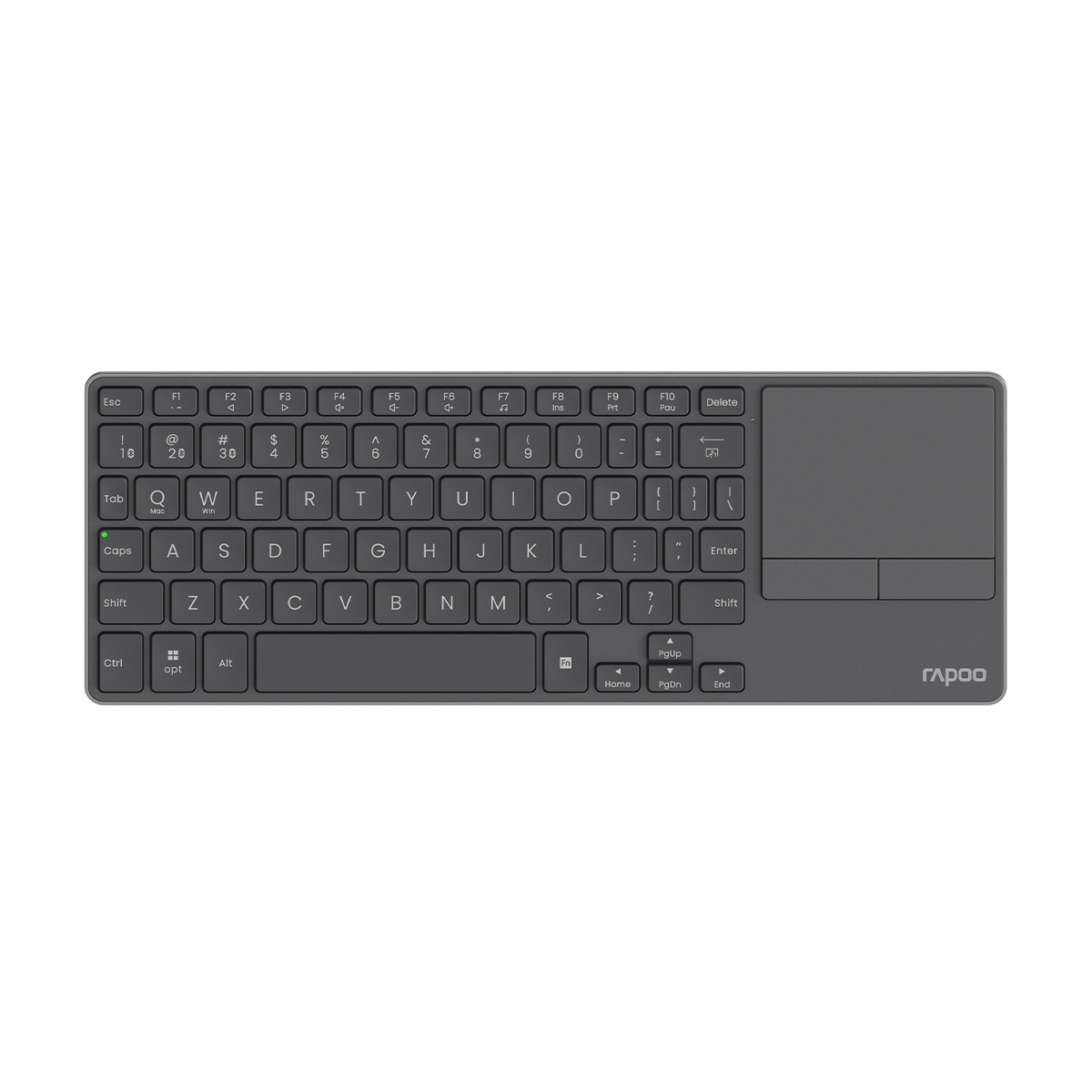
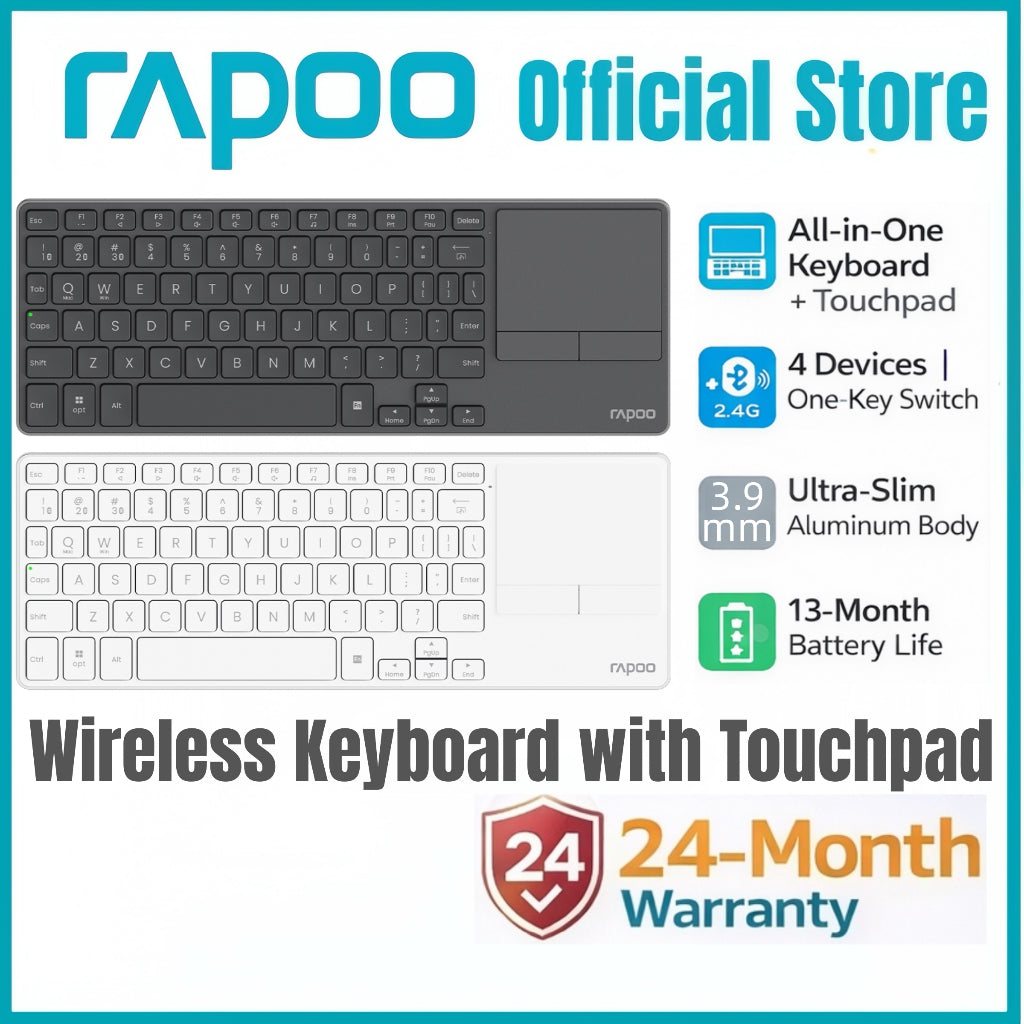
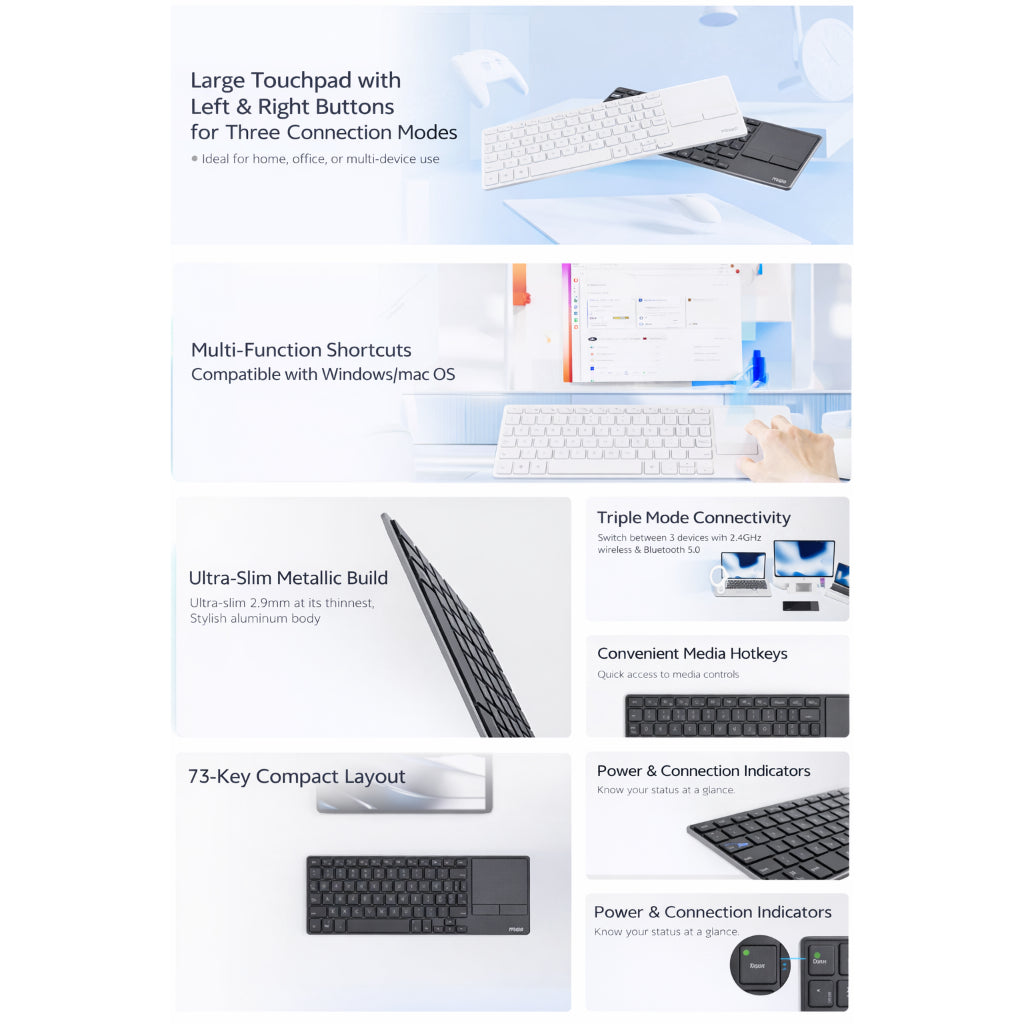
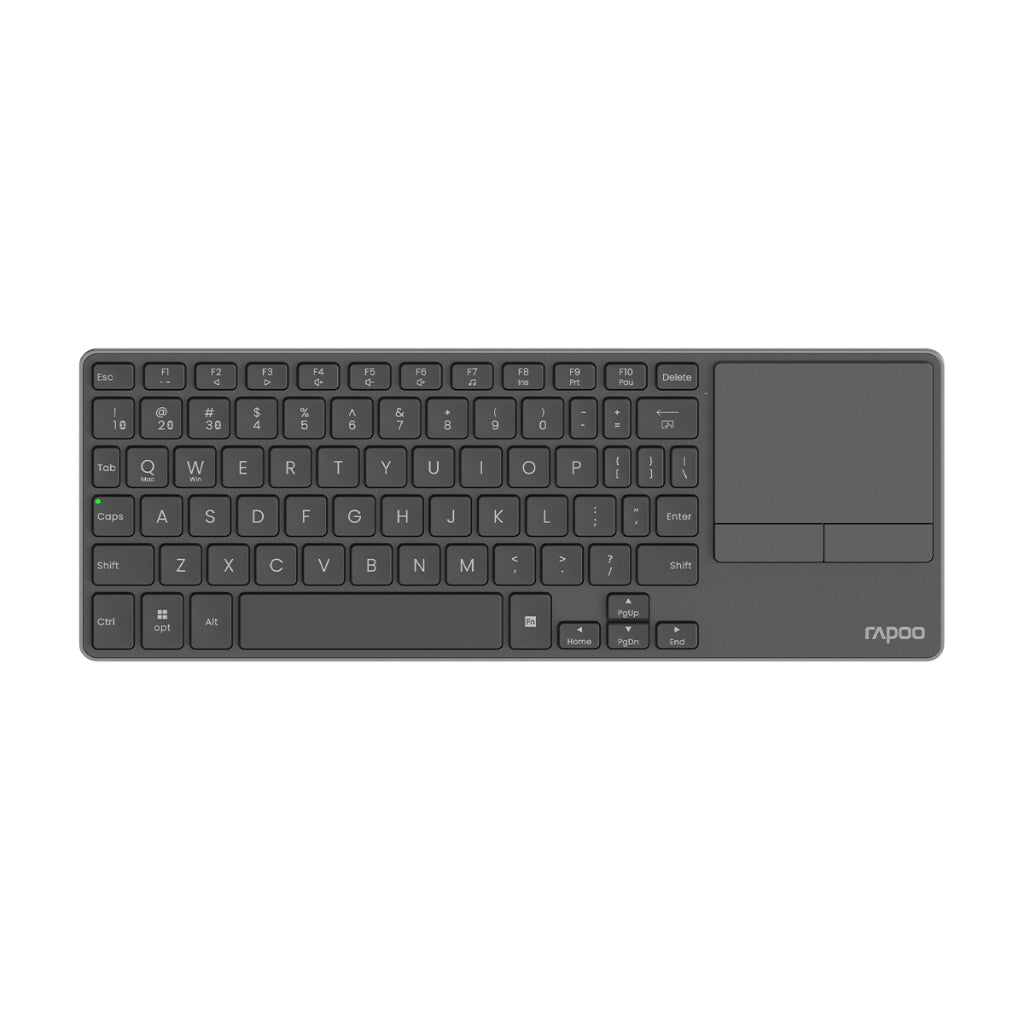
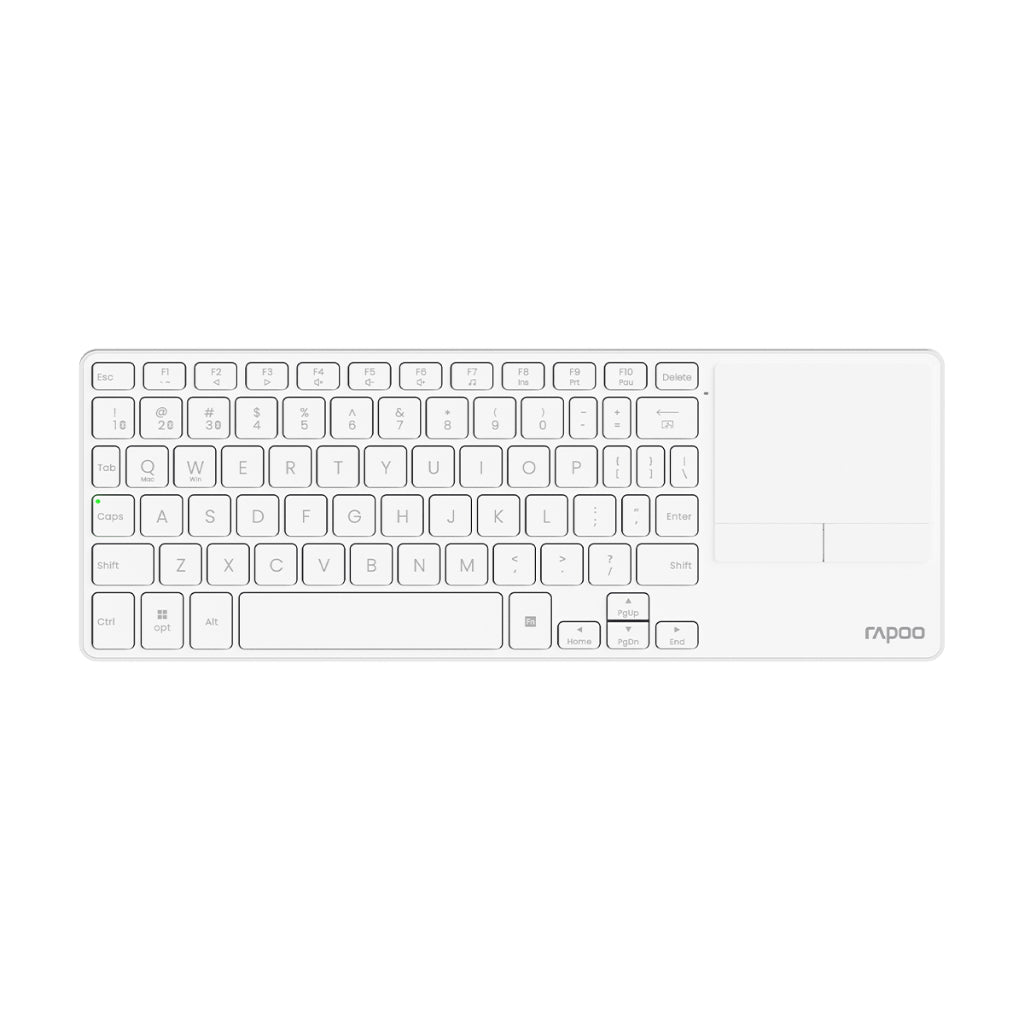
• ⌨️ Wireless Keyboard with Touchpad – Built-in large touchpad with left & right buttons
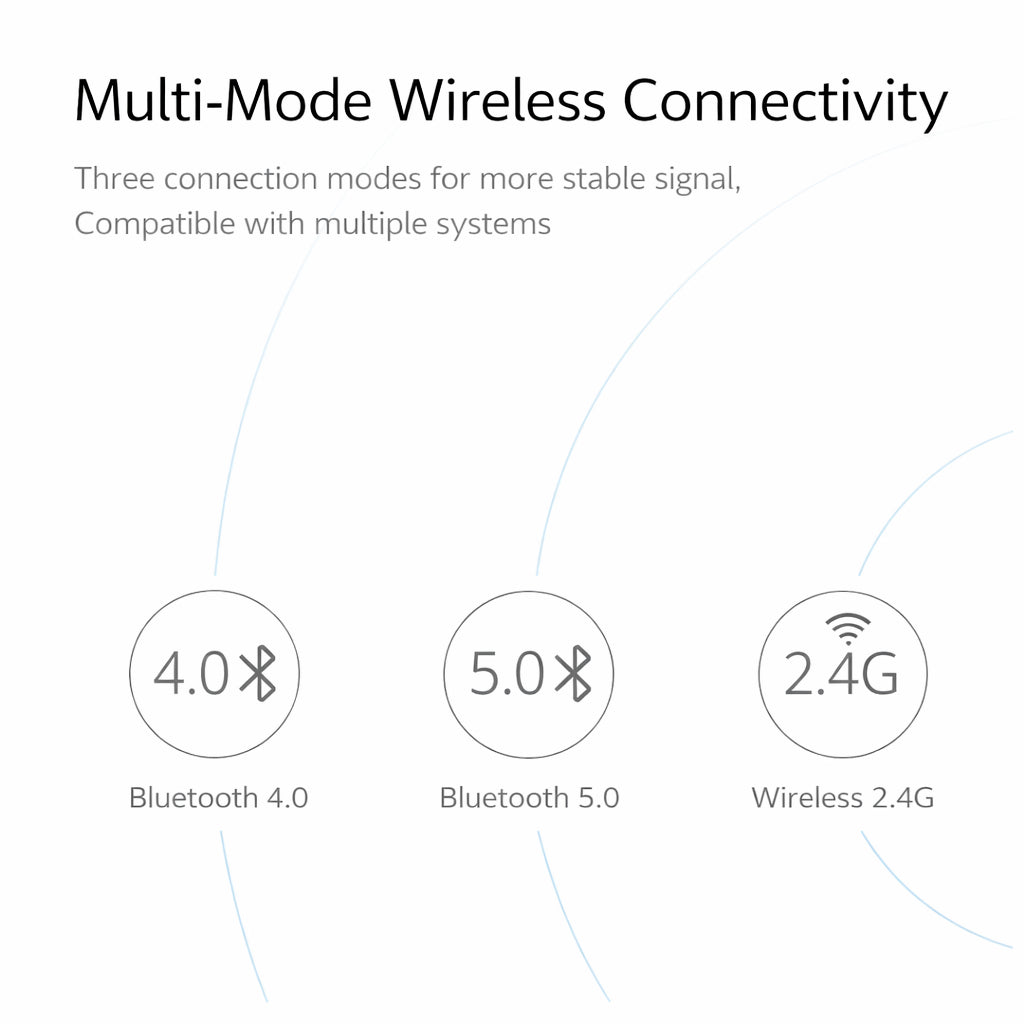
• 🔗 Multi-Mode Connectivity – Bluetooth 5.0 / Bluetooth 4.0 / 2.4GHz Wireless
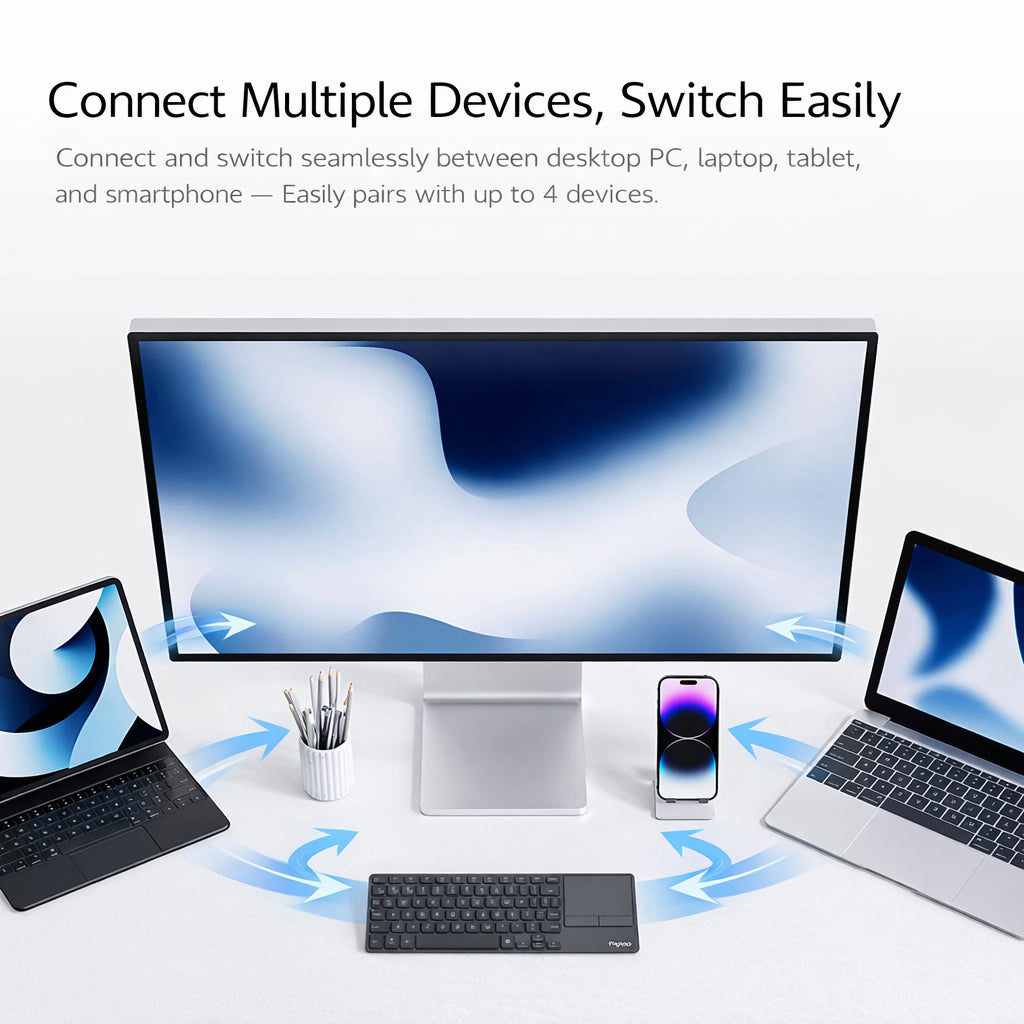
• 🔄 Multi-Device Switching – Connect up to 4 devices, switch easily
• 🍎🪟 Windows & macOS Compatible – One-key system switching
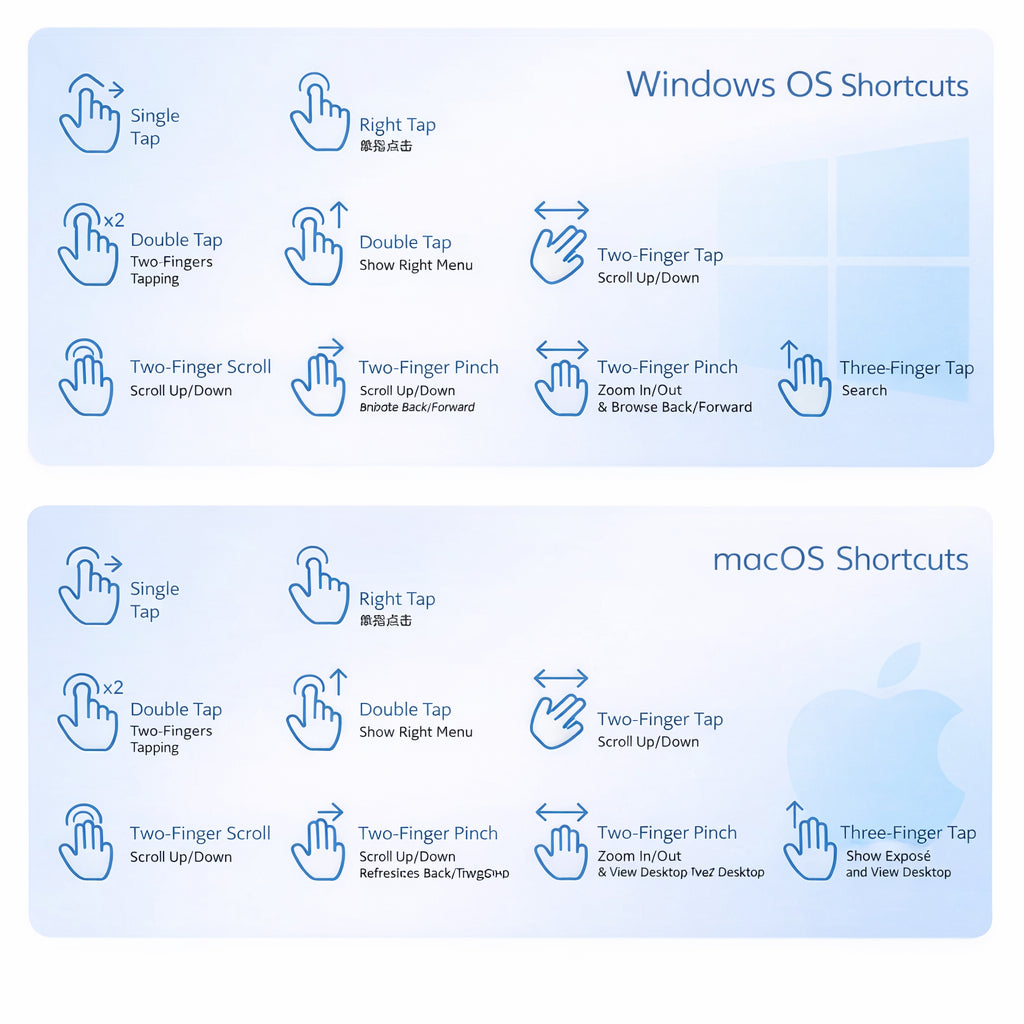
• ✋ Multi-Gesture Touchpad – Smooth navigation, no mouse needed
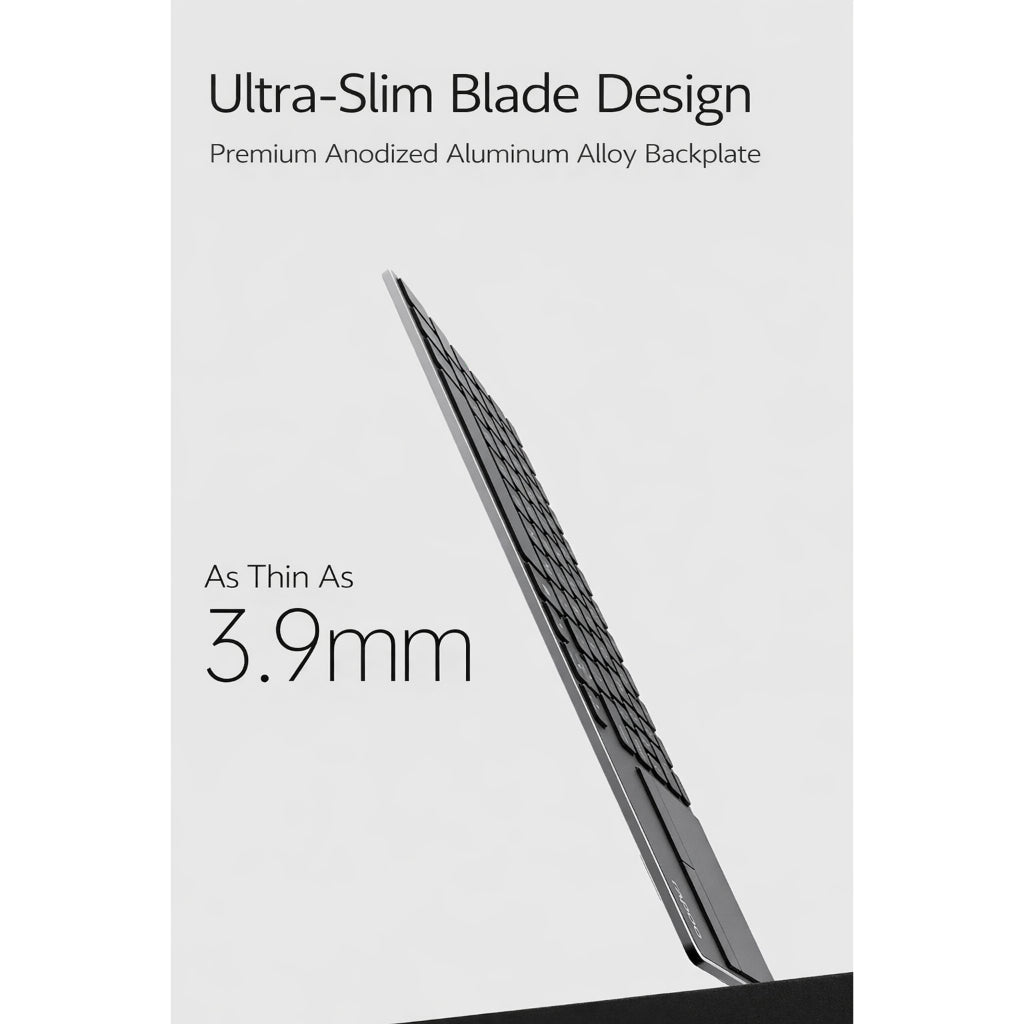
• 📐 Ultra-Slim Blade Design – Premium anodized aluminum alloy backplate
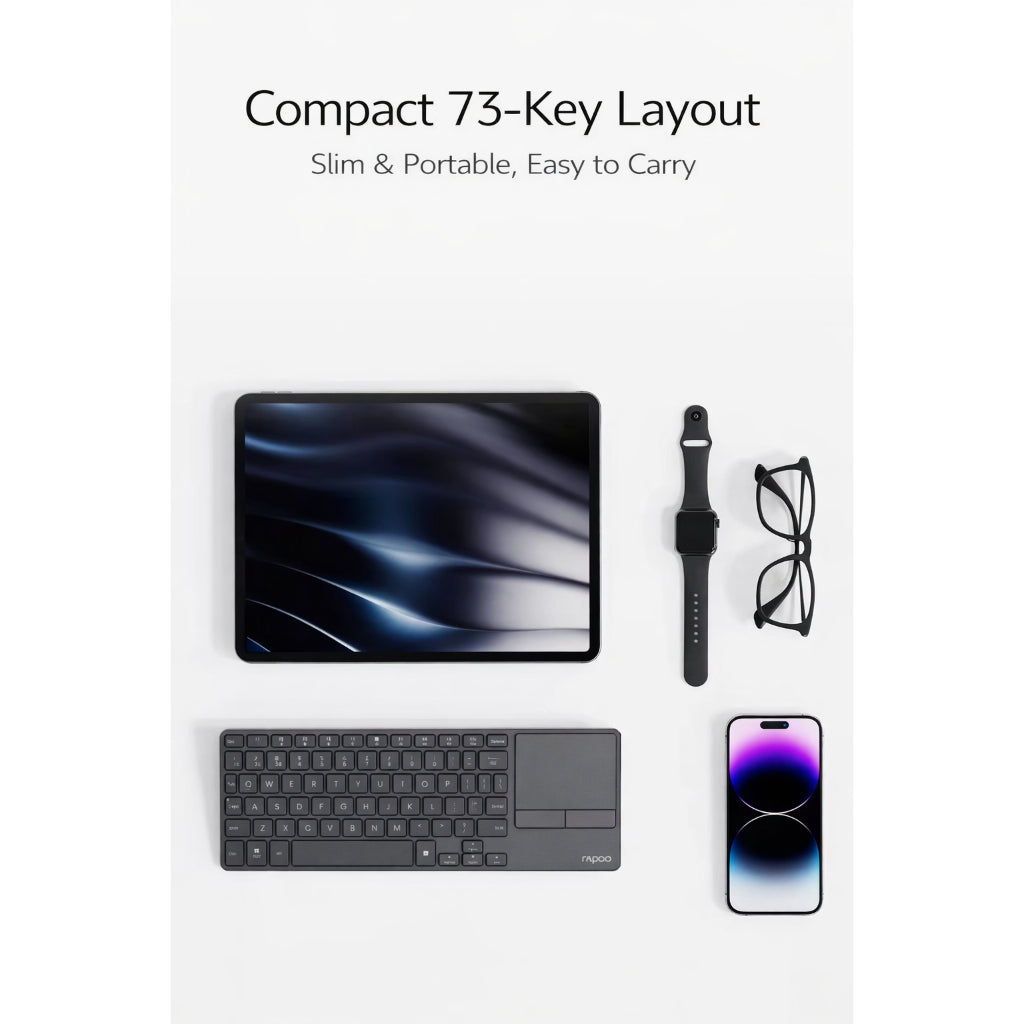
• 🎒 Compact 73-Key Layout – Space-saving & travel-friendly
• 🔋 Long Battery Life – Up to 13 months (touchpad off)
• 🔌 2 × AAA Batteries Powered – Easy replacement, no charging downtime
🔧 Product Specifications
Model: Rapoo E900T
Key Count: 73 keys
Dimensions: 282 × 104 × 20 mm
Thickness: 3.9 mm
Weight: Approx. 218 g (without receiver & batteries)
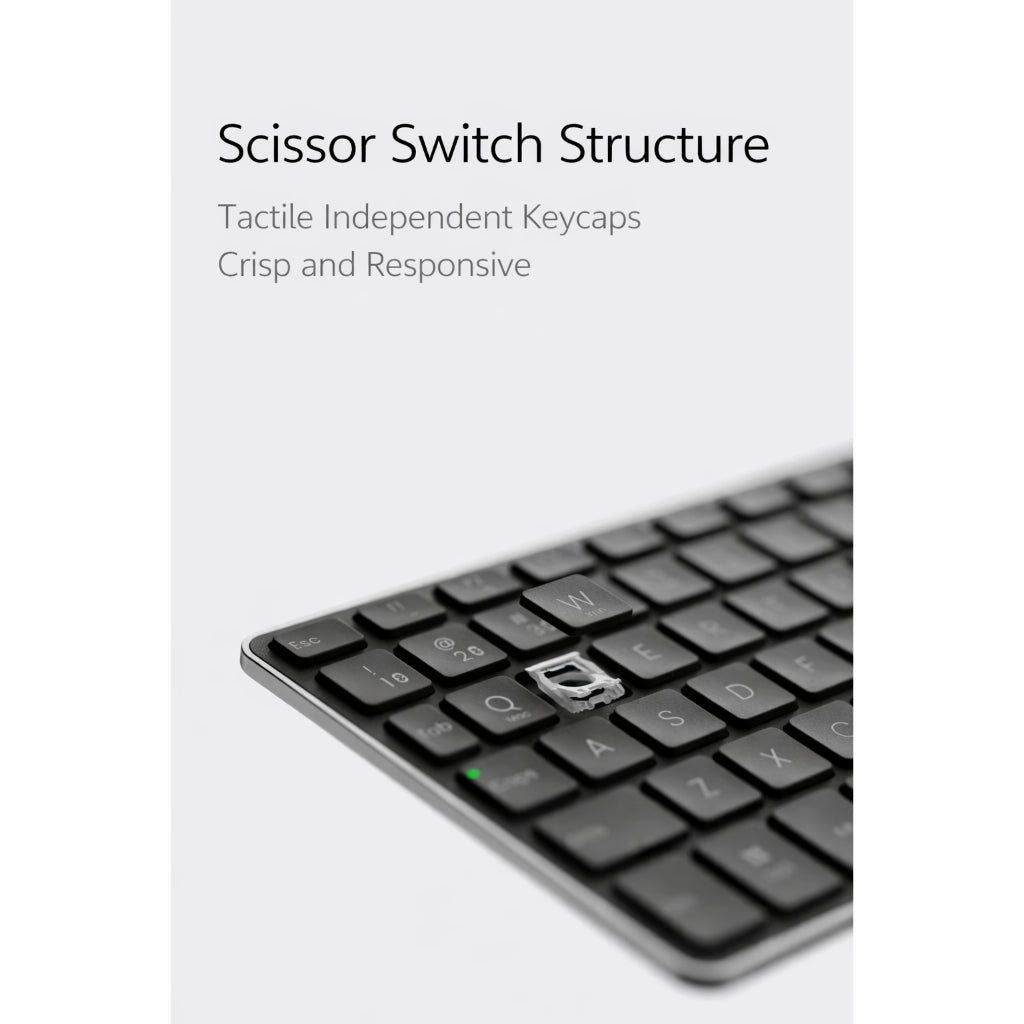
Key Travel: 1.5 ± 0.2 mm
Key Lifespan: Up to 5 million keystrokes
Connectivity: Bluetooth 5.0 / Bluetooth 4.0 / 2.4GHz Wireless
Power Supply: 2 × AAA batteries
Battery Life: Up to 13 months
Touchpad: Yes (with left & right buttons)
⸻
🔌 USB Receiver (2.4GHz Mode)
• Receiver Size: 18 × 14 × 6 mm
• Receiver Weight: 2 g
• Plug & Play, no driver required
⚠️ Note: USB receiver supports Windows systems only.
Some functions may be limited on non-Windows OS.
⸻
📡 Connection Guide
2.4GHz Wireless
1. Plug in the USB receiver
2. Switch keyboard mode to 2.4G
3. Ready to use
Bluetooth
1. Switch keyboard mode to Bluetooth
2. Short-press Fn + 1 / Fn + 2 / Fn + 3 to select channel
3. Long-press (3–5s) to enter pairing mode
4. Indicator light turns solid green when paired
⸻
📦 What’s in the Box
• 1 × Rapoo E900T Wireless Keyboard with Touchpad
• 1 × USB Receiver (2.4GHz)
• User Manual
⸻
🎯 Suitable For
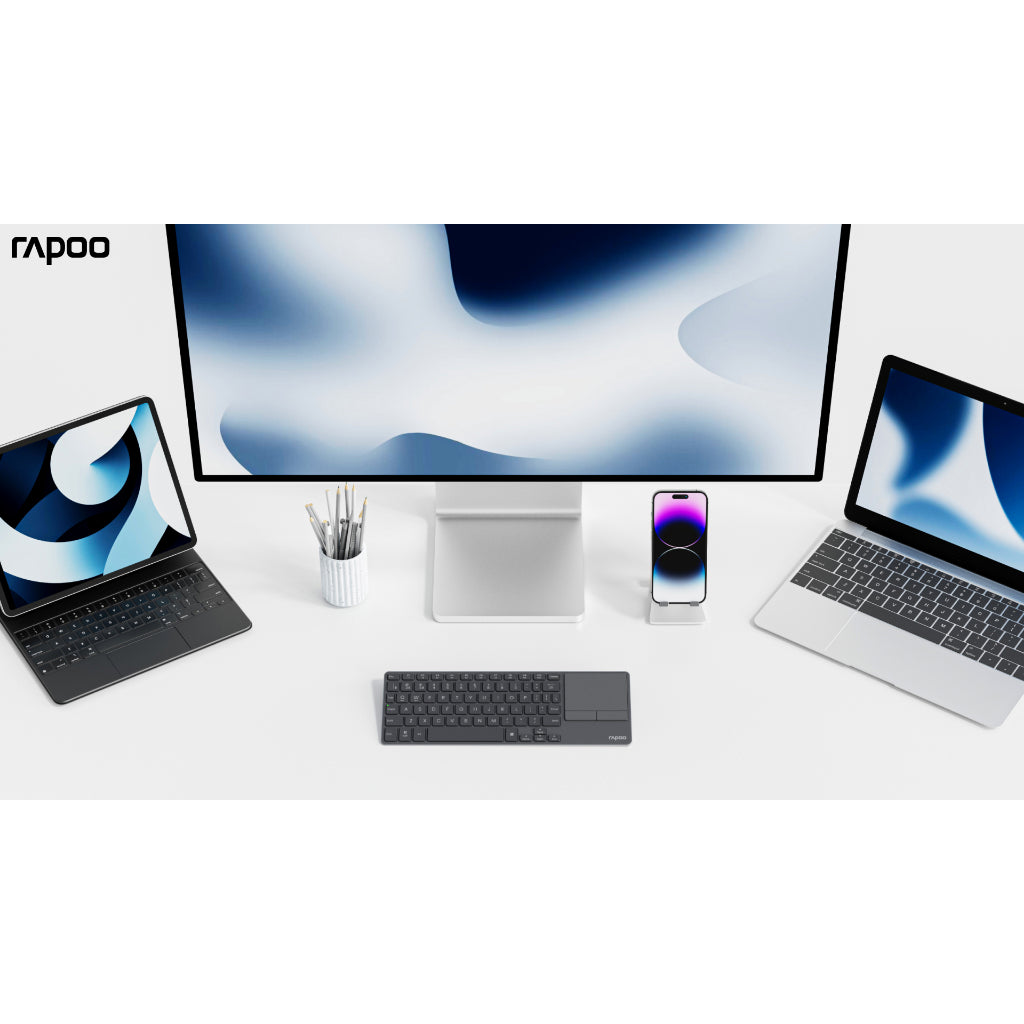
• Home & Office
• Laptop / Tablet / Desktop / Smart TV
• Living room control
• Travel & mobile work
• Minimalist desk setups